48
Operating and commissioning
Type 8228
9.11.6 Displaying of the lowest and highest values measured
See chap. 9.9 to access the Parameters menu.
CondS
TDSppm
Min/Max: EnabledStatus:
PVar:
Disabled
CondR
TempC
TempF
Unit:
µS/cm
°C
mS/cm
°F
If PVar = "TempC"
If PVar = "TempF"
If PVar = "CondS"
If PVar = "CondS"
W.cm
kW.cm
If PVar = "CondR"
If PVar = "CondR"
M
W.cm
If PVar = "CondR"
ppm
If PVar = "TDSppm"
Display
Param
This is
when the
device is be-
ing parame-
tered............
....................
This is
when the
device is be-
ing parame-
tered............
....................
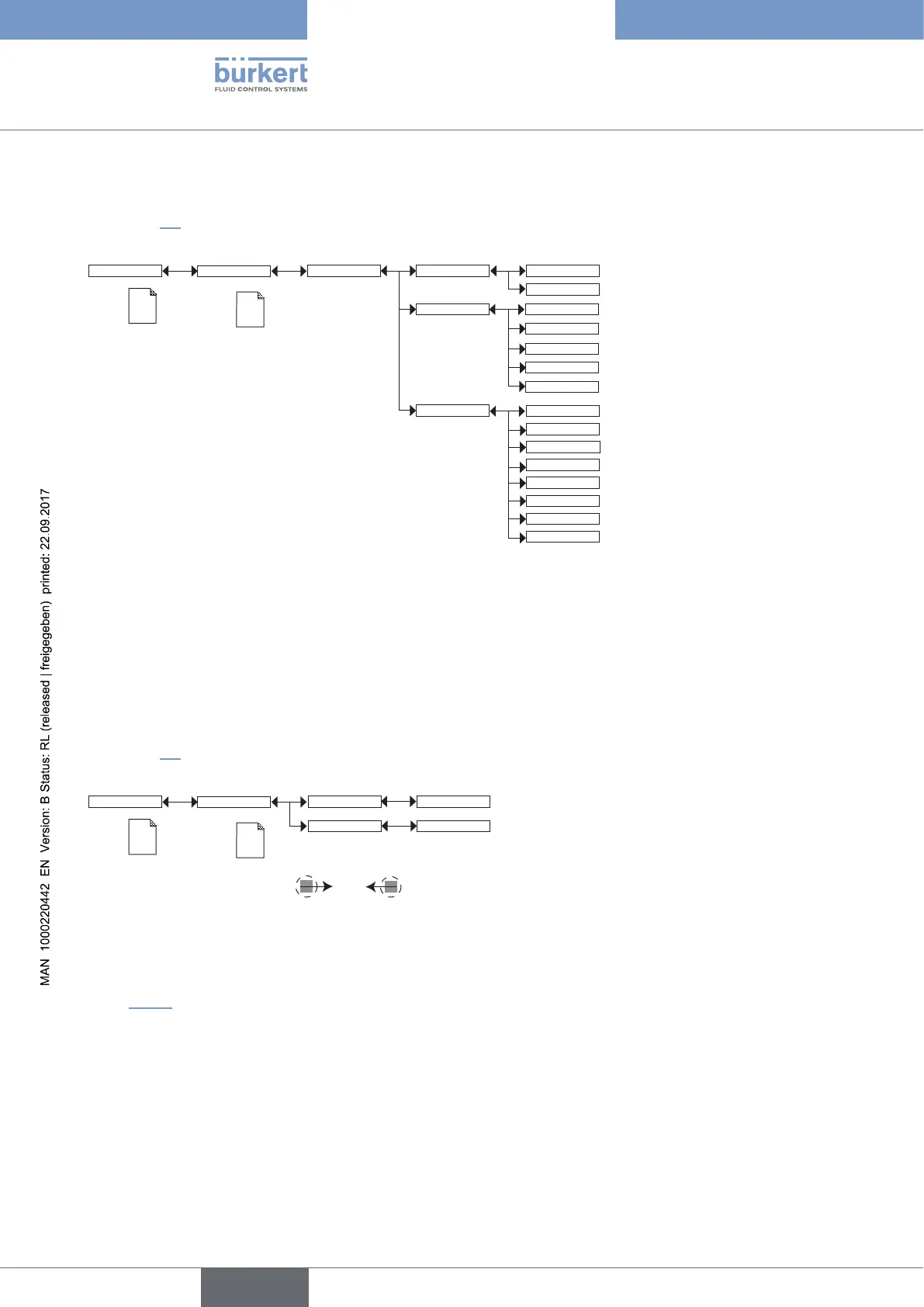
STATUS: choose to display (choice “Enabled”) or not display (choice “Disabled”) the highest and lowest measured
values (of the measurable variable chosen in PVAR hereafter) since the latest reset or the power-up of the device.
PVAR: choose the measurable variable which highest and lowest measured values are displayed in the Process level.
UNIT: choose the preferred unit in which the lowest and highest measured values are displayed.
9.11.7 Setting the display contrast and brightness
See chap. 9.9 to access the Parameters menu.
Contrast xx %
Backlight xx %
Display
This is
when the
device is be-
ing parame-
tered............
....................
Param
This is
when the
device is be-
ing parame-
tered............
....................
→ Set each percentage using and .
CONTRAST: choose the display contrast level (as a %).
BACKLIGHT: choose the light intensity of the display (as a %).
These settings only affect the display module. They are not factored in during a device data UPLOAD (see
chap. 9.11.1).
English



 To Next Page