3- 125
Printing from Macintosh
トップ
Chapter 3
Printing Methods for
Different Objectives
Chapter 4
Maintaining the
Printer
Chapter 5
Using the Printer in a
Network Environ-
ment
Chapter 6
Troubleshooting
Chapter 7
Operation of the
Function Menus
Index
TOP
Contents
Chapter 2
Using a Variety of
Media
Chapter 1
Basic Procedures
When the Printout Quality Is Not Clean
How to Set the Media Type
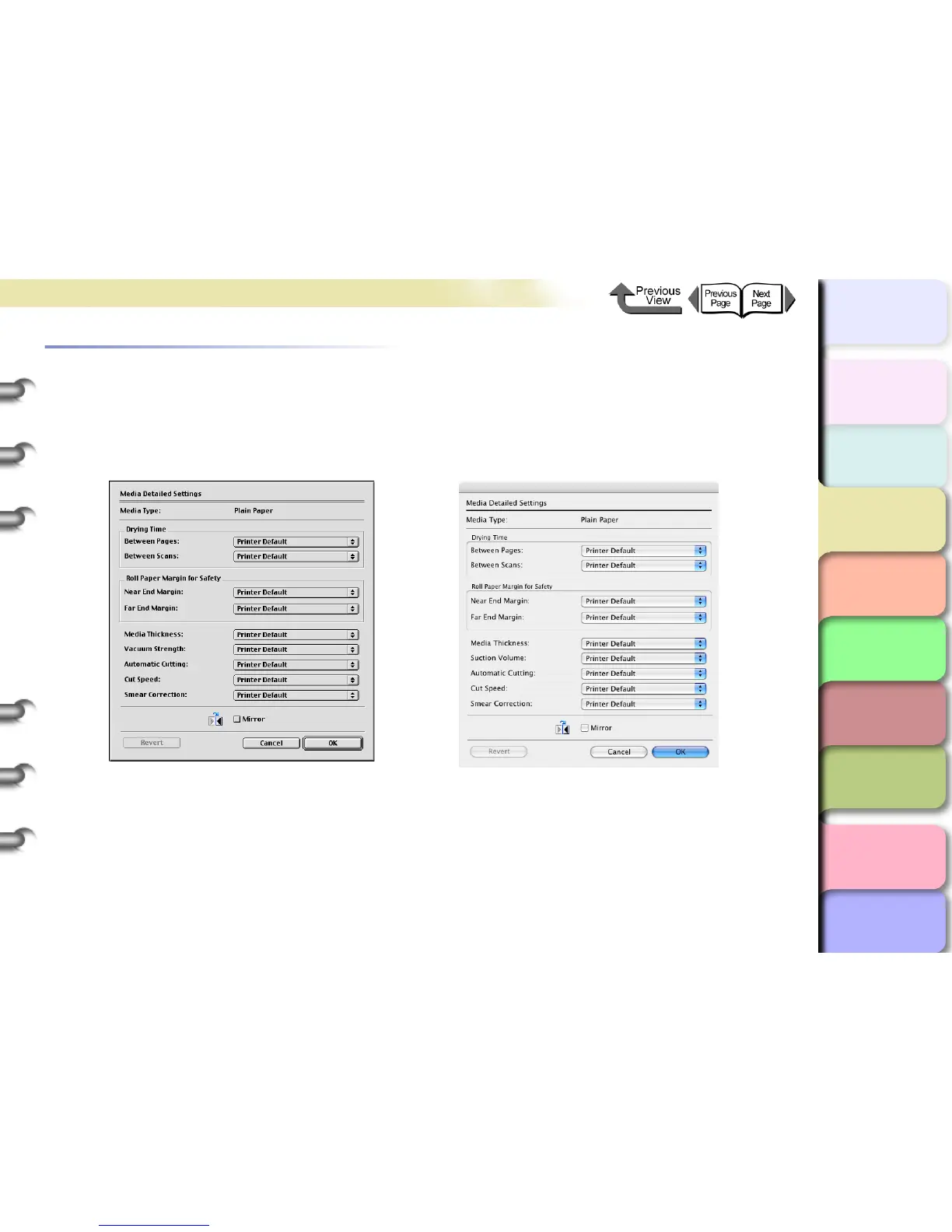
You can use the printer operation panel to perform suitable settings for the ink drying time of each media and other fea-
tures. These settings can also adjusted with the items in the Media Detailed Settings dialog box in the printer driver. If
the printouts are not clear, you may be able to correct the problem by adjusting the settings in this dialog box.
For more details about the Media Detailed Settings dialog box, please refer to the online Help.


 To Next Page
 Loading...