1
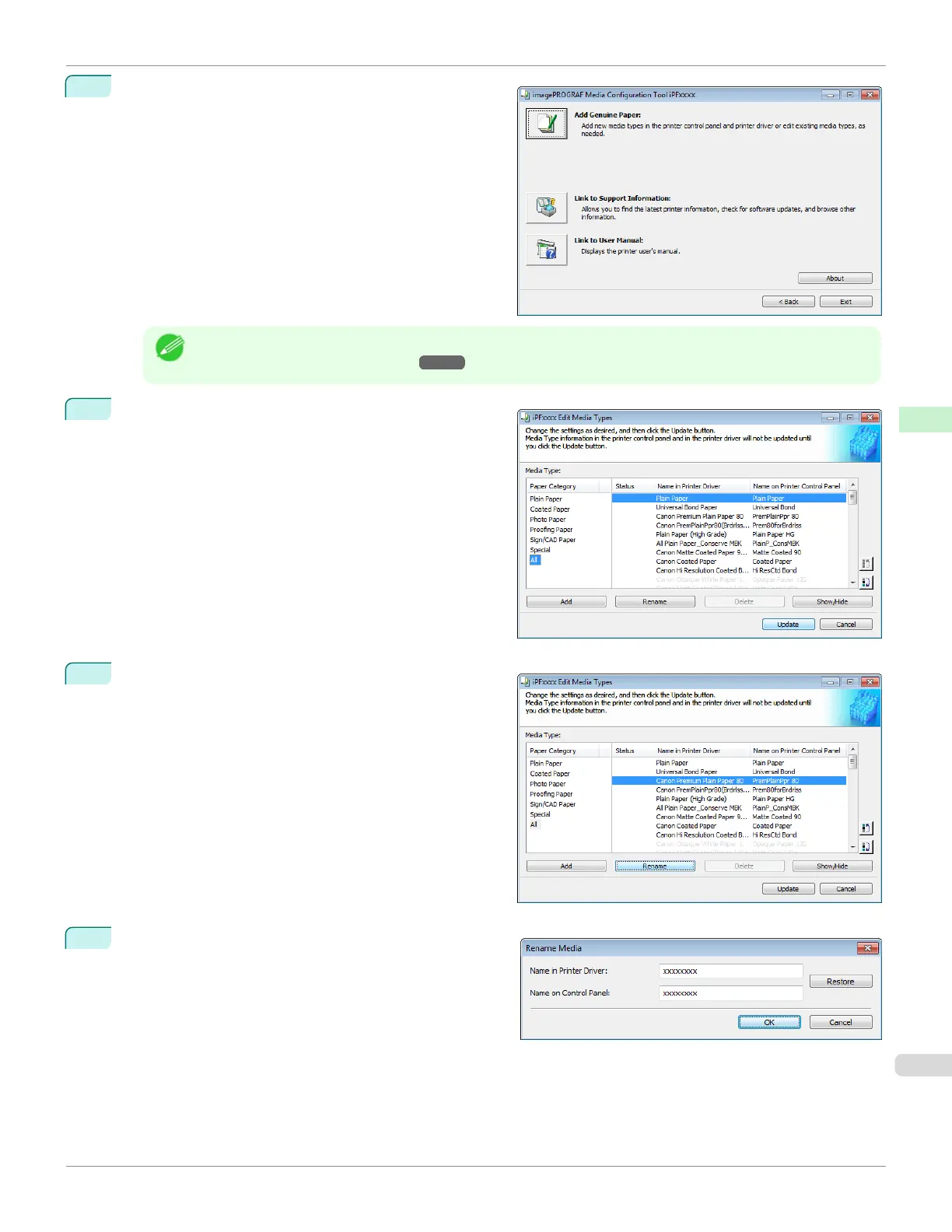
Click the Add Genuine Paper button in the Media Con-
figuration Tool main window.
Note
•
For more information on the procedure for opening the Media Configuration Tool main window, see "Media
Configuration Tool Main Window." ➔ P.394
2
The Edit Media Types dialog box is displayed.
3
In the Media Type list, select the name to change.
Click the Rename button.
4
The Rename Media dialog box is displayed.
Edit the names in Name in Printer Driver and Name
on Control Panel and click the OK button.
iPF670
Changing Media Names
User's Guide
Handling and Use of Paper Media Configuration Tool (Windows)
401













 To Next Page