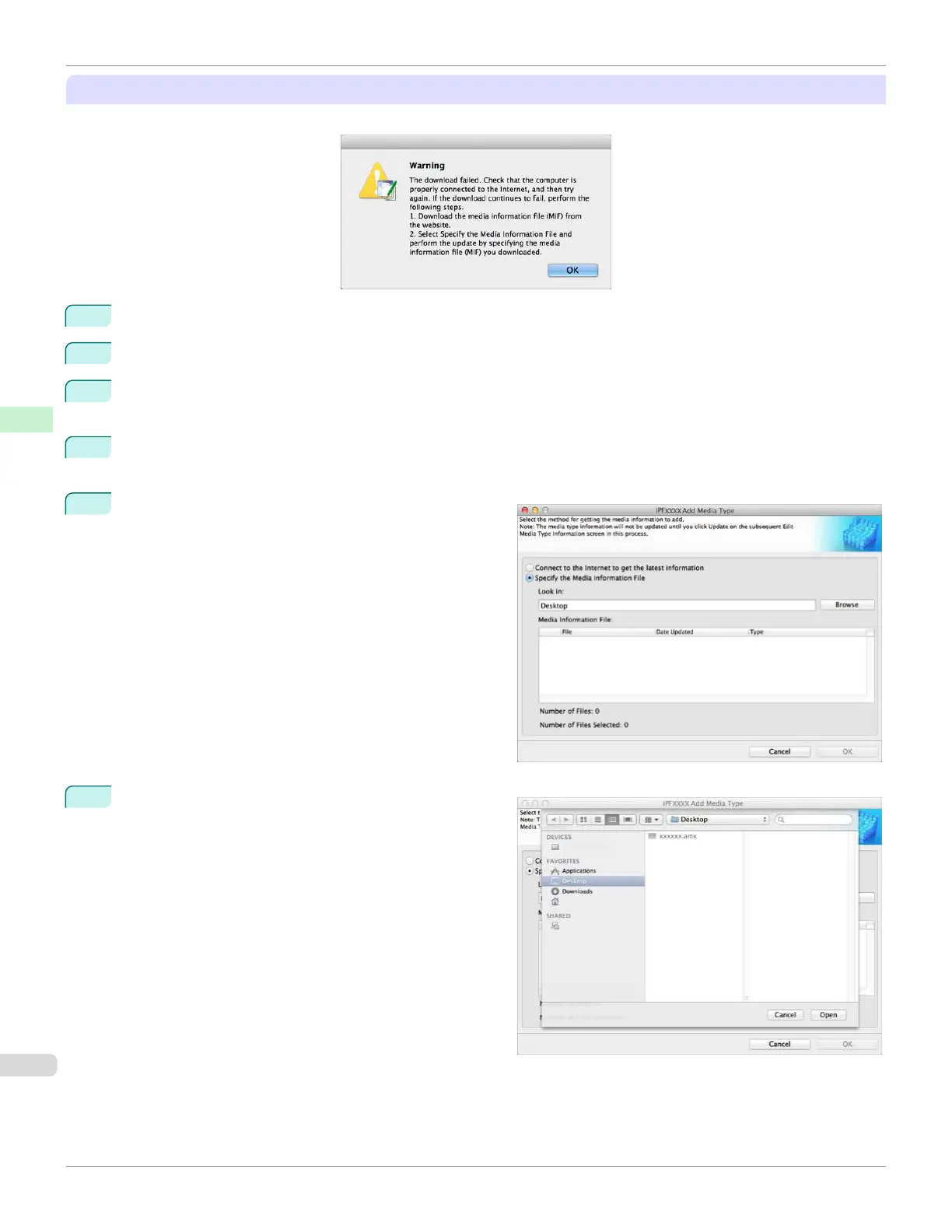
If the Media Information File Does Not Download Automatically From the Internet
If the following message is displayed, configure the settings by using the following procedure.
1
Open a web browser on a computer that can access the Internet, and access the Canon website.
2
Download the media information file (.amx file) corresponding to the printer to update from the Canon website.
3
Copy the downloaded media information file (.amx file) to the computer where the Media Configuration Tool is
installed.
4
Run the Media Configuration Tool. Click the Add Genuine Paper button in the main window, and then click the
Add button in the Edit Media Types dialog box.
5
Select Specify the Media Information File in the Add
Media Type dialog box, and then click the Browse but-
ton.
6
Select the folder that contains the media information file
(.amx file) you downloaded and click the Open button.
Adding Media Types
iPF670
User's Guide
Handling and Use of Paper Media Configuration Tool (Mac OS)
424













 To Next Page