5
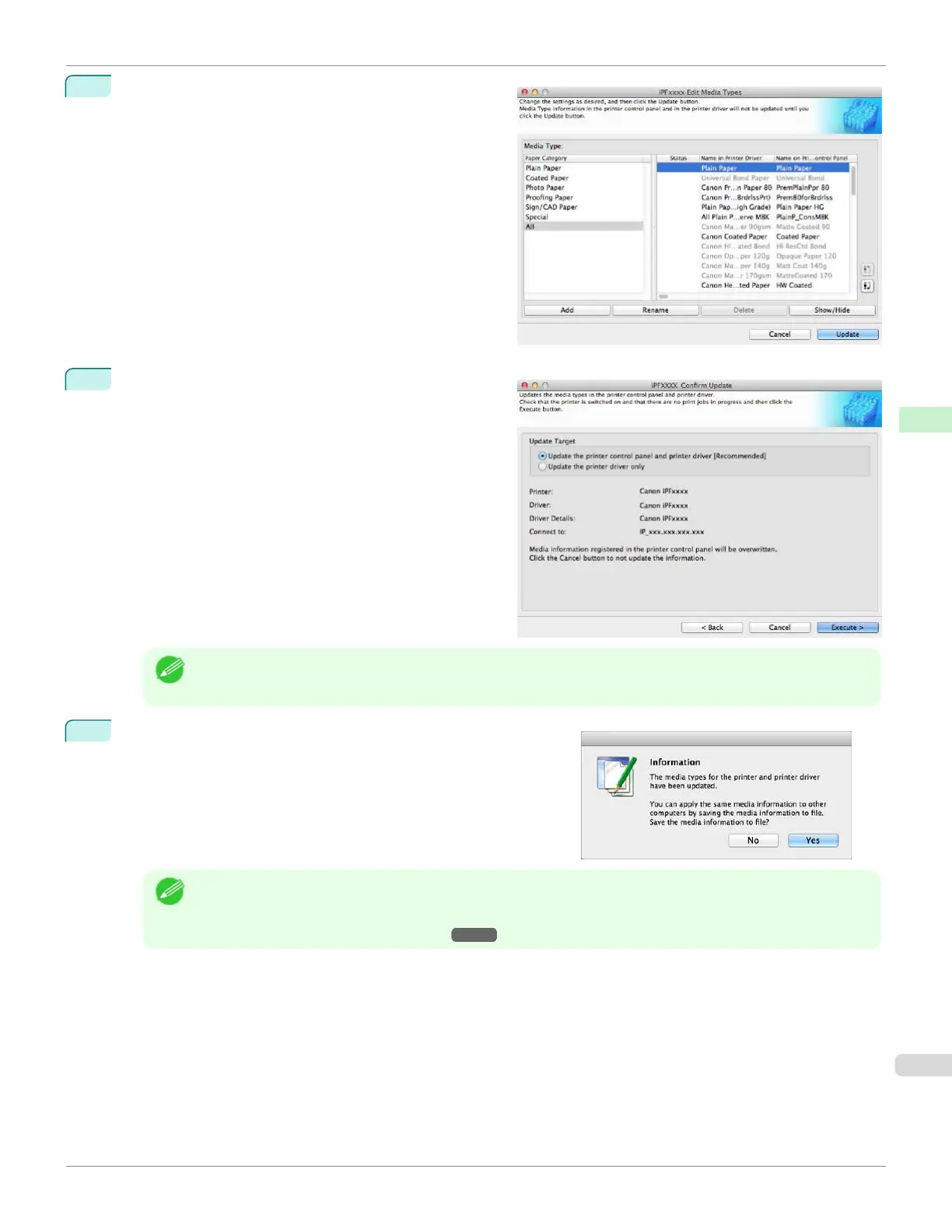
In the Edit Media Types dialog box, click the Update
button.
6
The Confirm Update dialog box is displayed.
Configure Update Target and click the Execute button.
The printer control panel and printer driver media infor-
mation is updated.
Note
•
You should normally select Update the printer control panel and printer driver.
7
The message on the right is displayed.
If you want to save the current media information in a file, click
the Yes button. If you do not want to save it, click the No button.
Note
•
The media information is saved as a media information file (.amx file).
•
For the method for loading a saved media information file in another computer, see "Applying a Saved Media
Information File on Another Computer." ➔P.434
iPF670
Adding Media Types
User's Guide
Handling and Use of Paper Media Configuration Tool (Mac OS)
423













 To Next Page