Troubleshooting Guide
3-32
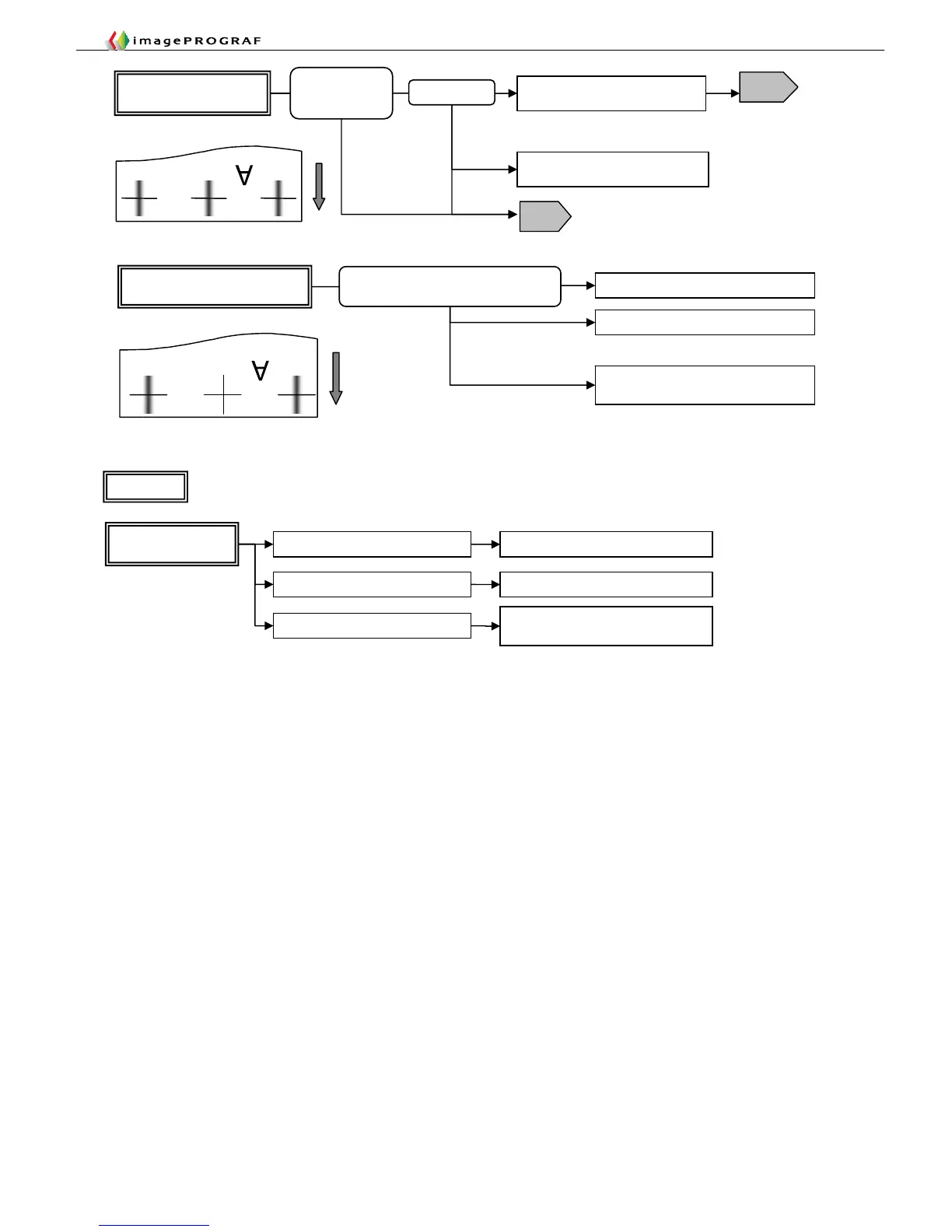
Only leftmost or rightmost vertical
lines are thick or doubly blurred
Lower the head
Reduce the suction force of the suction
fan
Print within the guaranteed print area
Watch for head rubbing
Ink attracted to the suction fan to make
impact accuracy at end points erratic
Watch for head rubbing
Position and direction
lacking in regularity
Occurring with Illustrator Reduce the Illustrator print resolution
Occurring with RIP Driver found valid
RIP problem
Occurring with bitmap (image) data
Check the number of pixels in the
source data
Jaggy
Flow 2
Illustrator specification
Thick, blurred or smeared
vertical lines
Perform automatic head adjustment
T15
Print drawings in character and line
drawing mode
T15
Perform automatic
head adjustment
The carriage will travel slower, making for
better impact accuracy (dye models).
Specify one-way printing (which will
slow the printing speed)
Misregistration in
two-way impact
on carriage travel
Satellite effect














 To Next Page