Chapter 4 More Sophisticated Fault Isolation Tasks
3-41
Cause Point to check Action
C1 The PC timer has been altered after the installation.
Correct the PC
date and time.
C2 PosterArtist bug Upgrade.
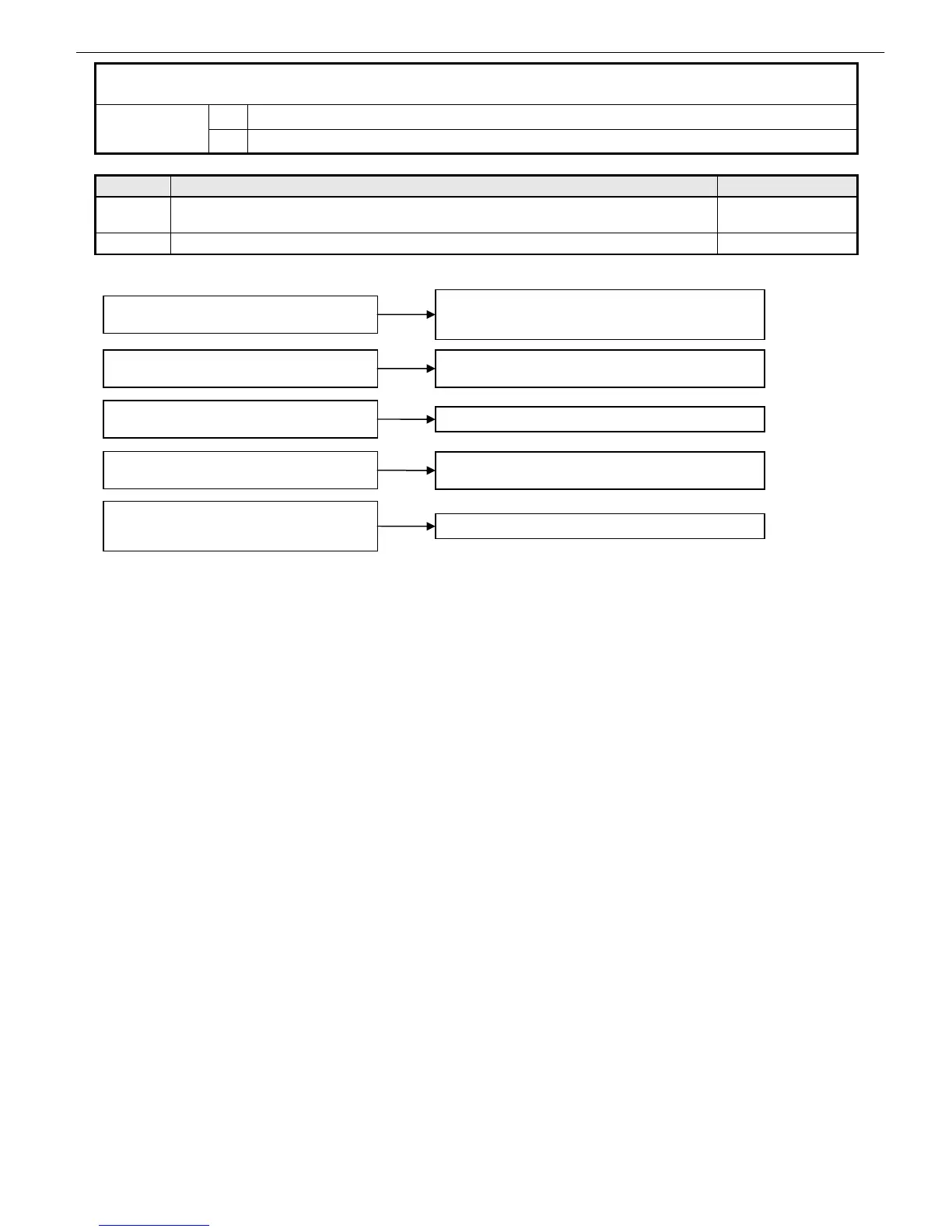
23. Operational Failures ① PosterArtist won’t launch
C1 PosterArtist2007/2008
Failure
causes
C2 PC problem
A license management error may occur if the PC
time is reverted to a point in the past
Restore the original PC time.
If PosterArtist still does not launch, cancel the license and
uninstall PosterArtist and then reinstall it.
You have logged in to Windows Vista with a user
name containing double-byte characters
Log in with a user name consisting solely of single-byte
characters (already fixed in Ver. 2.00.01)
An obsolete printer driver, such as BIJ and FAX, is
installed
Upgrade to Ver. 2.00.01 or later
Oversize is specified as a document size as the
default setting of the printer driver
Upgrade to Ver. 2.02.10 or later, or specify a document size
other than oversize
PosterArtist has been installed or launched on a
PC carrying a serial ATA HDD and running in AHCI
mode (*)
Upgrade to Ver. 2.02.11 or later, or install SPS2.4 SP1.
*AHCI mode: Short for Advanced Host Controller Interface, AHCI refers to a serial ATA native interface specification first
implemented in serial ATA2.
Serial ATA 1.0a used to emulate IDE by software but AHCI mode helps to demonstrate the original serial ATA
access speed.














 To Next Page