EasyManua.ls Logo

Canon iPF9000S - Page 137

Canon iPF9000S
184 pages
Print Icon
To Next Page IconTo Next Page
To Previous Page IconTo Previous Page
Loading...
Chapter 5 Fault Isolation Tool Collection
4-17
iPF800/iPF8000 Series
iPF700 Series
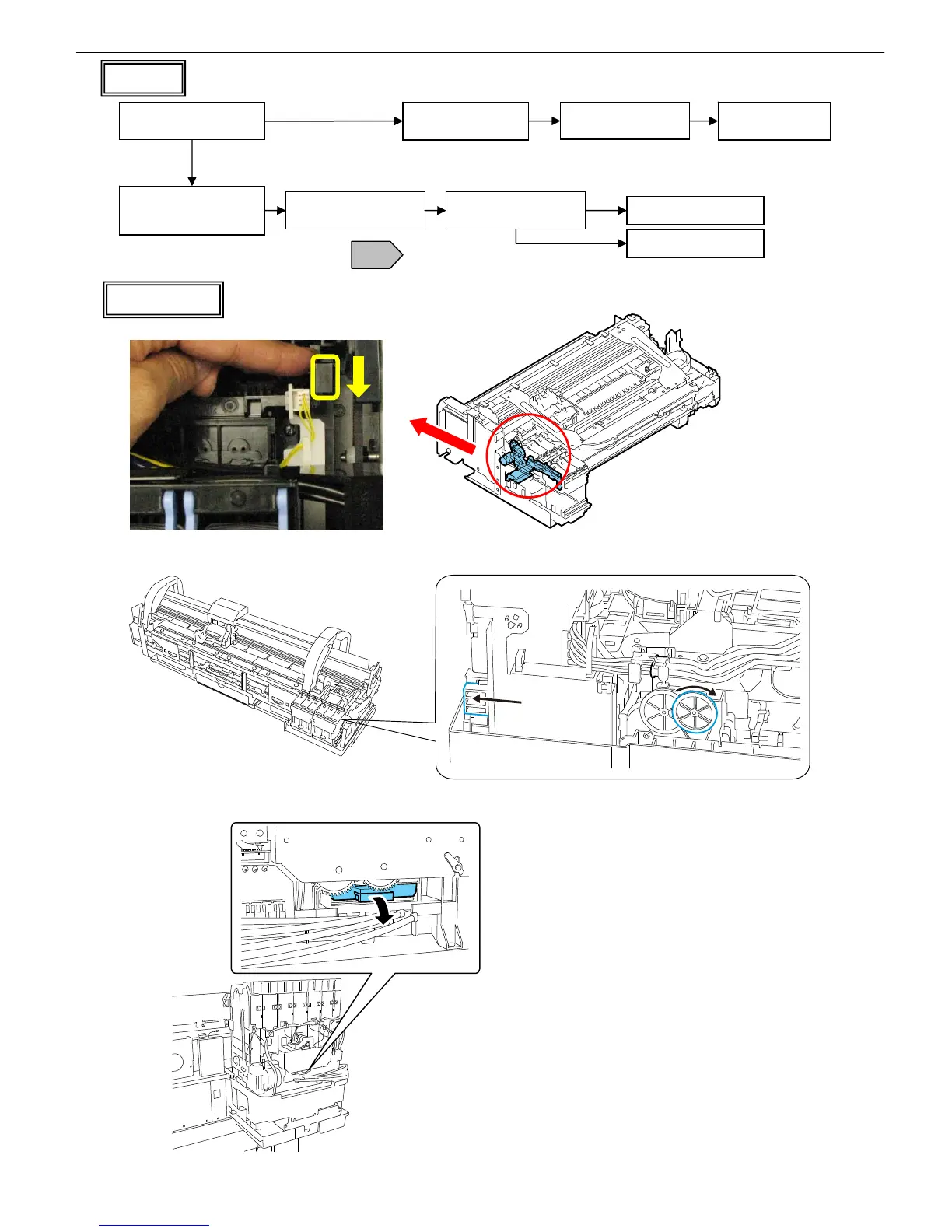
Ink Supply Valves
iPF5000 Series
Can fill the tube
(normal)
Fill the tube with air
(Flow 3)
Isolate faults from the behavior the ink (air) in the tube.
Cannot fill the tube
(clogged)
Check the tube for
bend or squash
Moving
Still
Faulty purge
Replace the purge unit
Correct the bend or
squash
Air leak
Replace the tube or
the supply unit
Replace the supply unit
Flow 4
Start the printer in service
mode and perform
Cleanin
g
B
(Cleaning B consumes about 5 g
of ink per ink.)
Switch off the printer and
pull out the carriage
T14
Check the behavior (air)
of the ink in the tube

Table of Contents

Related product manuals