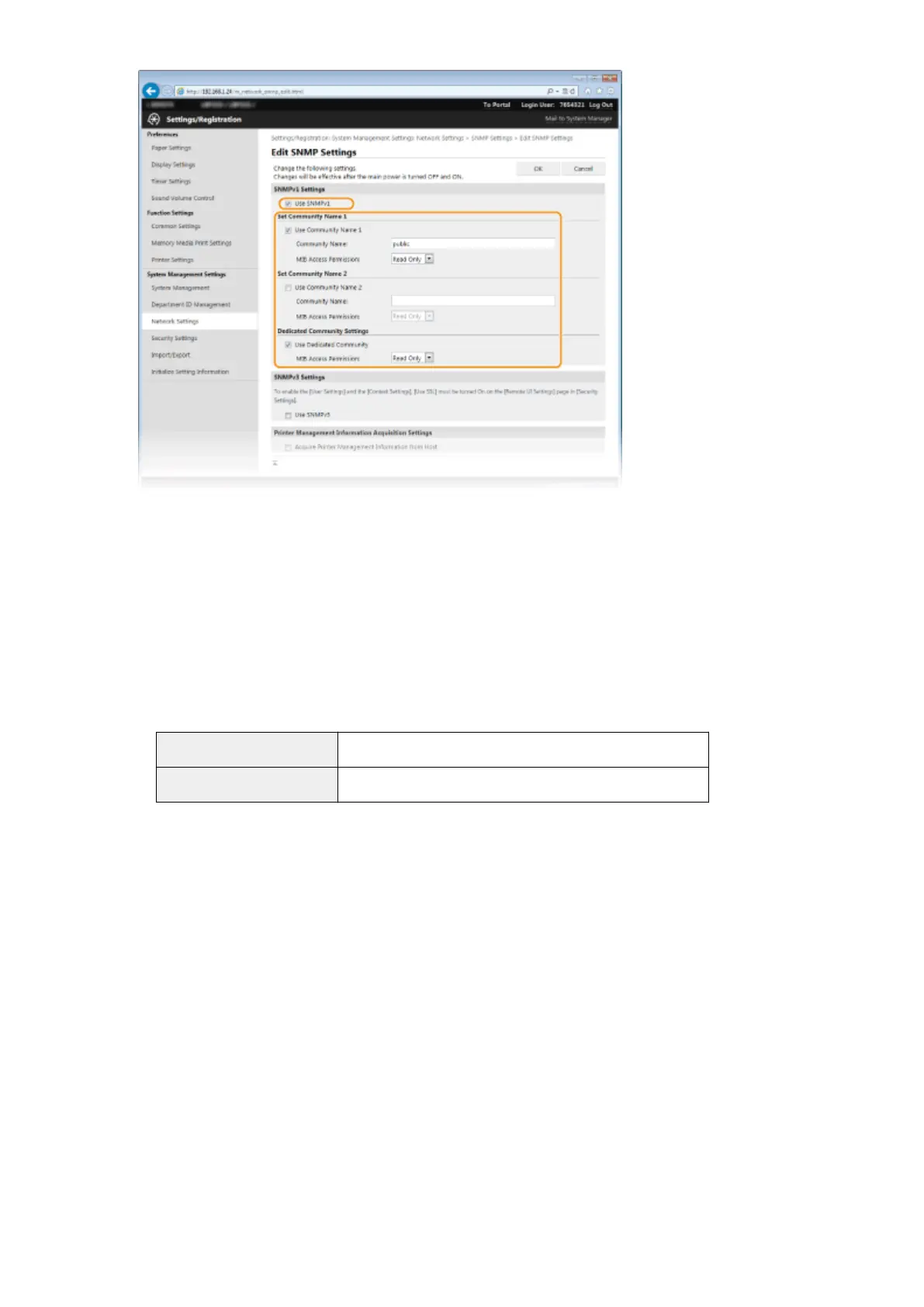
[Use SNMPv1]
Select the check box to enable SNMPv1. You can specify the rest of SNMPv1 settings only when this check box
is selected.
[Use Community Name 1]/[Use Community Name 2]
Select the check box to specify a community name. If you do not need to specify a community name, clear
the check box.
[Community Name]
Enter up to 32 alphanumeric characters for the name of the community.
[MIB Access Permission]
For each community, select [Read/Write] or [Read Only] for the access privileges to MIB objects.
[Read/Write]
Permits both viewing and changing the values of MIB objects.
[Read Only] Permits only viewing the values of MIB objects.
[Use Dedicated Community]
Dedicated Community is a preset community, intended exclusively for Administrators using Canon software,
such as imageWARE Enterprise Management Console. Select the check box to use Dedicated Community. If
you do not need to use Dedicated Community, clear the check box.
6
Specify SNMPv3 settings.
● If you do not need to change SNMPv3 settings, proceed to the next step.
Network
193










 To Next Page