4
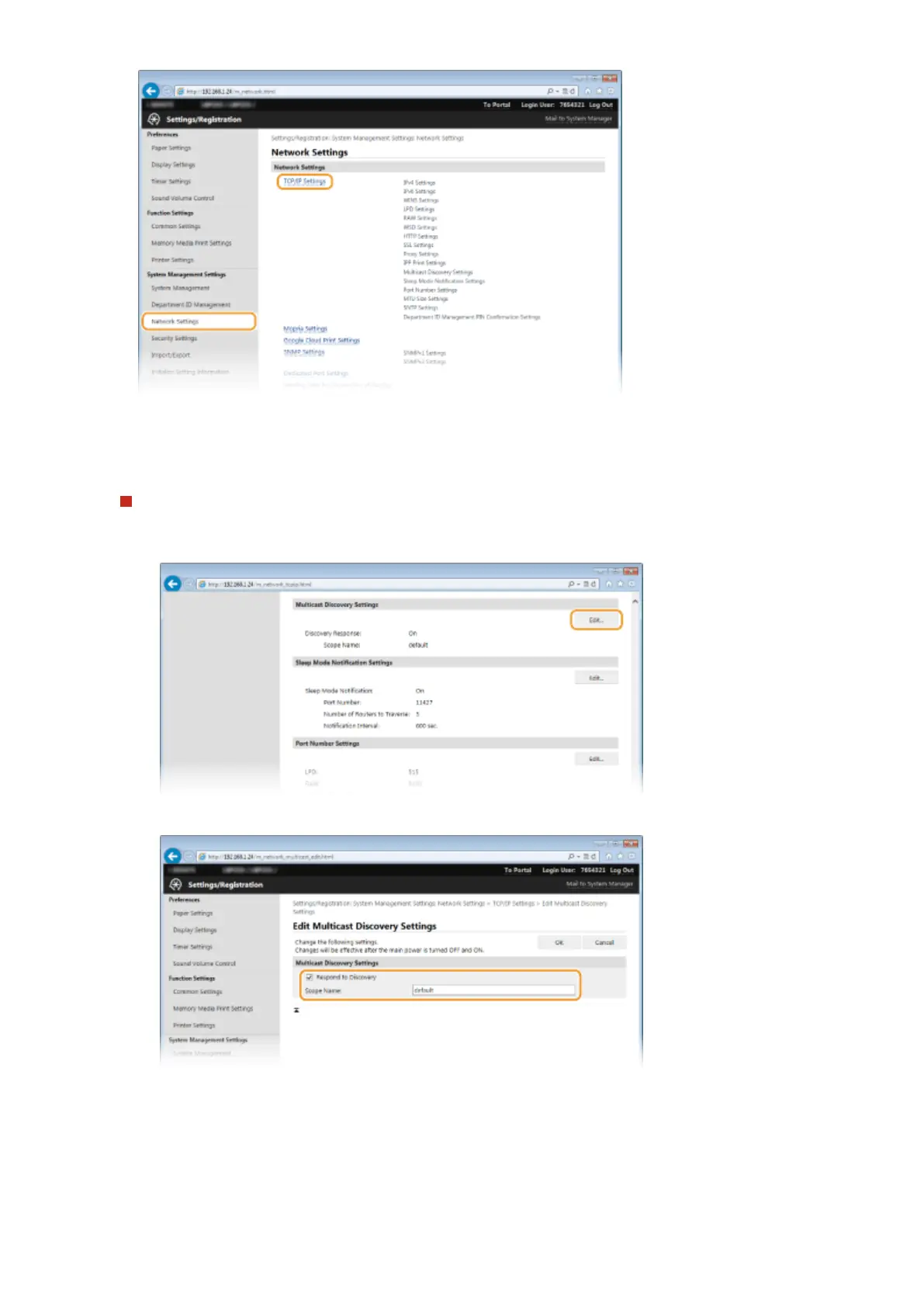
Specify SLP settings.
Specifying multicast device discovery
1
Click [Edit] in [Multicast Discovery Settings].
2
Select the [Respond to Discovery] check box and specify the required settings.
[Respond to Discovery]
Select the check box to set the machine to respond to device management software multicast discovery
packets and enable monitoring by device management software.
[Scope Name]
To include the machine into a specic scope, enter up to 32 characters for the scope name.
Network
197










 To Next Page