5
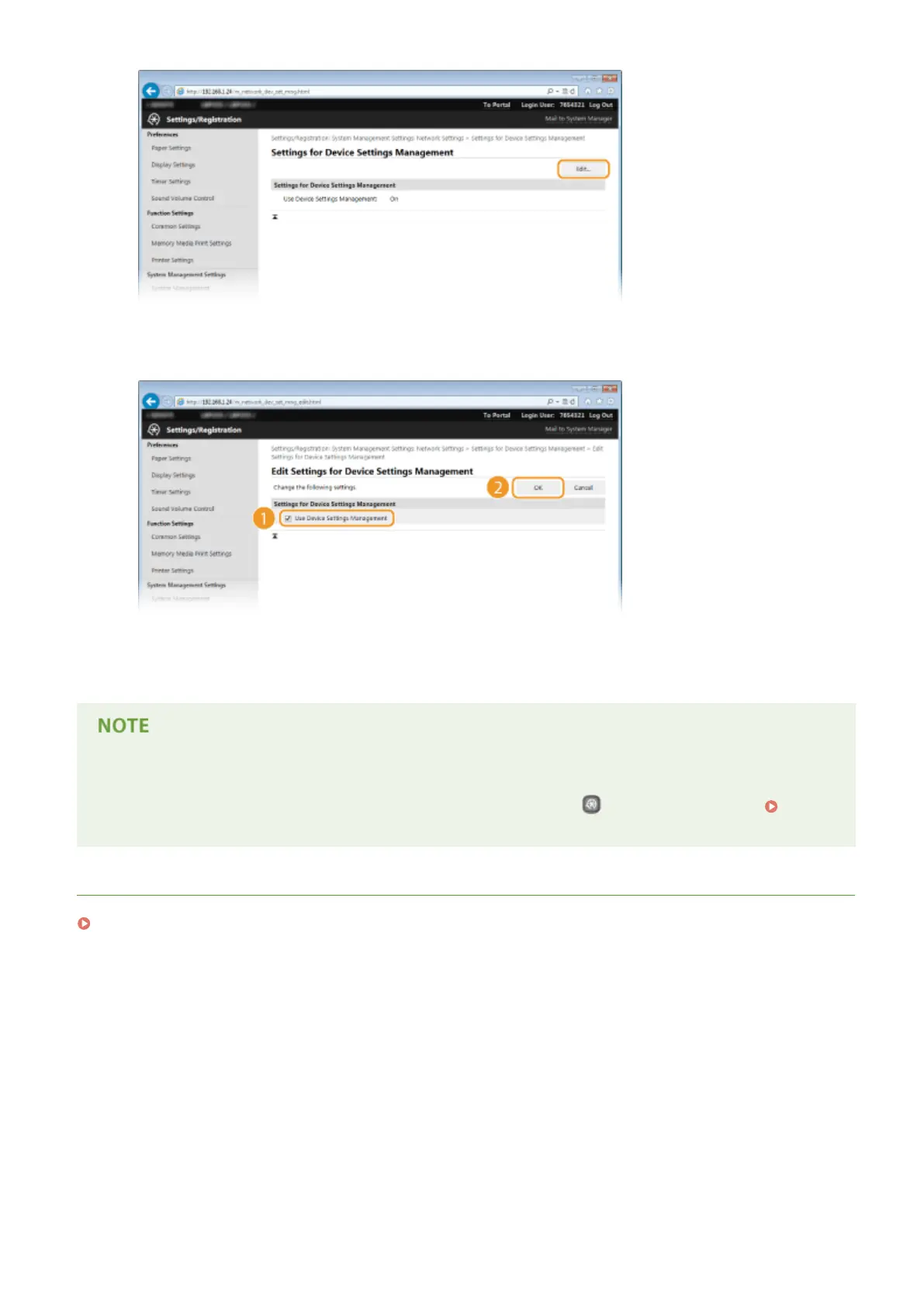
Select the [Use Device Settings Management] check box and click [OK].
[Use Device Settings Management]
If the check box is cleared, the machine cannot be recognized as a device that is to be managed from the
plug-in.
Using the operation panel
● You can also congure settings for device settings management from
on the operation panel. Device
Settings Management On/Off (P. 300)
LINKS
Entering Sleep Mode(P. 62)
Network
200










 To Next Page