9
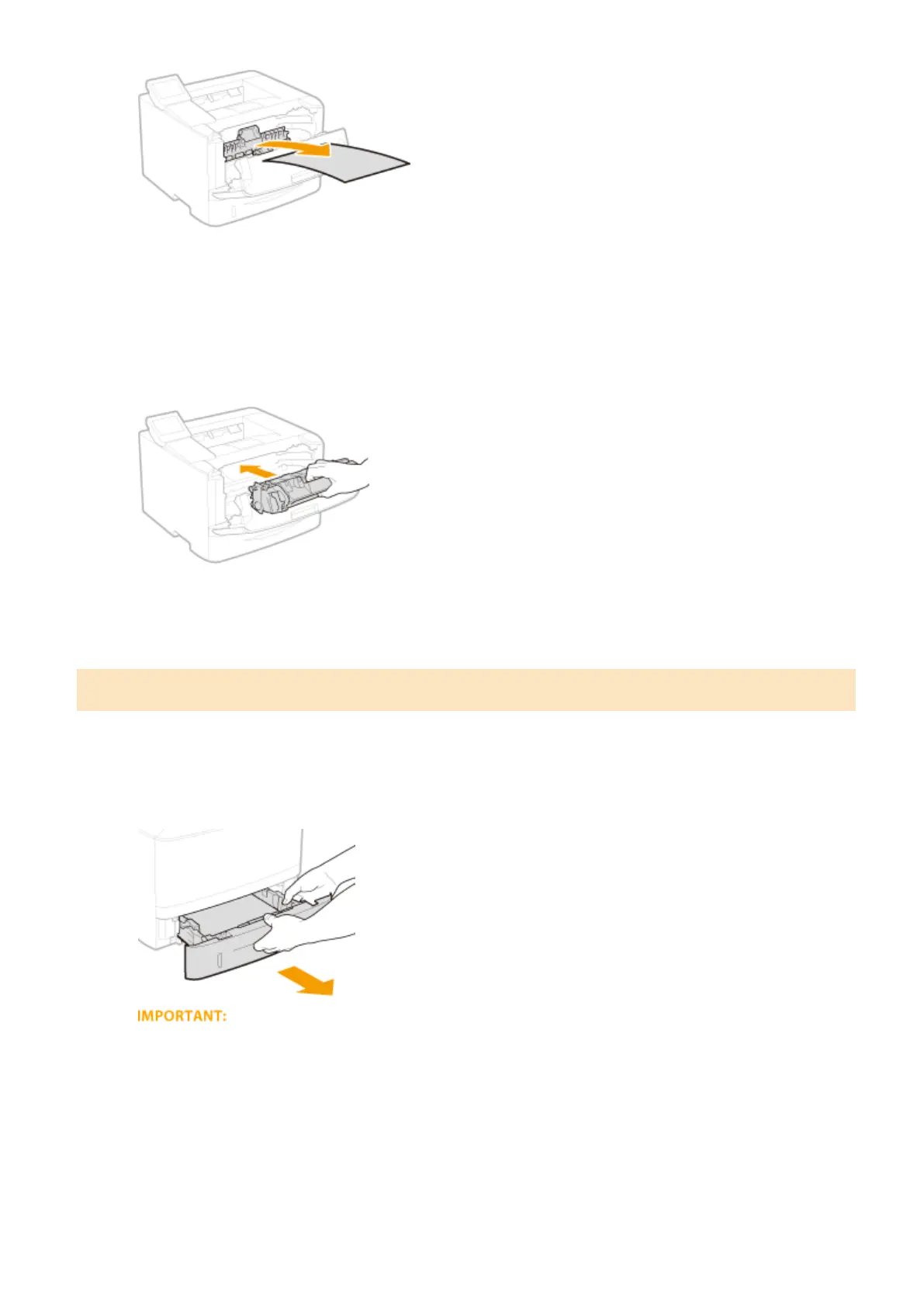
Gently return the roller cover back to position.
10
Install the toner cartridge.
● Fully push it in until it cannot go any further.
11
Close the front cover.
Paper Jams at the Duplex Transport Guide
If the jammed paper cannot be removed easily, do not forcibly pull it out, but follow the procedure for a different
paper jam location indicated by the message.
1
Pull out the paper drawer.
● Make sure to hold the paper drawer with both hands, and pull it out gently. Otherwise, you may damage
the paper drawer by dropping it, if it slides out too easily.
2
Hold the green knob and push down the duplex transport guide.
Troubleshooting
355




 To Next Page