3
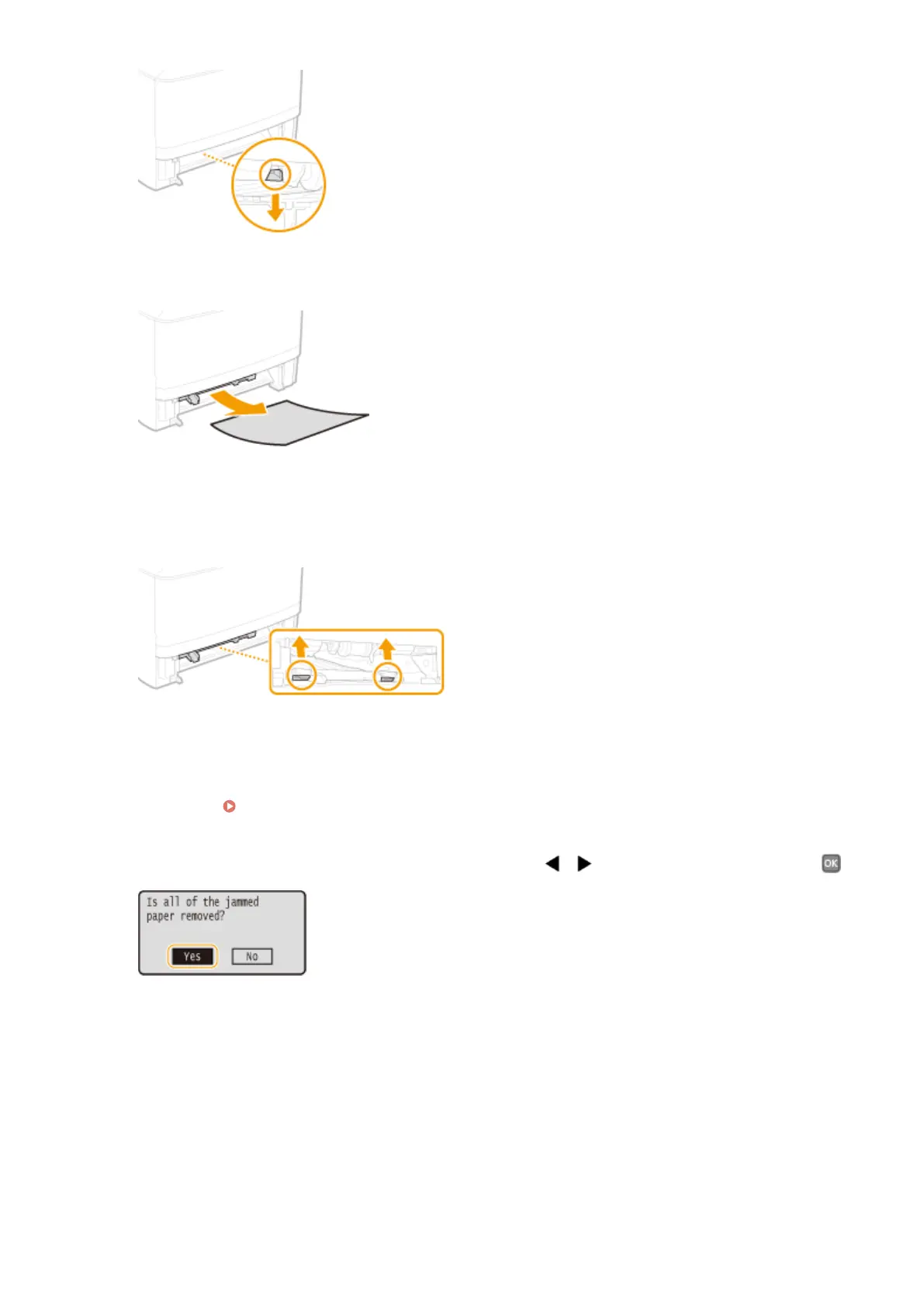
Gently pull out the paper.
4
Holding the left and right side handles of the duplex transfer guide, return the guide
back to position.
● Fully close the guide until it clicks.
5
Set the paper drawer.
● When you insert the paper drawer with <Notify to Check Paper Settings> set to <On>, a conrmation screen
is displayed. Notify to Check Paper Settings(P. 343)
6
When the screen shown below is displayed, use / to select <Yes>, and press .
Troubleshooting
356










 To Next Page