Keep Your Printouts Private (LBP252dw)
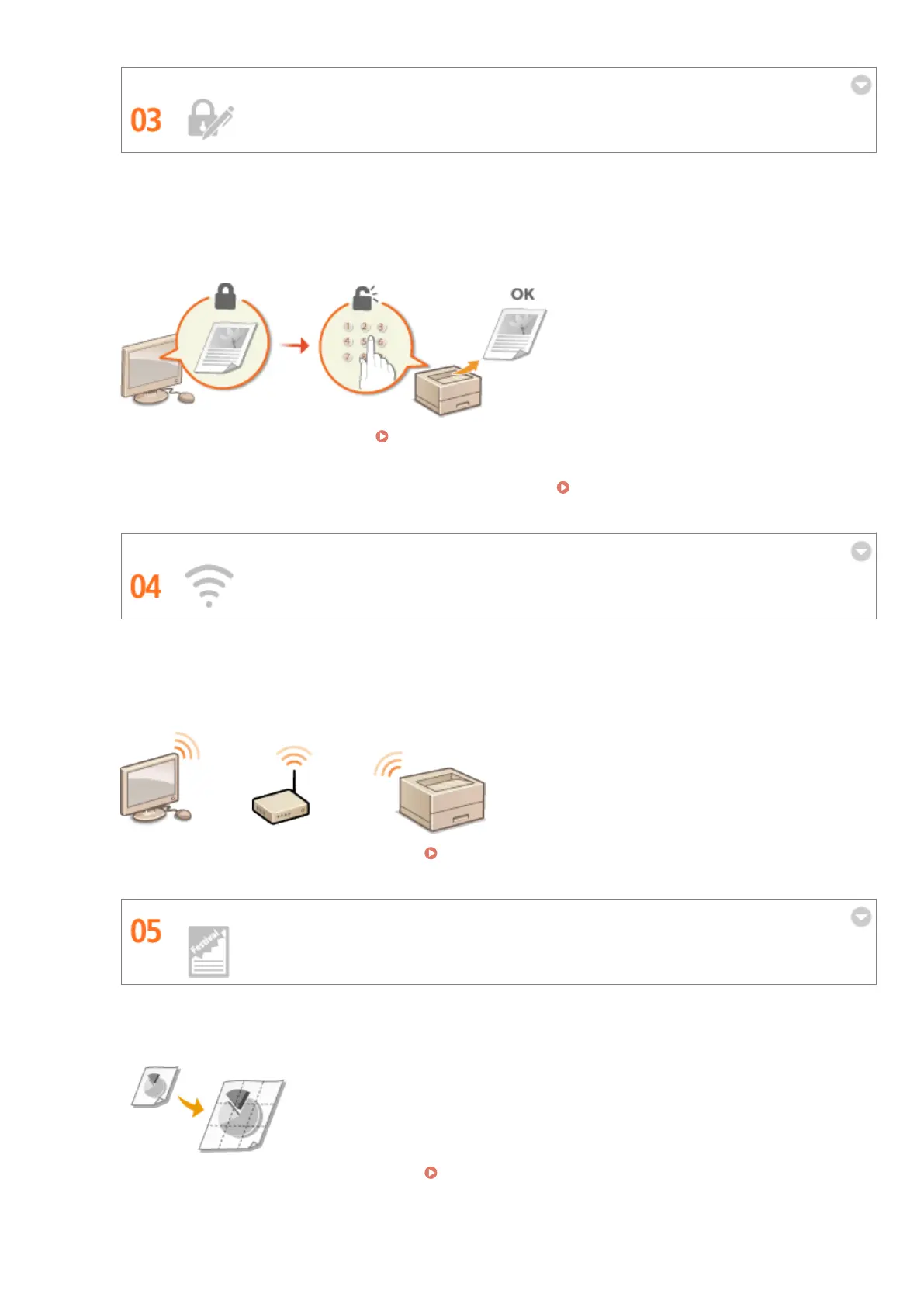
Normally, when you print something from your computer, it comes out of the printer right away. However, if
you have sensitive documents, this may not be what you want. Just use secure printing and no one will be able
to print your documents without entering your password on the machine's operation panel. Don't let your
condential documents lie exposed on the tray for everyone to see. For even greater security, you can print a
watermark such as "CONFIDENTIAL" or "PRIVATE COPY."
To print a document secured by a PIN: Printing a Document Secured by a PIN (Secure Print) (LBP252dw)
(P. 109)
To print watermarks such as "CONFIDENTIAL" over the document: Printing Watermarks(P. 96)
Go Wireless
No cables, easy installation, simple maintenance. If you've got a WPS wireless LAN router, bypass the settings
process altogether and be ready to go before you know it. Enjoy the kind of clutter-free and easy to use
document system that you can only get from wireless. Compatible with IEEE 802.11b/g/n for stress-free
wireless, and also supports WEP and WPA/WPA2-PSK (TKIP/AES-CCMP) for tighter security.
For more information about this function, see Connecting to a Wireless LAN(P. 136) .
Make Posters
Blow up a regular one-sheet printout and make an exceptionally large poster. A large poster will be printed out
on nine sheets. Put them together in a 3x3 grid, and voila!
For more information about this function, see Printing Posters(P. 90) .
Appendix
434










 To Next Page