Make Booklets
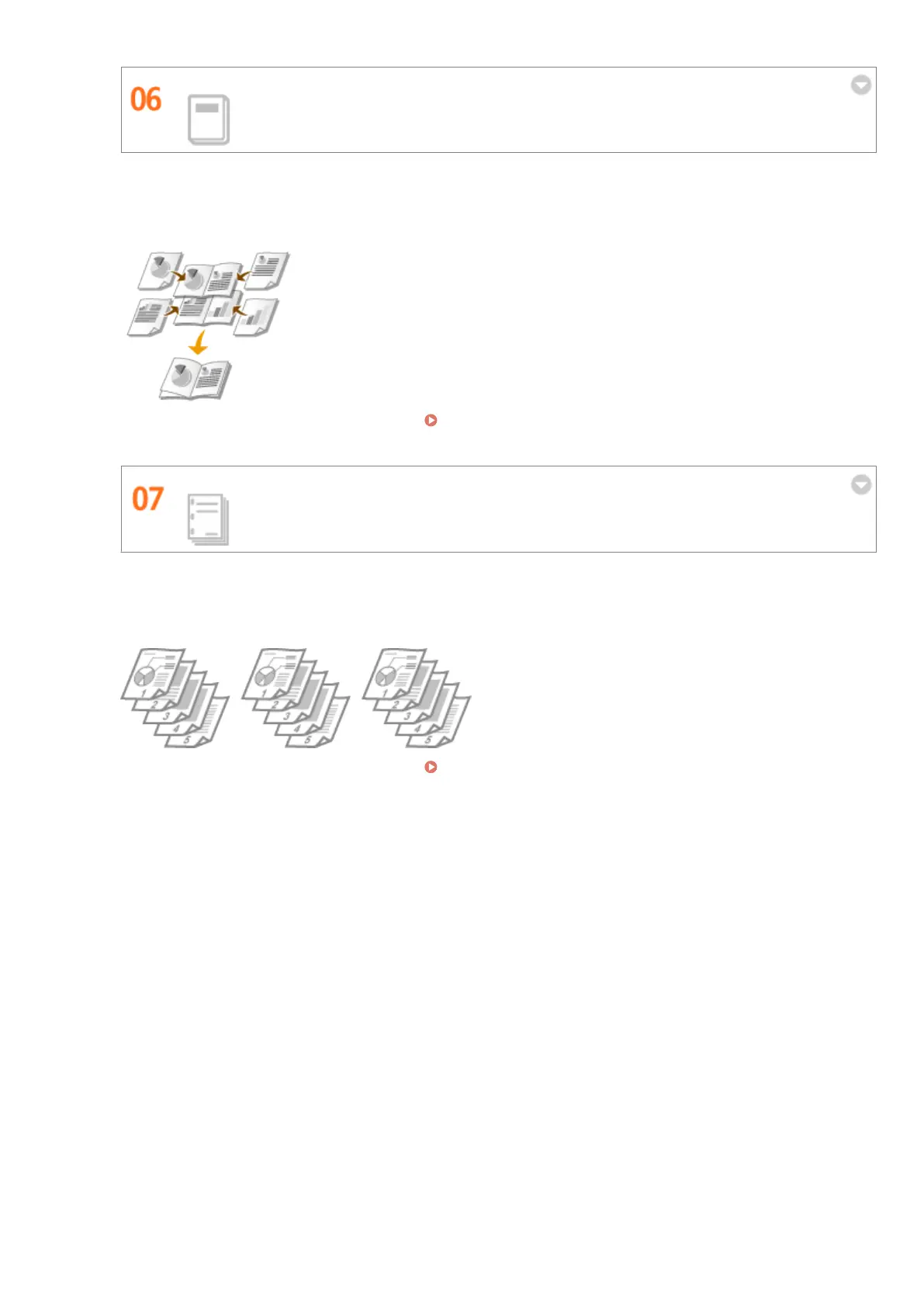
Sometimes your documents deserve better presentation than a staple in the upper-left corner. Making booklets
is easy. The print driver will take care of the page positioning for you. All you have to do is fold the pages and
staple them along the middle.
For more information about this function, see Printing Booklet(P. 91) .
Automatically Collate Meeting Handouts
When you print multiple copies of a multi-page document, you can use the collate function to print one copy
after another with all of the pages in the correct order. This is convenient when preparing handouts for
meetings or presentations.
For more information about this function, see Collating Printouts by Page(P. 86) .
Appendix
435










 To Next Page