If you select the [Use AirPrint] check box
The following items are also set to <On> automatically.
● <mDNS Settings> for IPv4 and IPv6
Conguring DNS(P. 181)
● <Use HTTP> Disabling HTTP Communication(P. 232)
● <Use IPP Printing> under <IPP Print Settings>
Conguring Printing Protocols and WSD
Functions(P. 165)
If you change [Printer Name]
If you change [Printer Name] that you have once specied, you may be unable to print any more from the
Mac that has been able to be used for printing so far. This phenomenon occurs because <mDNS Name> (
Conguring DNS(P. 181) ) of IPv4 is also changed automatically. In this case, add the machine to the Mac
again.
6
Restart the machine.
● Turn OFF the machine, wait for at least 10 seconds, and turn it back ON.
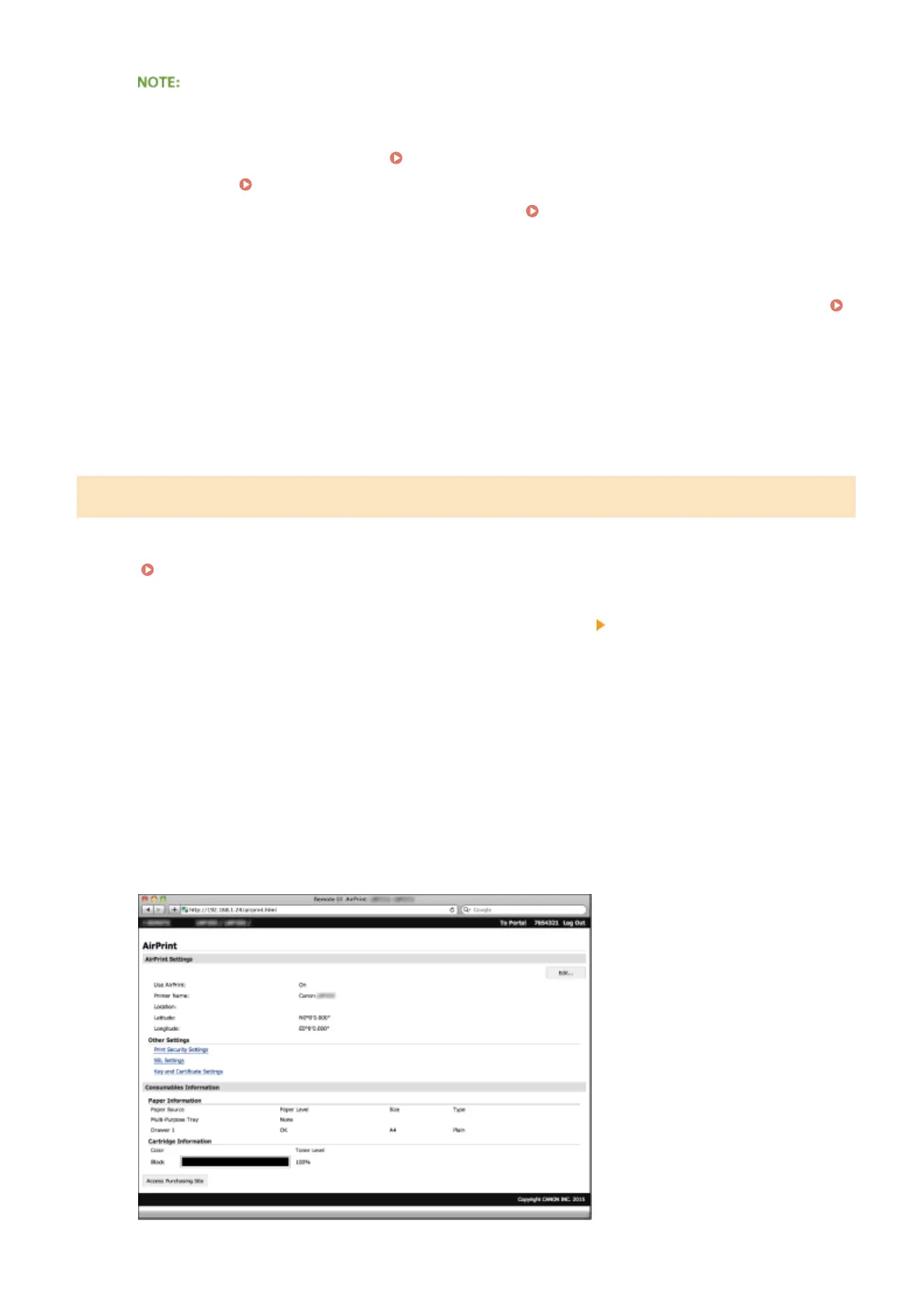
Displaying the Screen for AirPrint
You can display the screen for AirPrint, on which you can not only access the AirPrint Settings but also view
information about consumables, such as paper and toner cartridge. Further, you can congure security function
settings (
Enabling SSL Encrypted Communication for the Remote UI(P. 235) ).
1
Click [System Preferences] in the Dock on the desktop [Printers & Scanners].
2
Select your printer and click [Options & Supplies].
3
Click [Show Printer Webpage].
4
Log on to the Remote UI.
● To change AirPrint settings, log on in System Manager Mode.
Appendix
447










 To Next Page