2
Use / to select <System Management Settings>, and press .
● If the logon screen appears, enter the correct ID and PIN using the numeric keys, and then press .
Logging on to the Machine(P. 34)
3
Select <Google Cloud Print Settings> <Enable Google Cloud Print>.
4
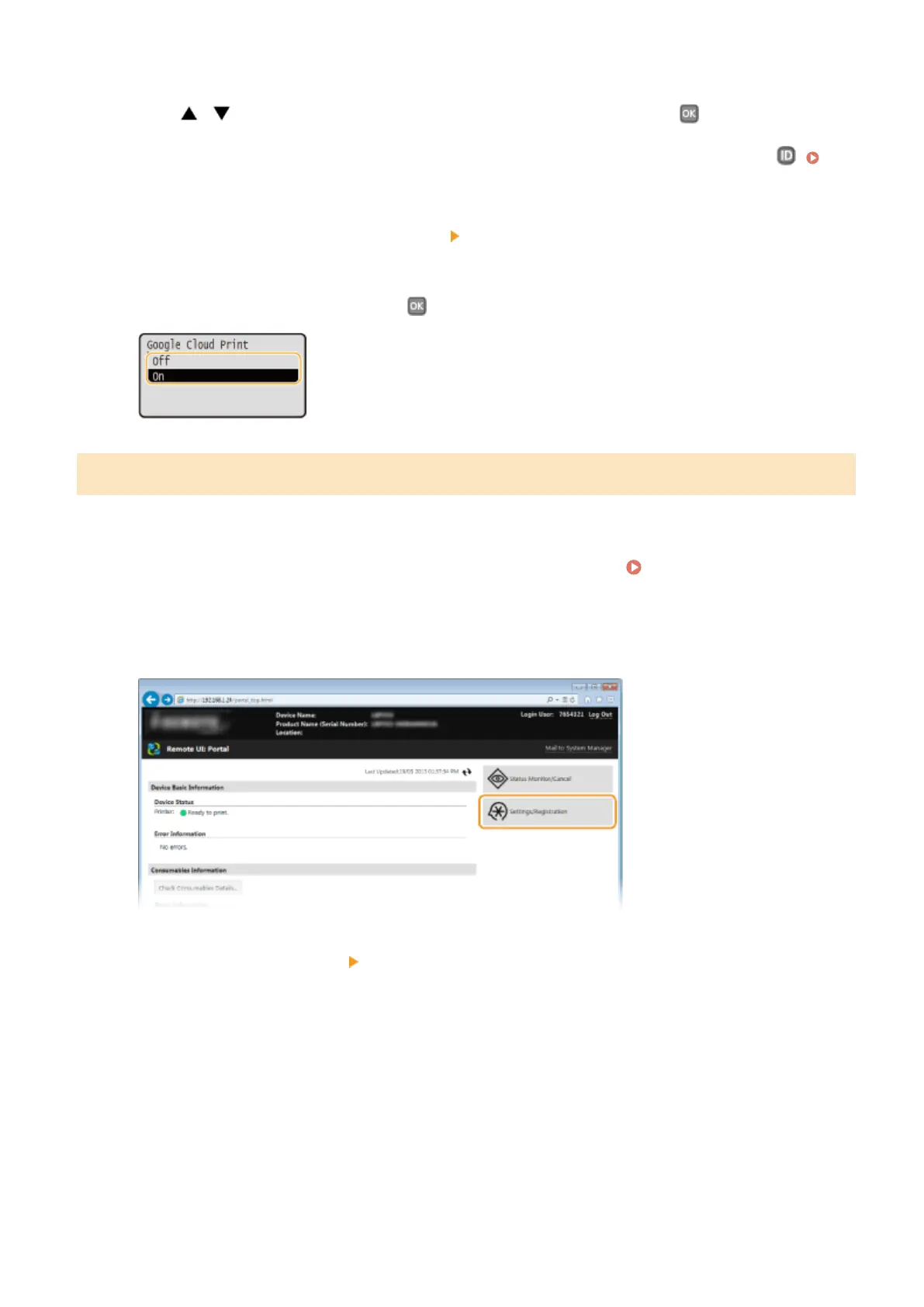
Select <On> or <Off>, and press .
Registering the Machine with Google Cloud Print
Registering the machine with Google Cloud Print allows you to print from anywhere.
1
Start the Remote UI and log on in System Manager Mode. Starting Remote
UI(P. 270)
2
Click [Settings/Registration].
3
Click [Network Settings] [Google Cloud Print Settings].
Appendix
453










 To Next Page