4
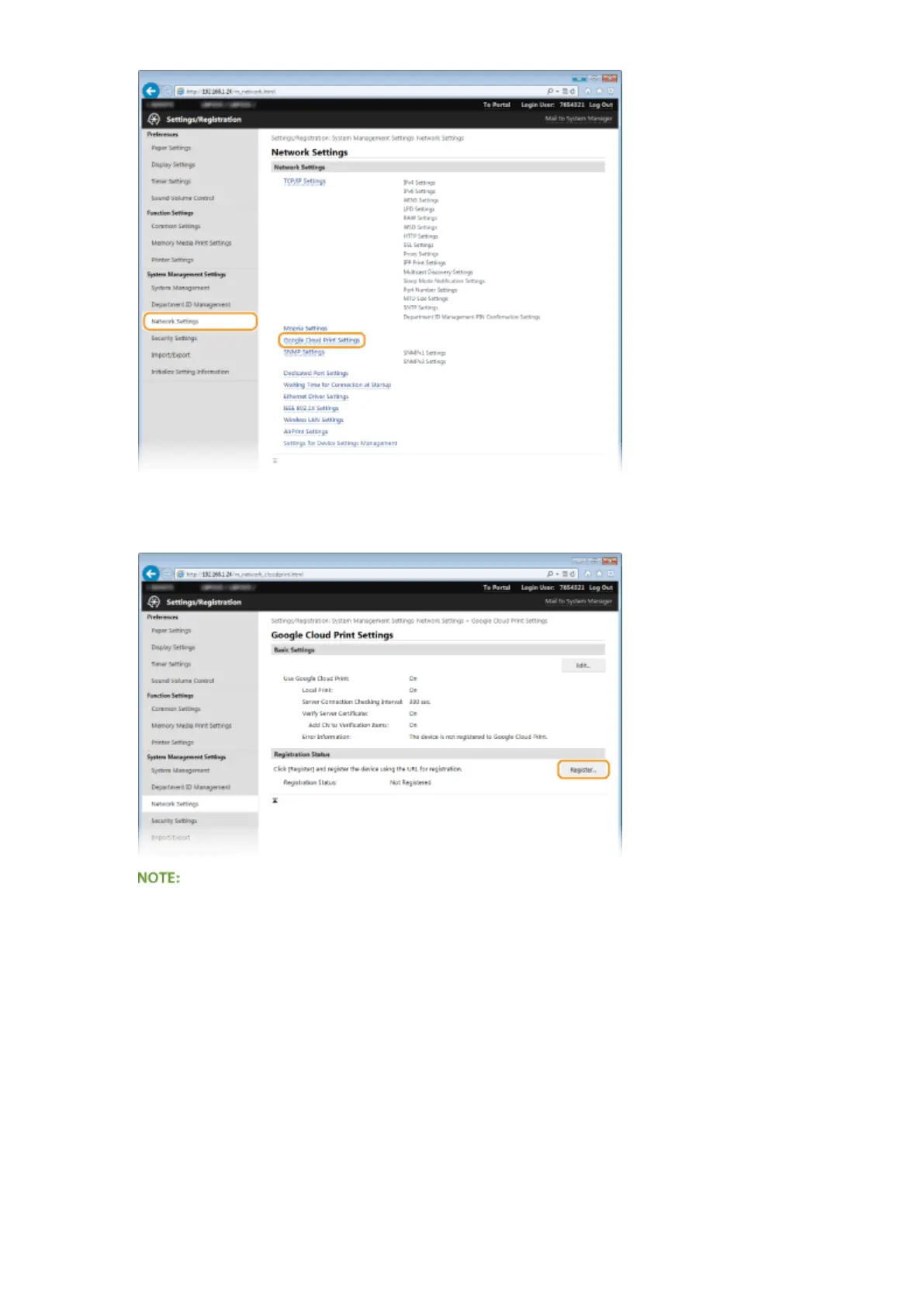
Click [Register] in [Registration Status].
If [Register] is unavailable
You need to enable Google Cloud Print. Click [Edit], select the [Use Google Cloud Print] check box, and then
click [OK].
To reregister the machine
To reregister the machine if the owner of the machine has changed or for other reasons, unregister the
machine and register it again.
5
Click the link of the URL displayed for [URL for Registration].
Appendix
454










 To Next Page