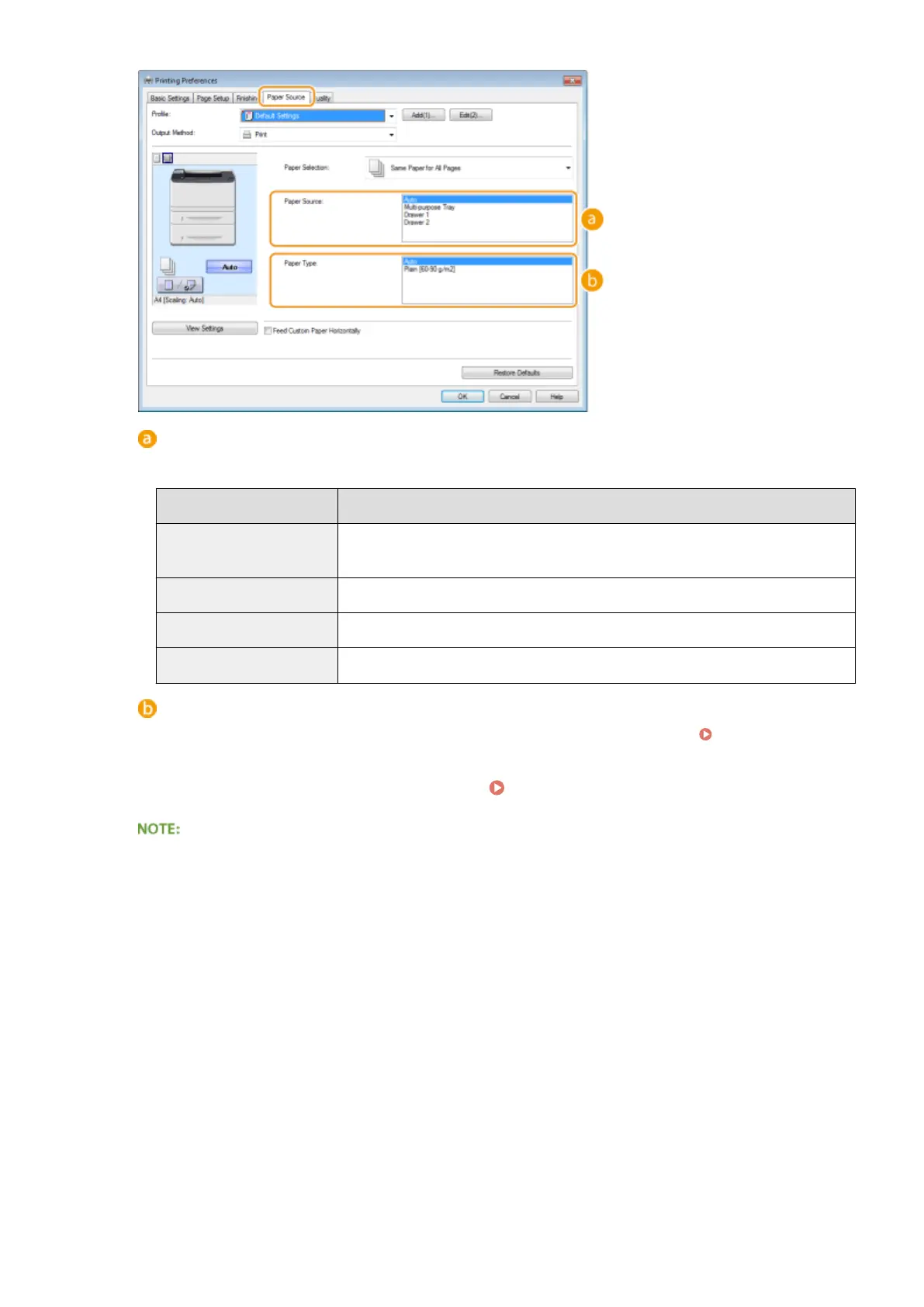
[Paper Source]
Select the paper source from which paper is fed.
Setting Value
Paper Source
Auto
The paper source is automatically selected according to the specied size and type of
the paper to print on and the settings congured in the machine.
Multi-Purpose Tray Paper is fed from the multi-purpose tray.
Drawer 1 Paper is fed from the paper drawer of the machine.
Drawer 2 Paper is fed from the optional paper feeder.
[Paper Type]
Specify the setting according to the type and basis weight of the paper to print on. Loading Paper(P. 35)
5
Specify other print settings as necessary. Various Print Settings(P. 80)
You can register the settings you specied in this step as a "prole" and use the prole whenever you print.
You can eliminate the need to specify the same settings every time you print.
6
Click [OK].
Printing
72










 To Next Page