7
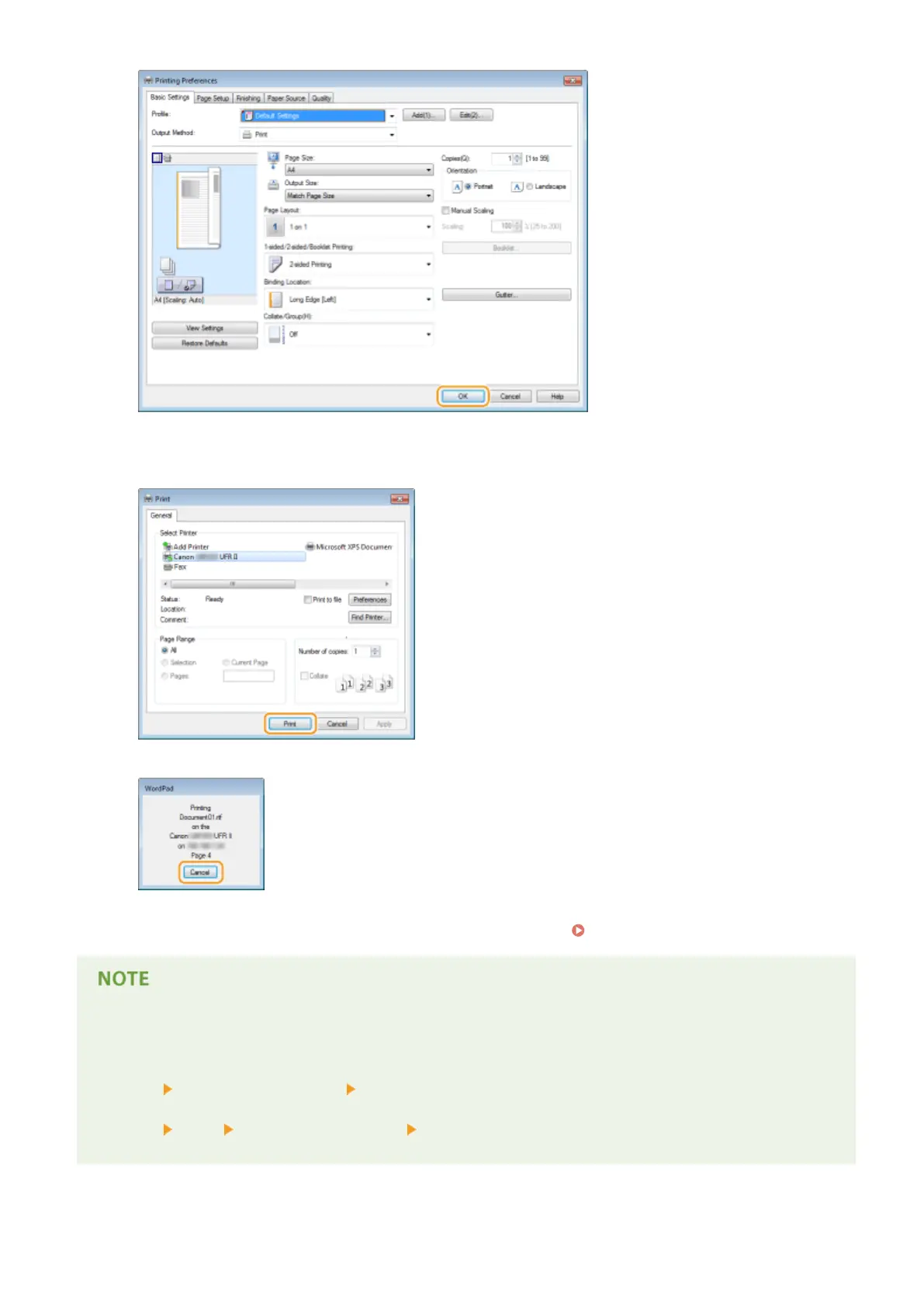
Click [Print] or [OK].
● Printing starts. On some applications, a screen like shown below appears.
● To cancel printing, click [Cancel] when the screen shown above is displayed. After the screen disappears or if
the screen is not displayed, you can cancel printing in other ways. Canceling Prints(P. 75)
When printing from the Windows Store app in Windows 8/Server 2012
Display the charms on the right side of the screen and use the procedure shown below.
Windows 8/Server 2012
[Devices]
the printer you are using tap or click [Print]
Windows 8.1/Server 2012 R2
[Devices]
[Print] the printer you are using tap or click [Print]
● If you print using this method, only a limited number of print settings are available.
Printing
73










 To Next Page