To move the cursor
When / is displayed, tap to move the cursor.
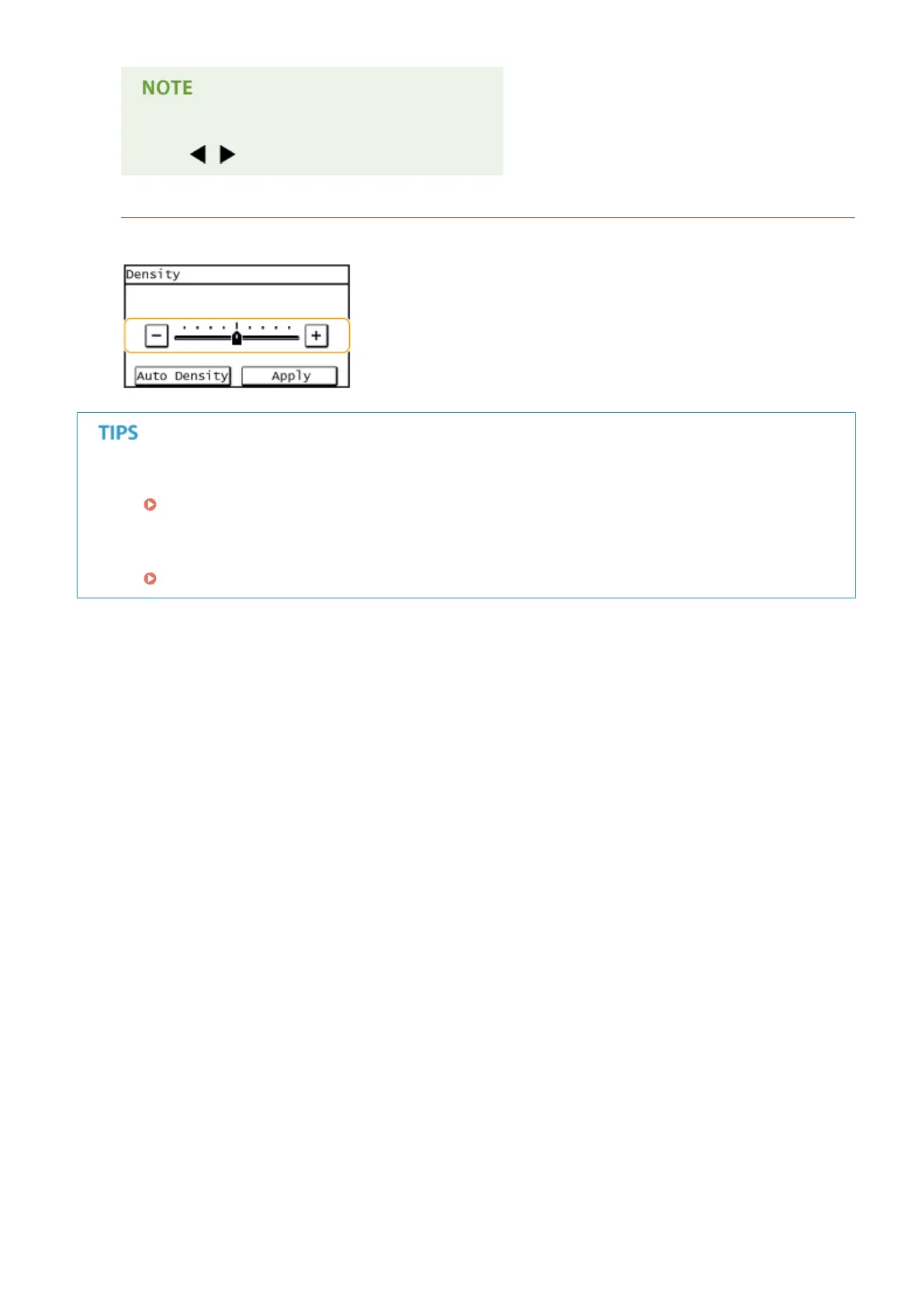
Changing setting values
To adjust a value on a scale, tap <-> / <+>.
● You can change a variety of display-related settings, such as the scrolling speed or display language:
Display Settings(P. 486)
● To change the screen that is automatically displayed when the machine remains idle for a specied length of
time:
Function After Auto Reset(P. 493)
Basic Operations
37









 To Next Page