9
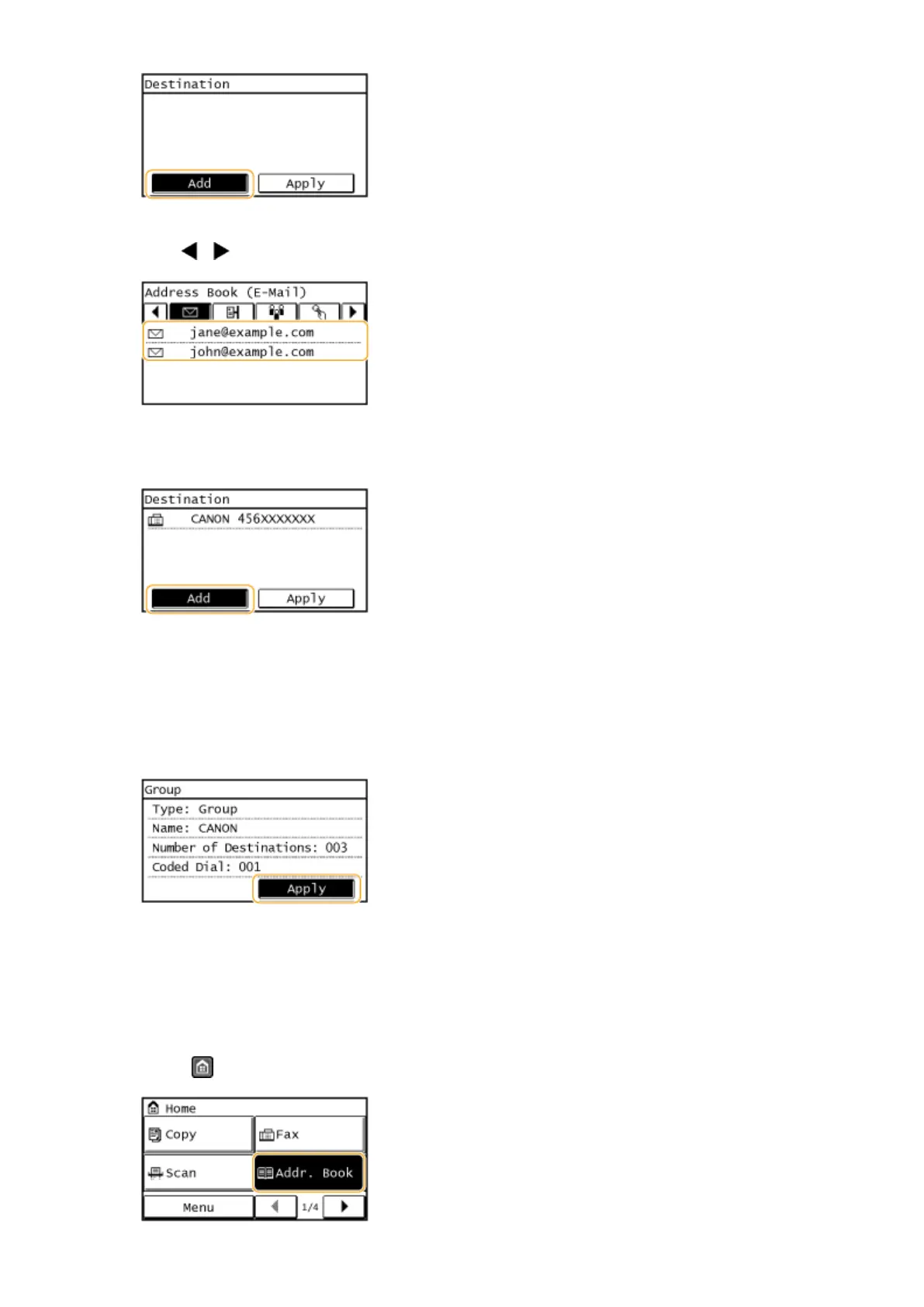
Use / to select the tab and tap a destination you want to register.
10
Tap <Add>.
11
Repeat steps 8 and 9 until you have registered all of the destinations that you want
to register, and then tap <Apply>.
12
Tap <Apply>.
◼ Editing the Content of Registered Groups
After registering destinations, you can change the content of groups such as names, destinations, and coded dial
numbers.
1
Press and tap <Addr. Book>.
Basic Operations
70


 To Next Page
 Loading...





