2
Tap <Details/Edit>.
3
Select < > using / , and tap the destination you want to change.
4
Tap <Edit>.
● If a screen appears prompting you to enter a PIN, enter the correct PIN using the numeric keys, and tap
<Apply>. Setting a PIN for Address Book(P. 415)
5
Select the item you want to edit, perform editing, and then tap <Apply>.
6
Tap <Apply>.
◼
Deleting a Group
1
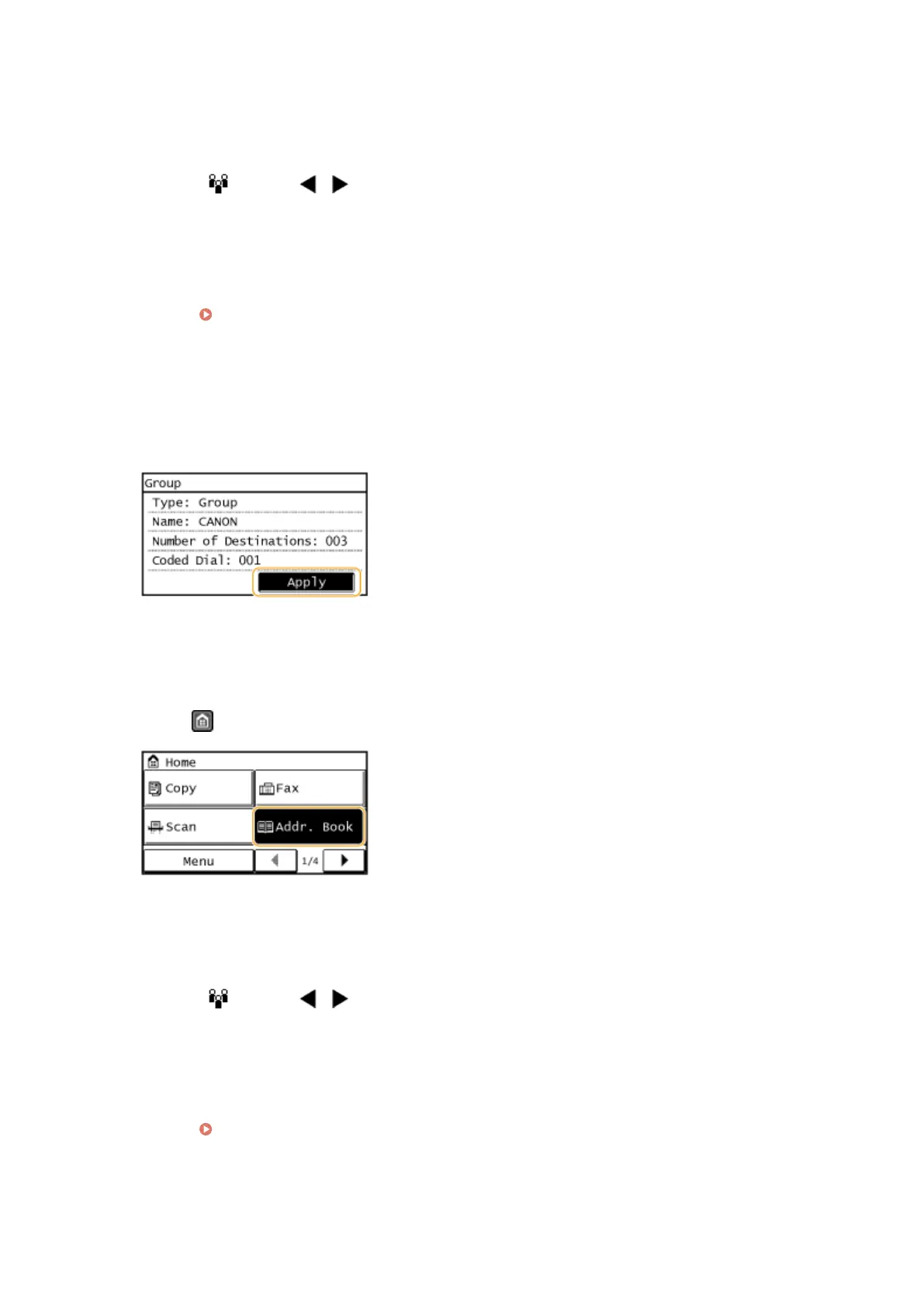
Press and tap <Addr. Book>.
2
Tap <Details/Edit>.
3
Select < > using / , and tap the group you want to delete.
4
Tap <Delete>.
● If a screen appears prompting you to enter a PIN, enter the correct PIN using the numeric keys, and tap
<Apply>. Setting a PIN for Address Book(P. 415)
5
Tap <Yes>.
Basic Operations
71









 To Next Page