65
LonWorks
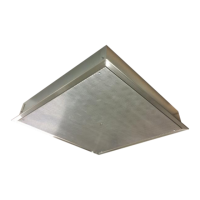
LonWorks compatibility (Figure 47) can be implemented on control packages through the ProtoNode, a
LonMark certified external Gateway configured to give a Building Management System access to monitor
and/or control a list of Network Variables. The ProtoNode is mounted and factory pre-wired inside the
Electrical Control Panel. Refer to schematics connections to the Building Management System are shown.
Figure 47 - LonWorks
Commissioning on a LonWorks Network
During the commissioning process by the LonWorks administrator (using a LonWorks Network
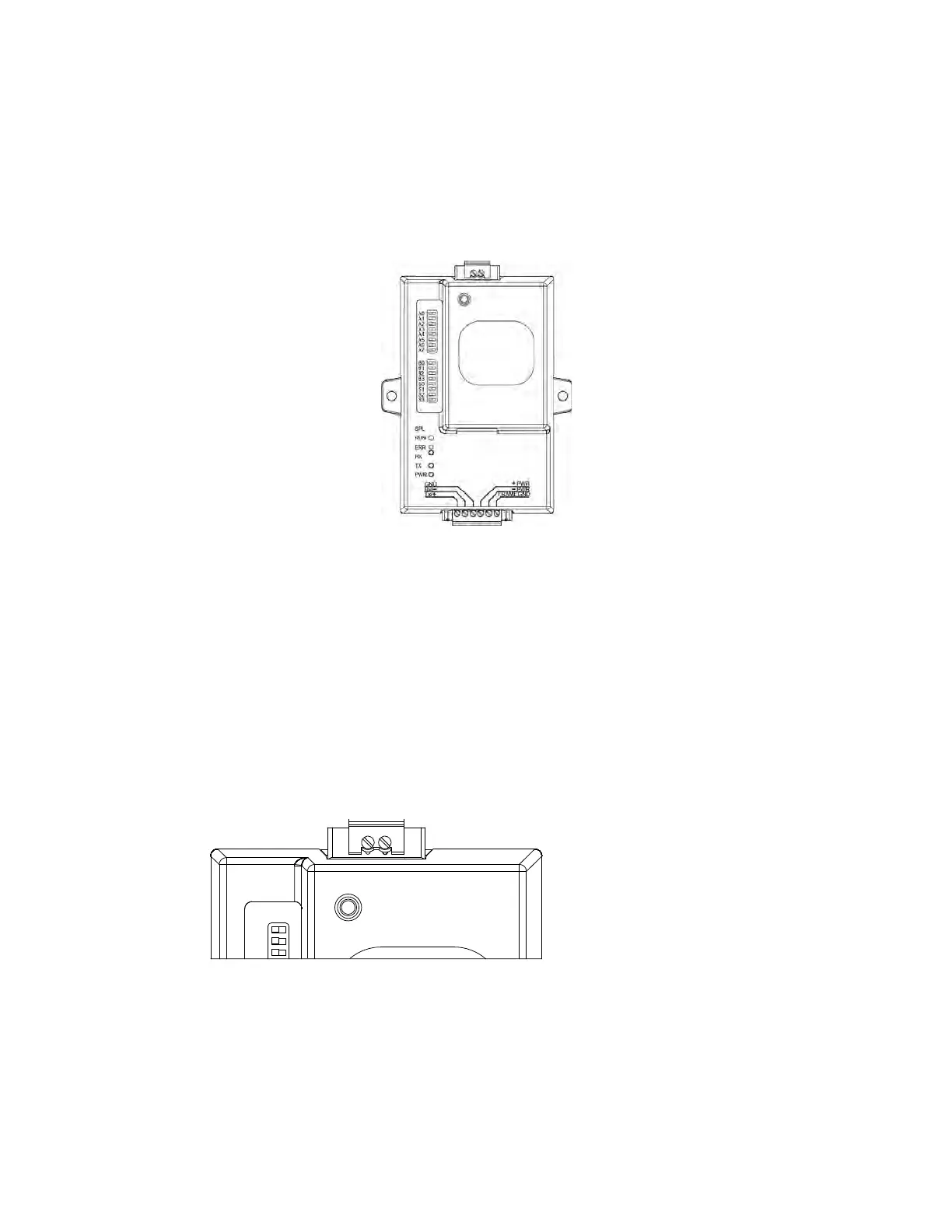
Management Tool), the user will be prompted to hit the Service Pin in the ProtoNode. This pin is located in
the front face, and it can be pressed by inserting a small screwdriver and tilting it towards the LonWorks
Port. Refer to Figure 48 for location of the “Service Pin.”
If an XIF file is required, it can be obtained by following these steps:
1. Set your computer’s static IP address to 192.168.1.xxx with a subnet mask of 255.255.255.0.
2. Run a Cat 5 connection from the ProtoNode’s Ethernet port to your computer.
3. On any web browser’s URL field, type 192.168.1.24/fserver.xif
The web browser should automatically download the fserver.xif file or let you save it on your computer.
Save it as fserver.xif.
Figure 48 - LonWorks Service Pin
A0
A1
A2
S
E
R
V
I
C
E
P
I
N
NOTE: Insert Small Screwdriver.
Tilt Toward LonWorks Port To
Activate Service Pin.



 To Next Page