74
Every 12 Months
1. Check for hot spots on motor, wiring, and controls and re-tighten all loose electrical connections.
2. Re-tighten all loose electrical connections.
3. Ensure blades are intact, level and clean as required.
4. Check oil level in gear motor. If oil level is low, replace oil with Shell Omala 220 or equivalent.
Acceptable oil fill level is within half an inch or closer to the fill level plug.
5. Physically check all guy wires and safety cables, re-tighten clamps if required.
6. Check all nuts, bolts, clamps to ensure they are not missing, loose, or damaged. Repair or replace if
necessary.
Every 36 Months
Replace oil in gear motor. Replace oil with Shell Omala 220 or equivalent. Acceptable oil fill level is within
half an inch or closer to the fill level plug.
Maintenance Logging and Alerts
The HVLS control system stores maintenance events in its on-board memory. These maintenance events
can either be manually entered or can be logged out of the maintenance alerts that will appear on the
screen at the proper time intervals. Maintenance alerts and logged maintenance events are also made
available to a DDC system.
To manually log a maintenance event, go to OPERATING INFO > MAINTENANCE LOG > LOG
MAINTENANCE EVENT > Scroll to select event and press LOG/EXIT. The following maintenance items
are available to be logged: CHECK PANEL FILTERS, CHECK BOLTS/CABLES, CHANGE GEARBOX
OIL, AND CHANGE CLOCK BATTERY.
Maintenance alerts will appear on the HMI at the maintenance intervals listed in the General Maintenance
section above. When a maintenance alert appears, two options are available on the screen. The first
option is HIDE. This will hide or “snooze” the alert for 6 hours, allowing continued operation of the system
until the reminder reappears. The second option is RESOLVE, which will change to a screen where the
maintenance notification can be either saved to the on-board maintenance log by pressing LOG/EXIT or
ignored by pressing IGNORE.
The logged maintenance events can be viewed on the HMI by going to OPERATING INFO >
MAINTENANCE LOG > MAINTENANCE HISTORY > Select on the desired date.
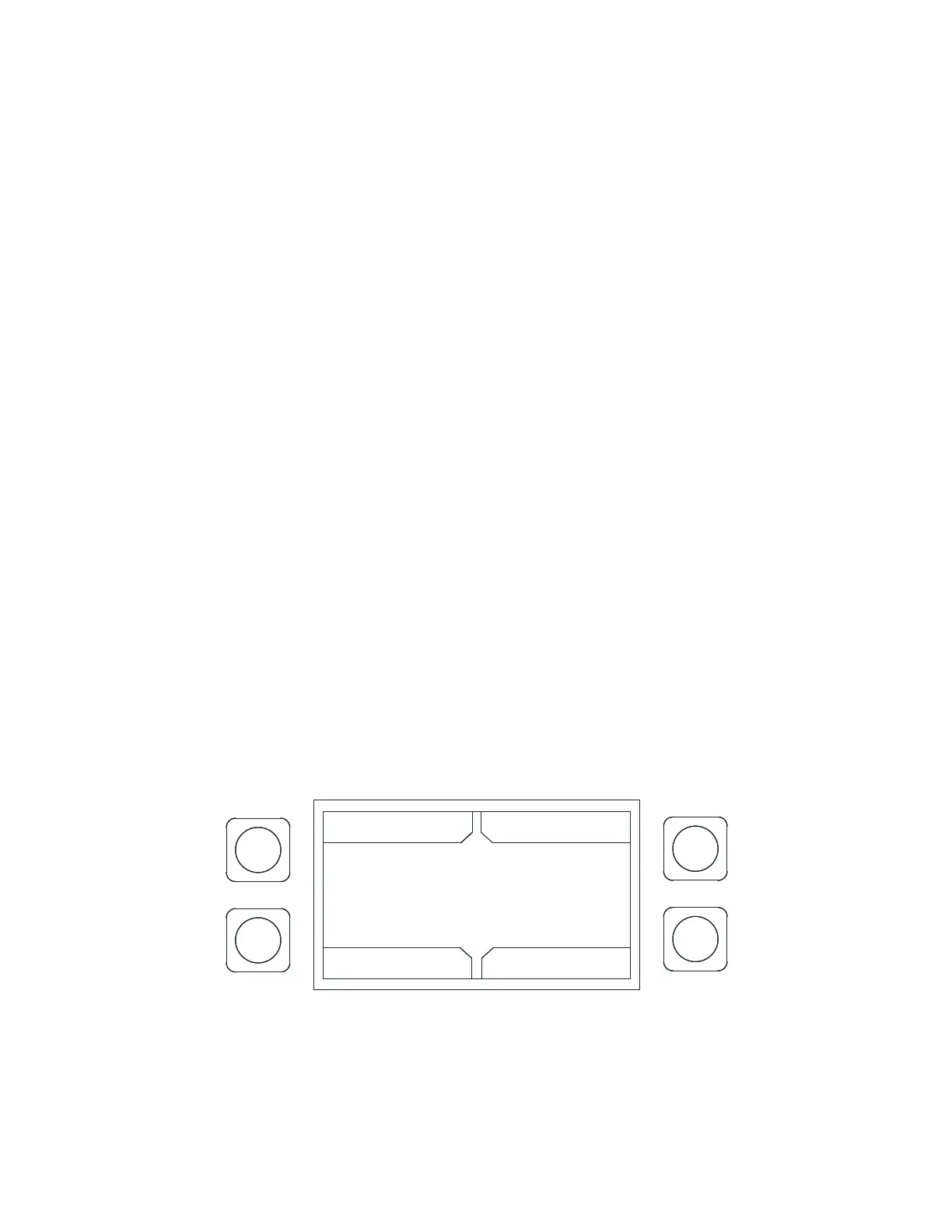
Figure 49 - Maintenance Screen
MAINTENANCE RECORDS
10/16/16 09:54:45
10/16/16 09:54:40
10/16/16 09:54:36
UP
BACK
DOWN
ENTER



 To Next Page