SMARTH Manual
4. Before You Ride
SmartSet App
(iOS/Android)
Intercom Mode
(DMC/Bluetooth)
DMC intercom and
Bluetooth intercom.
Intercom-to-Phone
(Enable/Disable)
Automatically divert
intercom calls to mobile
calls.
Voice-assisted menu
language.
Background Audio Level
(Enable/Disable)
Radio Data System allows the
radio to automatically retune
to the strongest frequency
available for the FM station
you are listening to when
the signal becomes too weak
Pre-set phone numbers for
automatic dialing.
Set the 6 FM radio presets
Pre-set FM radio stations for
automatic tuning.
Spoken Status
Announcements
(Enable/Disable)
Voice announcements so
you always know to whom
or to what device you are
connected.
Hands-free operation using a
voice activity director.
VOX sensitivity for the
microphone
(Low/Medium/High)
Automatically adjusts the
level of ambient noise for
your microphone while you
riding.
4.1
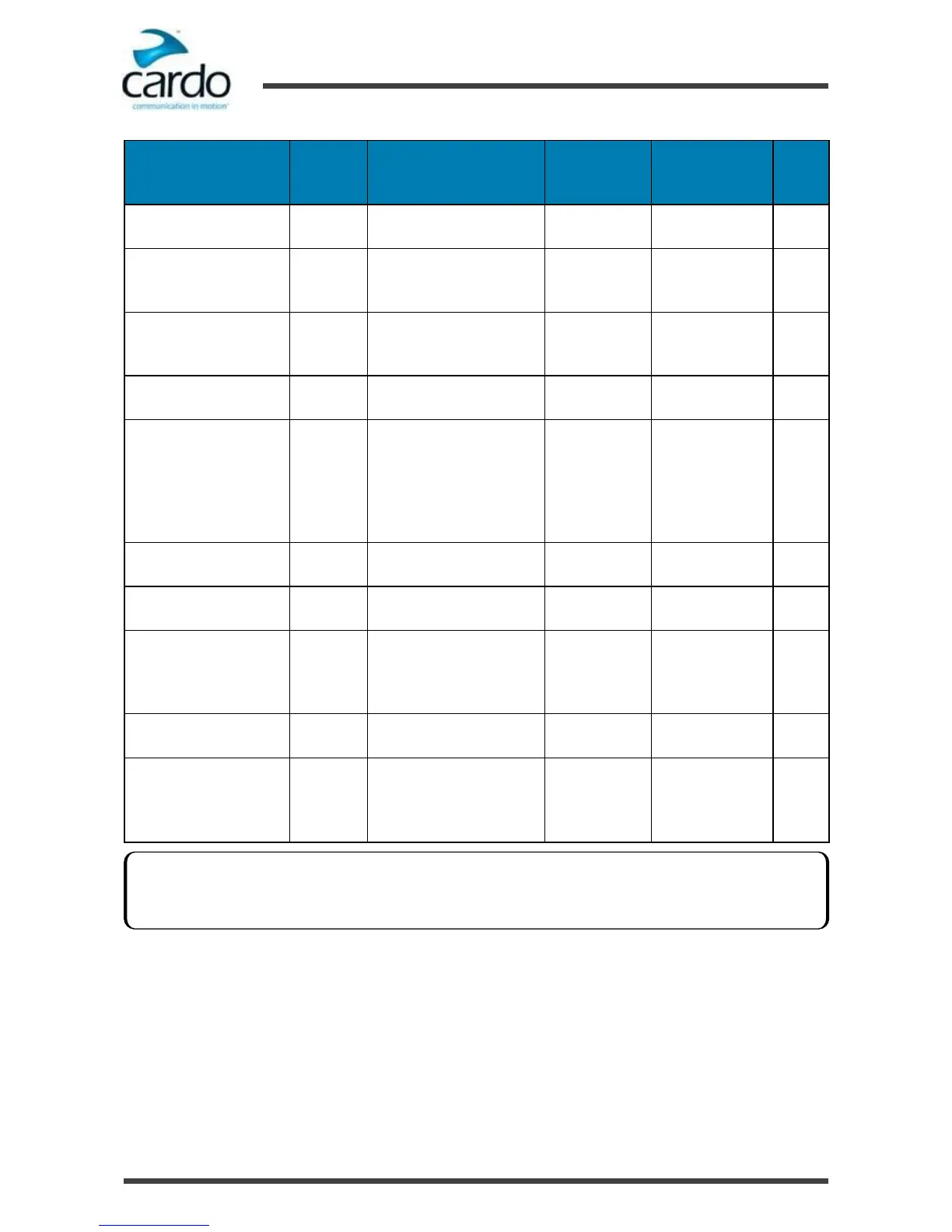
Configuring Your SMARTH through Cardo SmartSet
You can configure your SMARTH through your mobile phone by installing the Cardo SmartSet available at Google Play
Store and Apple App Store.
The minimum operating system requirements for SmartSet are:
●
Android: 4.0 and higher
●
IOS: 10.8 and higher
VOX and AGC performance vary based on environmental conditions, including driving speed, helmet type and
ambient noise. For improved performance, minimize the wind impact on the microphone by using the large
microphone sponge and closing the visor.










 To Next Page