●
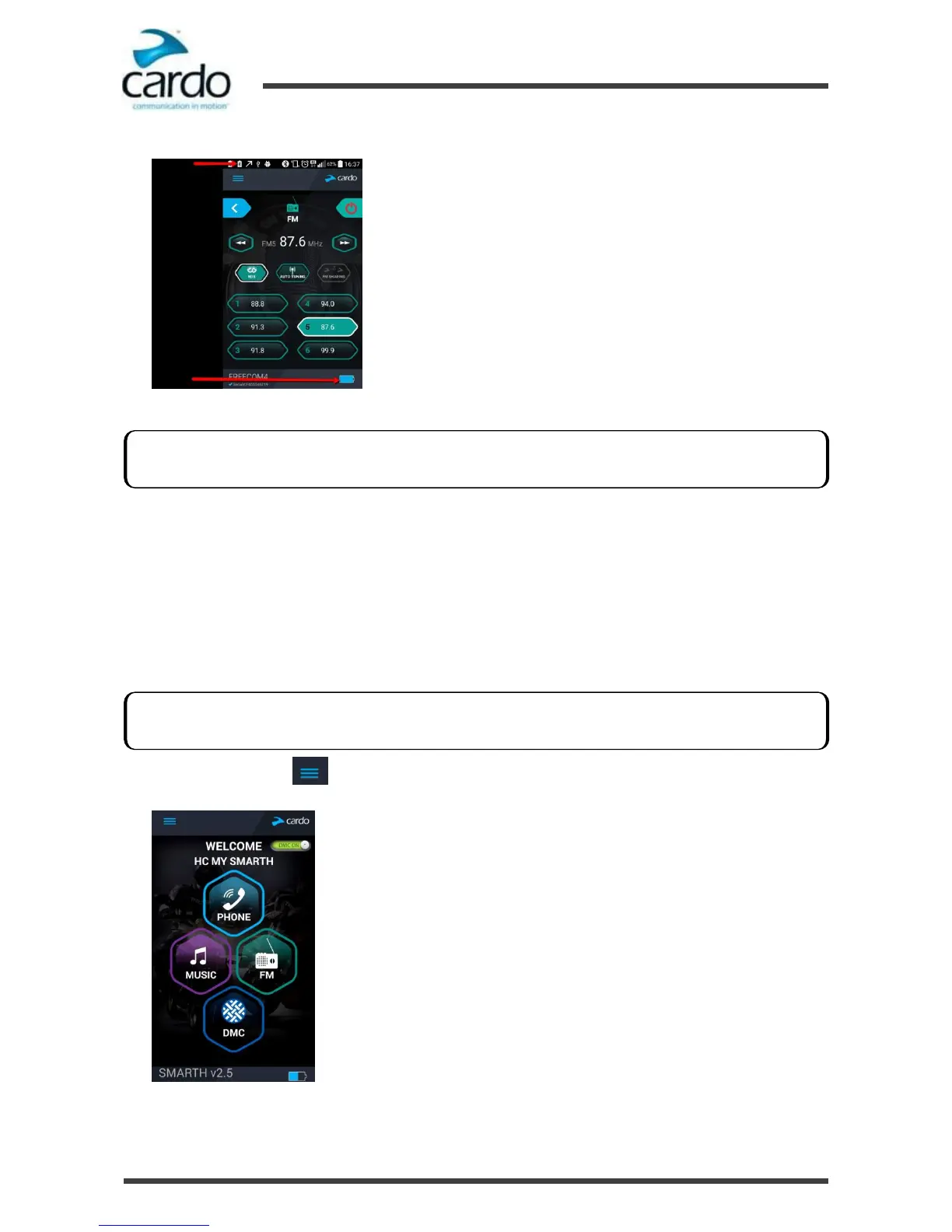
Android - the headset battery indicator appears in the app bottom right-corner, as well as in the notification bar:
●
iOS - the headset battery indicator appears next to the iPhone battery indicator.
4.5
Setting the Default Mobile Phone
If you paired your headset to two mobile phones, you must set one of them as the default phone for outgoing calls.
To set the default phone through SmartSet:
1.
Confirm your SMARTH is in Bluetooth intercom mode:
■
Normal battery state - LED flashes blue slowly.
■
Low battery state - LED flashes red slowly.
■
Charging - LED flashes purple slowly.
2.
Open SmartSet and tap :
If your SMARTH battery level reaches 20%, you hear a battery status voice announcement warning you that your
battery is low.
If your SMARTH is not in Bluetooth intercom mode, press ~Intercom and ~Audio. For more information see,
"Switching to Bluetooth Intercom" on page 31.










 To Next Page