4.2.2
Configuring Your SMARTH Basic Settings
To configure your SMARTH through the Cardo Community:
1.
Run the Cardo Updater.
2.
Using the USB cable provided with your SMARTH, connect your headset to the computer USB port. The
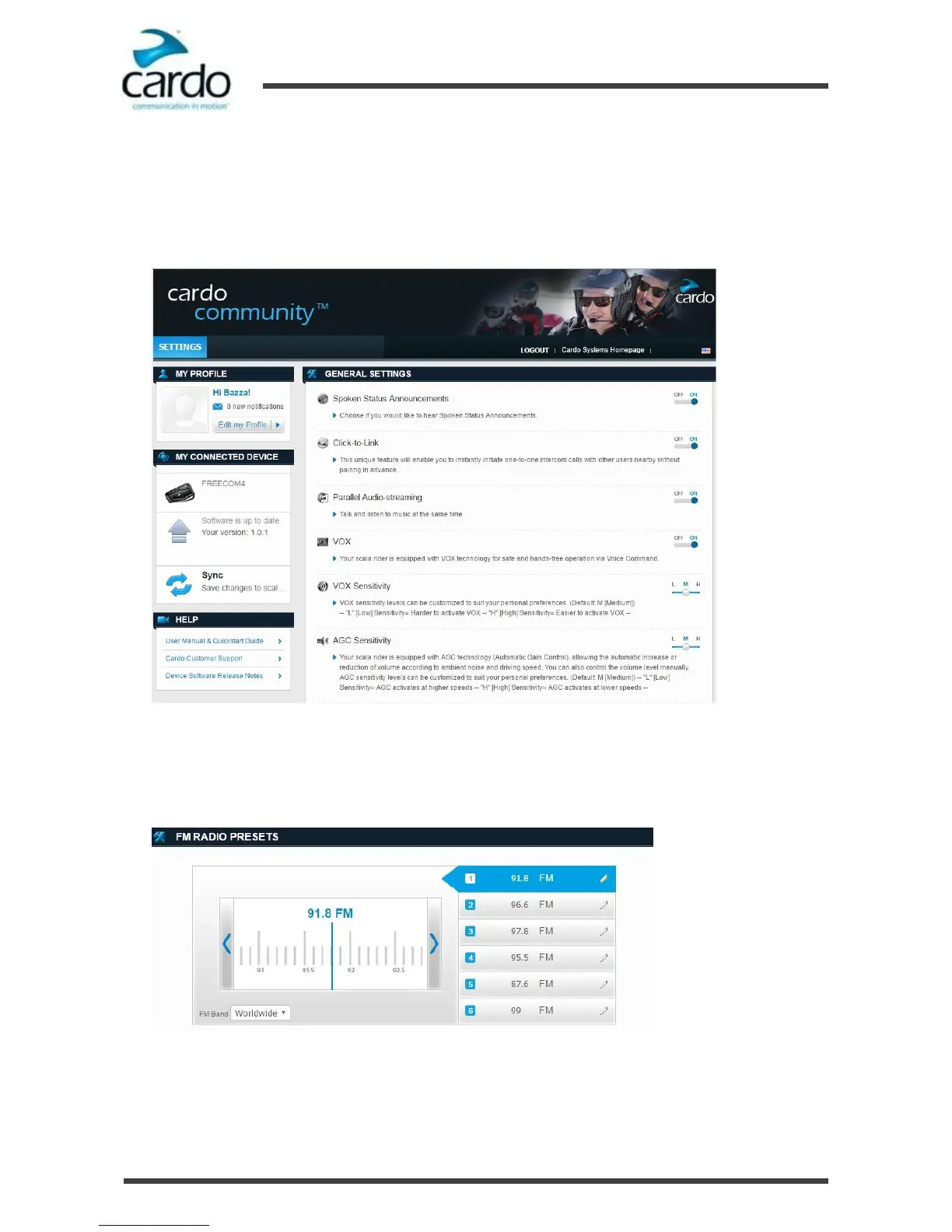
GENERAL SETTINGS window appears:
3.
Set the options you require for each feature, using the provided explanations as a guide.
4.2.3
Configuring Your FM Radio through Cardo Cardo Community
To configure the six FM radio preset radio stations using Cardo Community:
1.
Scroll down to FM RADIO PRESETS.
2.
On FM Band:
■
If in Japan, select Japan.
■
Otherwise, select Worldwide.











 To Next Page