*
FEATURES - enable/disable Click-to-link, enable/disable IC to Phone, enable/disable Background Audio
Level , set A2DP/IC Priority (A2DP or Intercom), Reset to Factory, set FM Band Region (Worldwide or
Japan)
■ - connected devices and riders, manage One+8 Buddy List
■ - sets the level for each audio source (mobile phone, intercom, music, FM, announcements,
background audio-level).
■ - DMC intercom group manager - list of groups you created, list of groups you joined, active
groups, create a New Group, Join Group an existing group
■ - SmartSet preferences and general information
■ - FAQ, email Cardo SUPPORT, FEEDBACK
4.1.2
Configuring Speed Dial Numbers
To configure the speed dial numbers:
1.
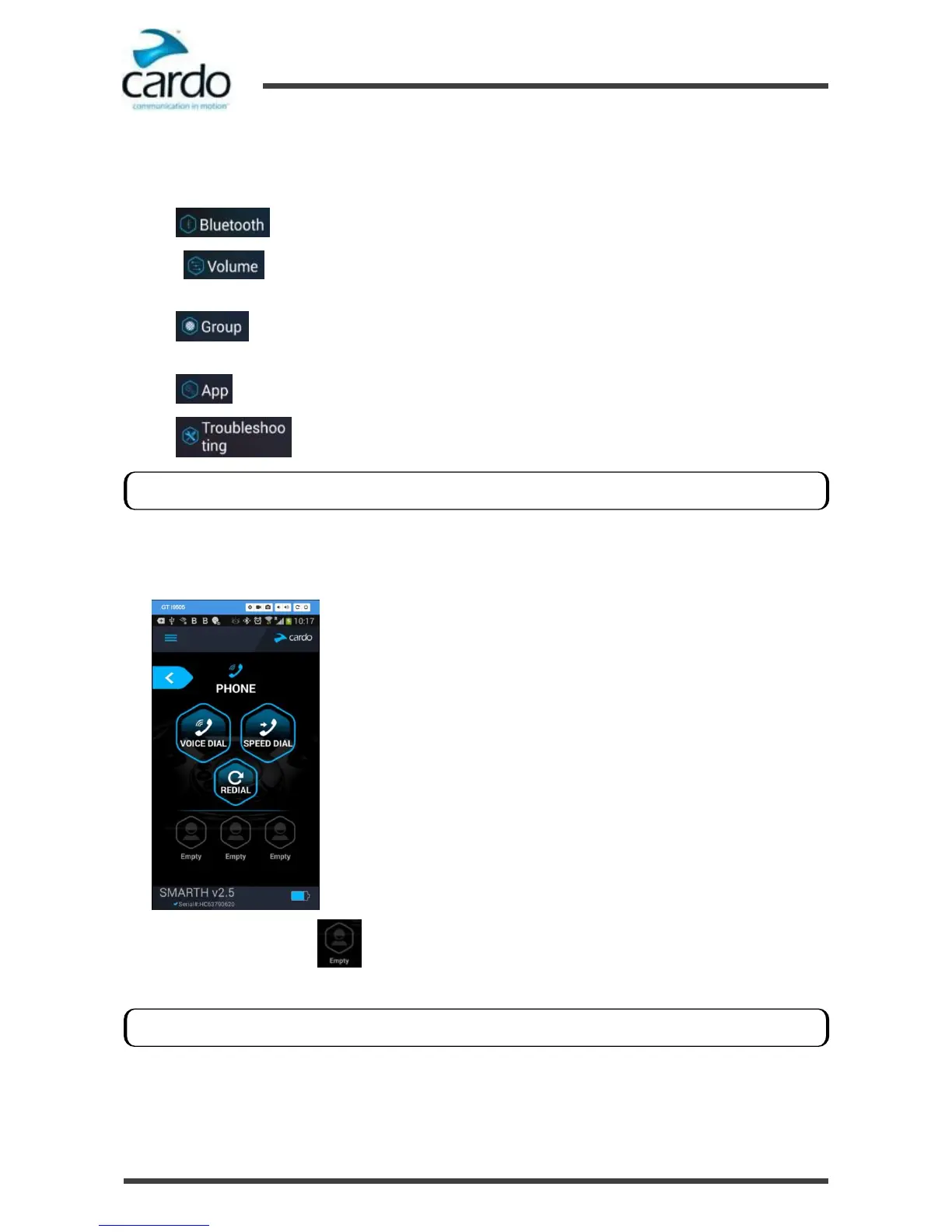
In the Home screen, tap PHONE.
2.
Press SPEED DIAL or one of until the following screen appears:
3.
Enter the desired phone number and tap OK.
Streaming more than one audio source is known as parallel audio streaming.
The speed dial numbers are only available only through SmartSet.










 To Next Page