SMARTH Manual
4. Before You Ride
3.
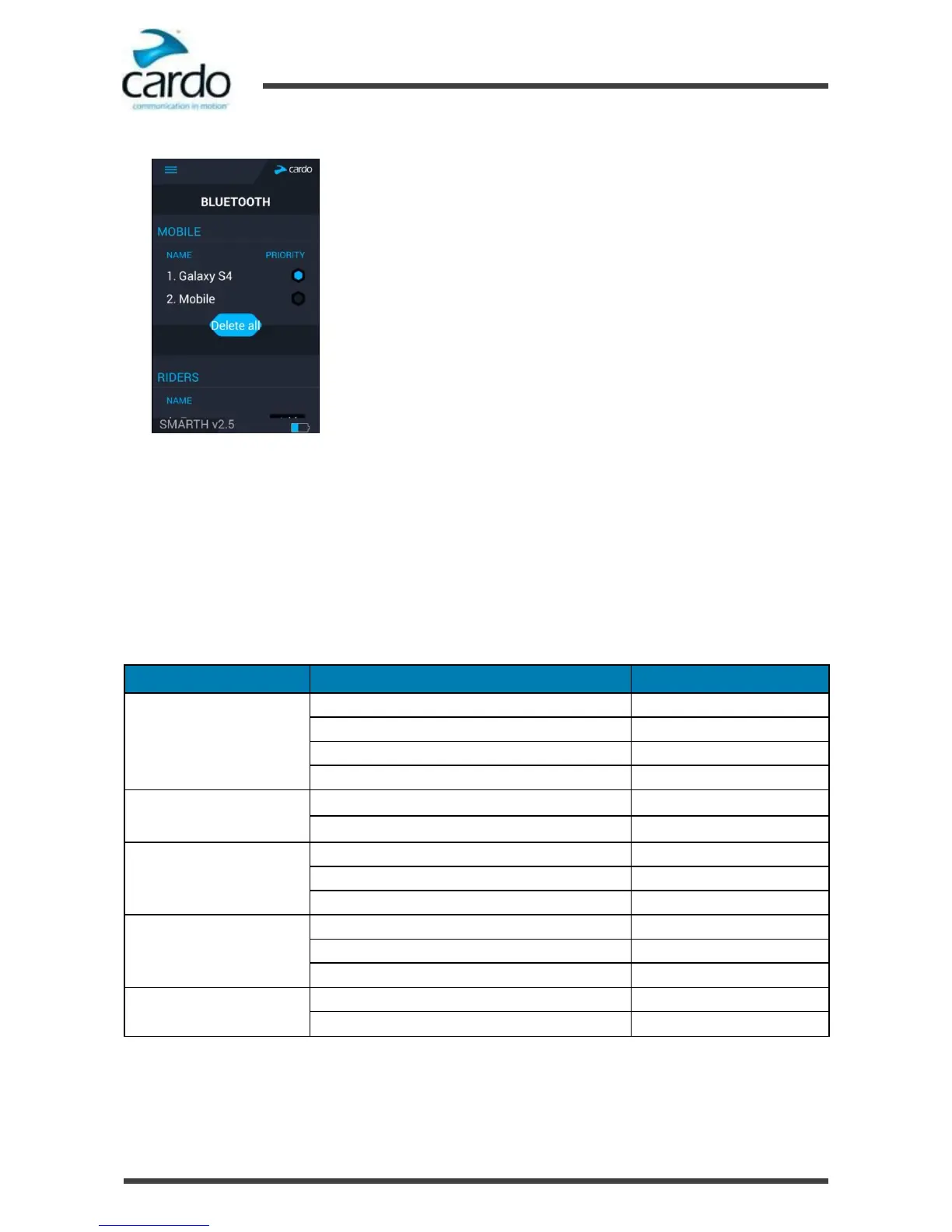
Under BLUETOOTH, tap PRIORITY for the default mobile phone.
To set the default phone through the Cardo Community
To set the default phone through the headset:
●
During a mobile call, press ~Phone for 5 seconds.
4.6
Using Voice Commands
You can use voice commands for hands free operation of certain SMARTH features. Voice commands use voice
recognition. You loudly say a command and SMARTH performs the action. Voice commands are available in various
languages. English is the default language. You can change the language to another available language.
SMARTH uses pre-defined voice commands. The voice commands for each mode are as follows:
Hear voice the command list
Connect an One+8 Intercom call
Connect an intercom conference call with A and B
Jump forward to the next preset station
Jump backward to the previous preset station
Play the next music track
Play the previous music track
Mute the DMC intercom group
Unmute the DMC intercom group
1
You must be in DMC intercom mode. For more information, see "Creating Groups for DMC Intercom" on the next
page
2
You must be in Bluetooth intercom mode.










 To Next Page