4.1.4
Configuring Your FM Radio Using Auto Tuning
You can configure your SMARTH FM radio preset stations using auto tuning. Auto tuning automatically locates FM
stations.
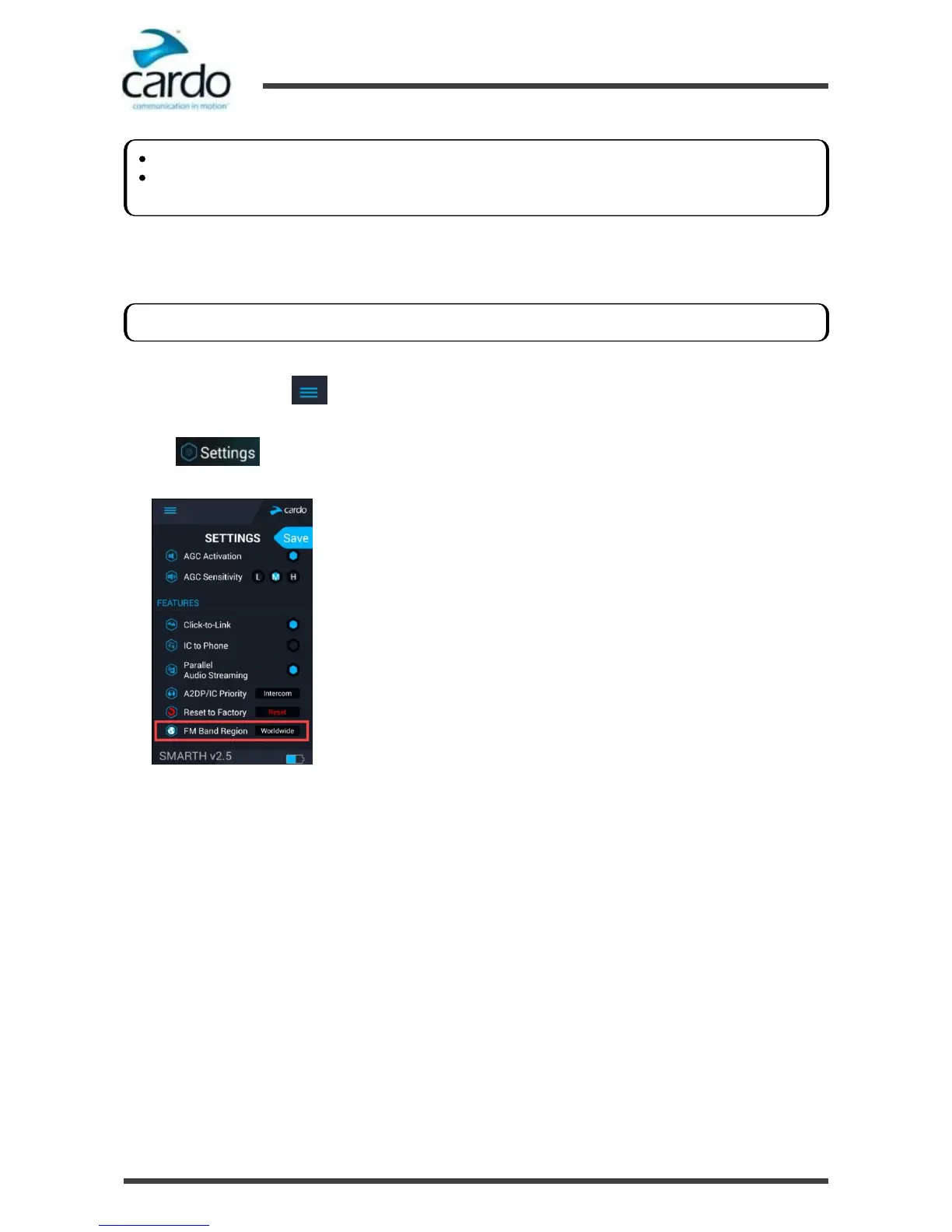
To set the FM Band:
1.
Open SmartSet and tap :
2.
Tap .
3.
Scroll to the FEATURES section and tap Worldwide or Japan to toggle your FM Band Region.
Preset radio station 1 cannot be deleted.
During a station scan, deleted preset radio stations are skipped. The station scan automatically advanced to the
next defined preset station. For more information, see "Listening to FM Radio" on page 40.
The FM Band Frequency is set to Worldwide FM frequencies by default. In Japan, you must change the FM Band.










 To Next Page