4.1.1
Configuring Your SMARTH Basic Settings
To configure your SMARTH through the SmartSet app:
1.
Make sure that your headset is paired to the mobile device on which SmartSet is installed.
2.
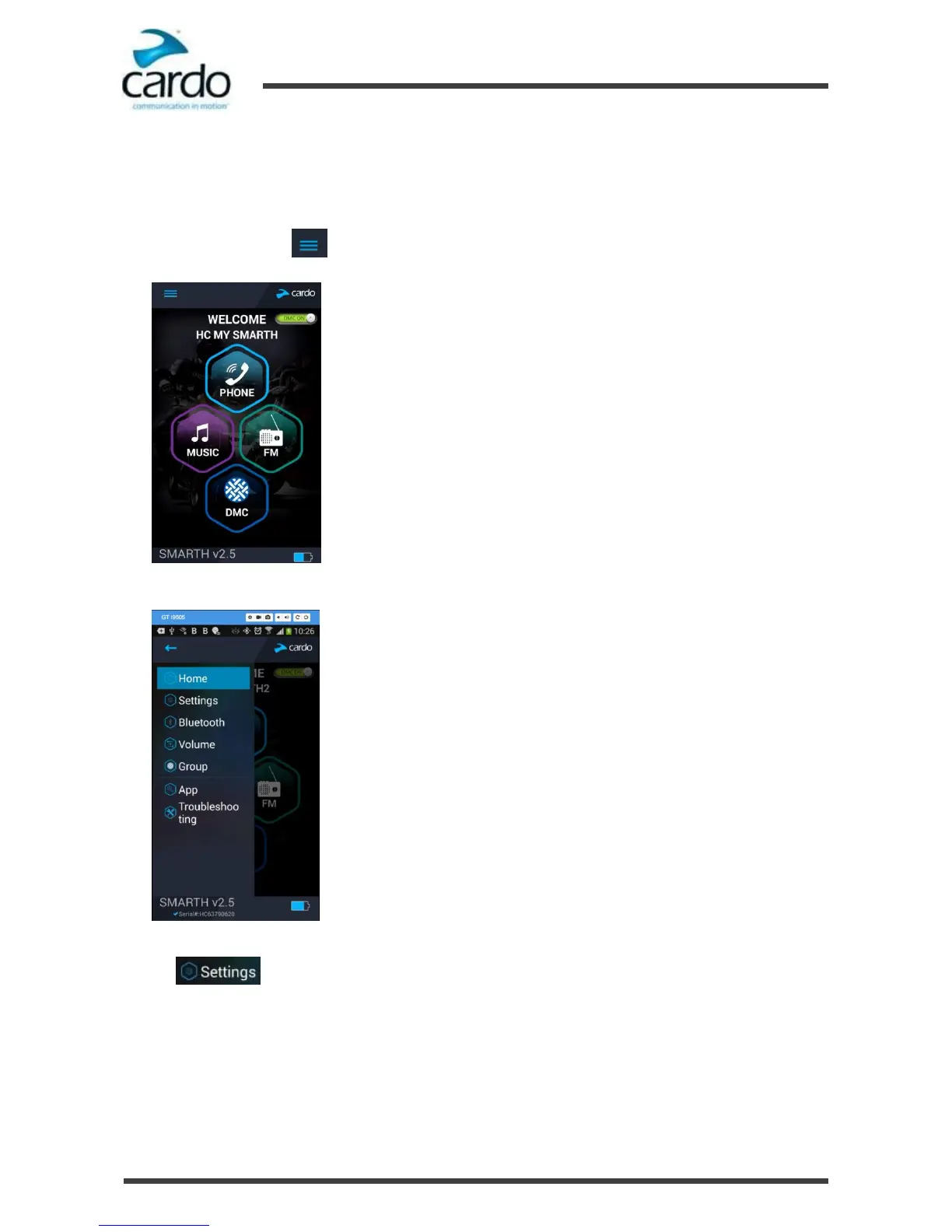
Open SmartSet and tap :
3.
The settings screen appears.
4.
Use the appropriate menu to configure your SMARTH settings:
■ - SMARTH features
*
MY DEVICE - change Device Name
*
LANGUAGE - set Language, enable/disable Spoken Status Announcements
*
VOX - enable/disable VOX Activation, set VOX Sensitivity (low, medium, or high), set VOX Operation
(Voice command or Intercom call)
*
AGC - enable/disable AGC Activation, set AGC Sensitivity (low, medium, or high)










 To Next Page