4.1.5
Configuring FM Radio RDS Retuning through Cardo SmartSet
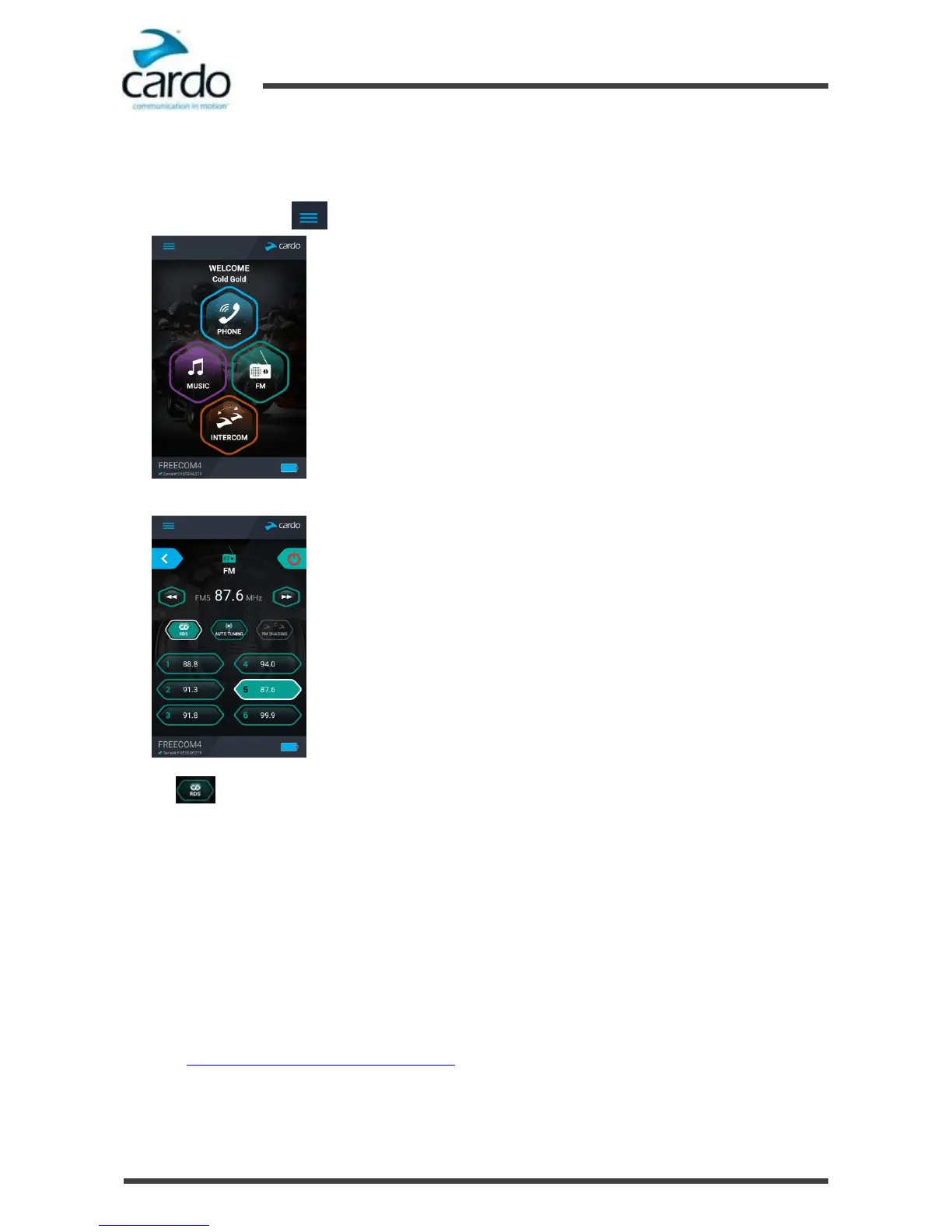
To enable/disable RDS:
1.
Open SmartSet and tap :
2.
In the Home screen, tap FM.
3.
Tap . RDS enables/disables.
4.2
Configuring Your SMARTH through the Cardo Community
You can configure your SMARTH through your computer by connecting it to the headset with the provided USB cable
and running the Cardo Updater while your computer is connected to the Cardo Community website.
The minimum operating system requirements for the Cardo Updater are:
●
Windows® XP™
●
Mac OS X 10.7.
4.2.1
Installing the Cardo Updater on Your Computer
To install the Cardo Updater on your computer:
1.
Go to http://cardosystems.com/cardo-community/, register and login.
2.
Download the Cardo Updater from the provided links and install it on your computer.











 To Next Page