8
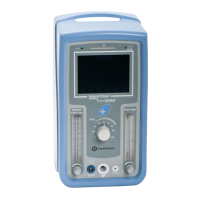
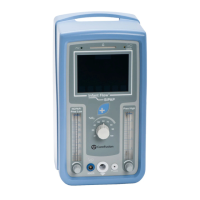
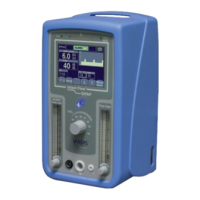
The Infant Flow SiPAP driver is sold globally and is available
in different configurations. The two main models are Infant
Flow SiPAP Plus and Infant Flow SiPAP Comprehensive.
The Comprehensive model offers an additional ventilation
mode, BiPhasic trigger, which is not available in the U.S.
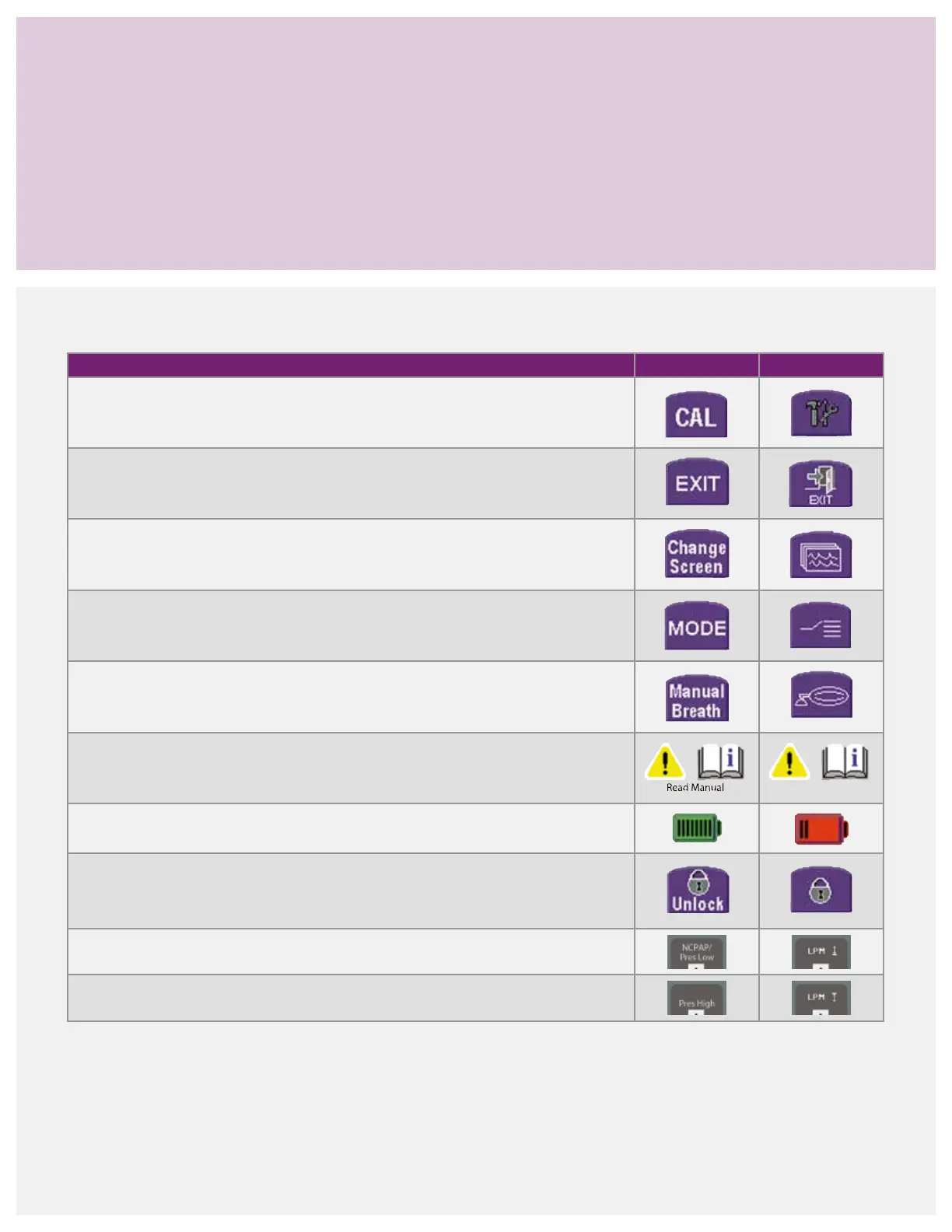
In select areas, additional languages or an international icon
overlay may be used in place of the English text. The operation
and maintenance of the Infant Flow SiPAP driver is the
same regardless of the specific configurations. Refer to the
Infant Flow SiPAP operator manual for more specific details.
Infant Flow SiPAP congurations
Description English text ICON symbol
Press to access the user calibration menu and language options.*
Press to return to the start-up screen.
Press to switch between the graphical and numerical monitoring screen.
Press to change the operation mode.
Press to deliver a manual breath. The breath delivers at the pressure high setting for
the set time high duration.
Indicates user should refer to the operator manual for additional information.
Indicates battery status and turns red if the battery charge is less than 40%.
Indicates the screen is locked. Press to unlock the screen.
Adjust the low flow rate setting for the baseline CPAP level.
Adjust the high flow rate setting for BiPhasic high CPAP level.
*Language option not available on all SiPAP models.



 To Next Page