9
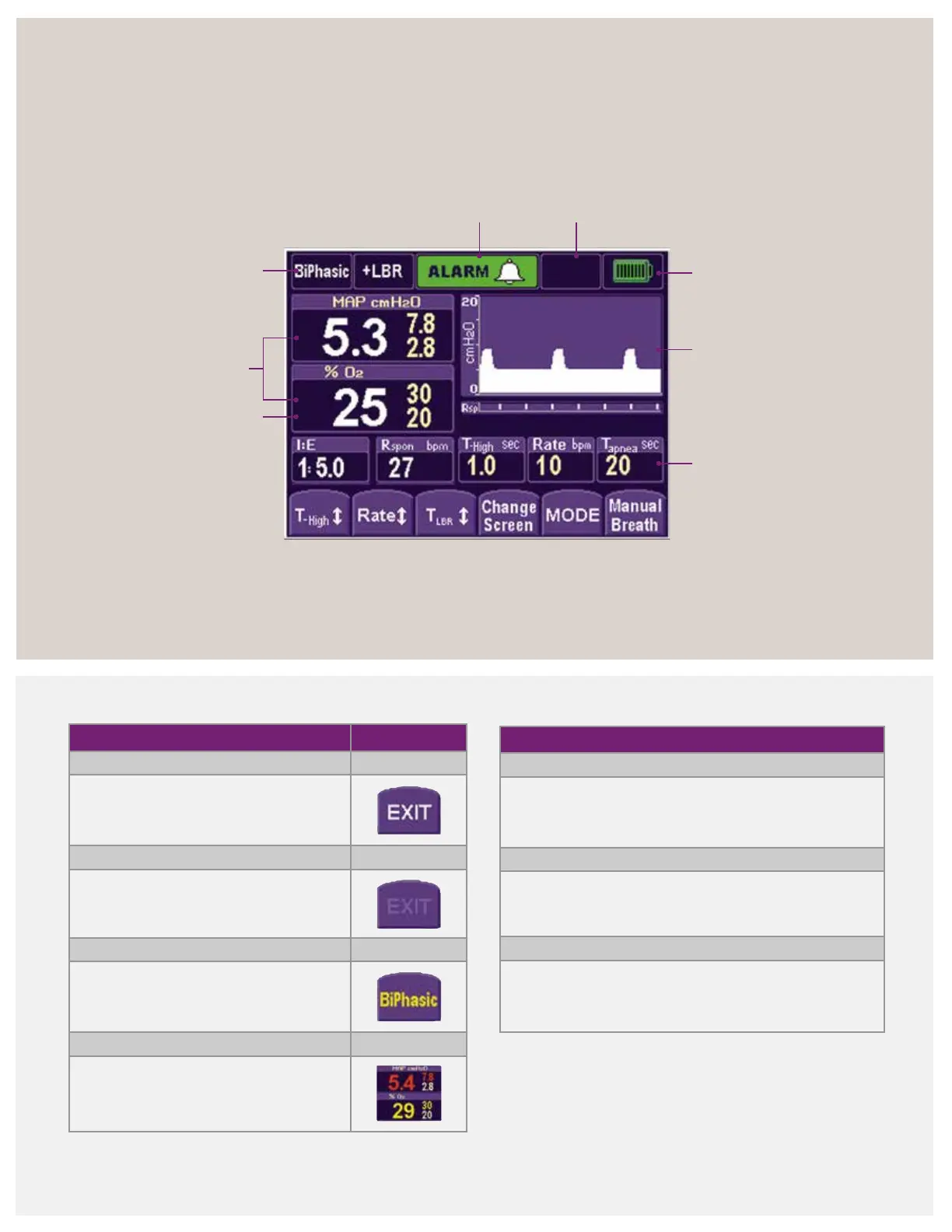
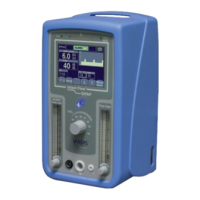
Infant Flow SiPAP display screen
Mode, control settings and function buttons
Monitored
parameters
Pressure/Time graphics
or monitored
parameters display
Control/Setting
indicators
Mode
indicator
FiO
2
Battery
charge
Alarm priority/alarm
silence indicator
Operational
information
Soft key color code
White letter
Key enabled
Faded letter
Key inactive
Yellow letter
Solid: Pending confirmation
Flashing: Low-priority alarm
Red letter
Flashing: High-priority alarm
Solid: Reduction in another parameter
caused by an adjustment
Alarm management
High priority
• Series of 10 tones sound every 10 seconds
• Parameters display, and limits flash red
Medium priority
• 3 audible tones sound every 15 seconds
• Parameters display, and limits flash yellow
Low priority
• 2 audible tones sound every 30 seconds
• Parameters display, and limits change to yellow



 To Next Page