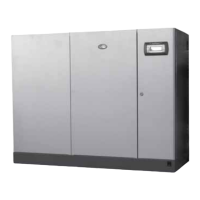
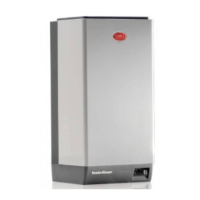
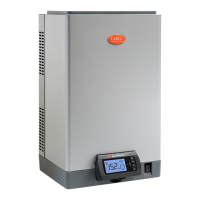
Fig.6.e
6.5.3 Notification centre
The main messages regarding the activities performed by the humidifier can be quickly displayed in the
notification centre. The main screen shows whether any notifications are present, by indicating the
number of active notifications. The list of messages that can be viewed in the notification centre is shown
below:
Message Description
Type of
notification
Maintenance required in xxx hours. boiler lifetime hours:
yyy hours
The unit will require routine maintenance System
The unit has performed x drain cycles due to the presence
of foam
The unit has performed a drain cycle due to
foam detection
System
The maximum production of the Master/Slave system is
lower than the value set. Set: xxxx Current: yyyy
The maximum production of the
Master/Slave system is lower than the value
set.
System
The unit has restarted automatically after a shutdown. Was
there a blackout?
The unit has restarted automatically after a
shutdown. Was there a blackout?
User
Periodical drain cycle performed The periodical drain was performed correctly User
Factory reset
The factory parameters have been reset
correctly
User
Tab.6.c
The system notifications cannot be reset by the user and will be automatically cancelled, user notifications
however can be deleted.
6.5.4 ON/OFF
Switch the humidifier on and off
Fig.6.f


 To Next Page
 Loading...