36 Chapter 4 CS Imaging Software Overview
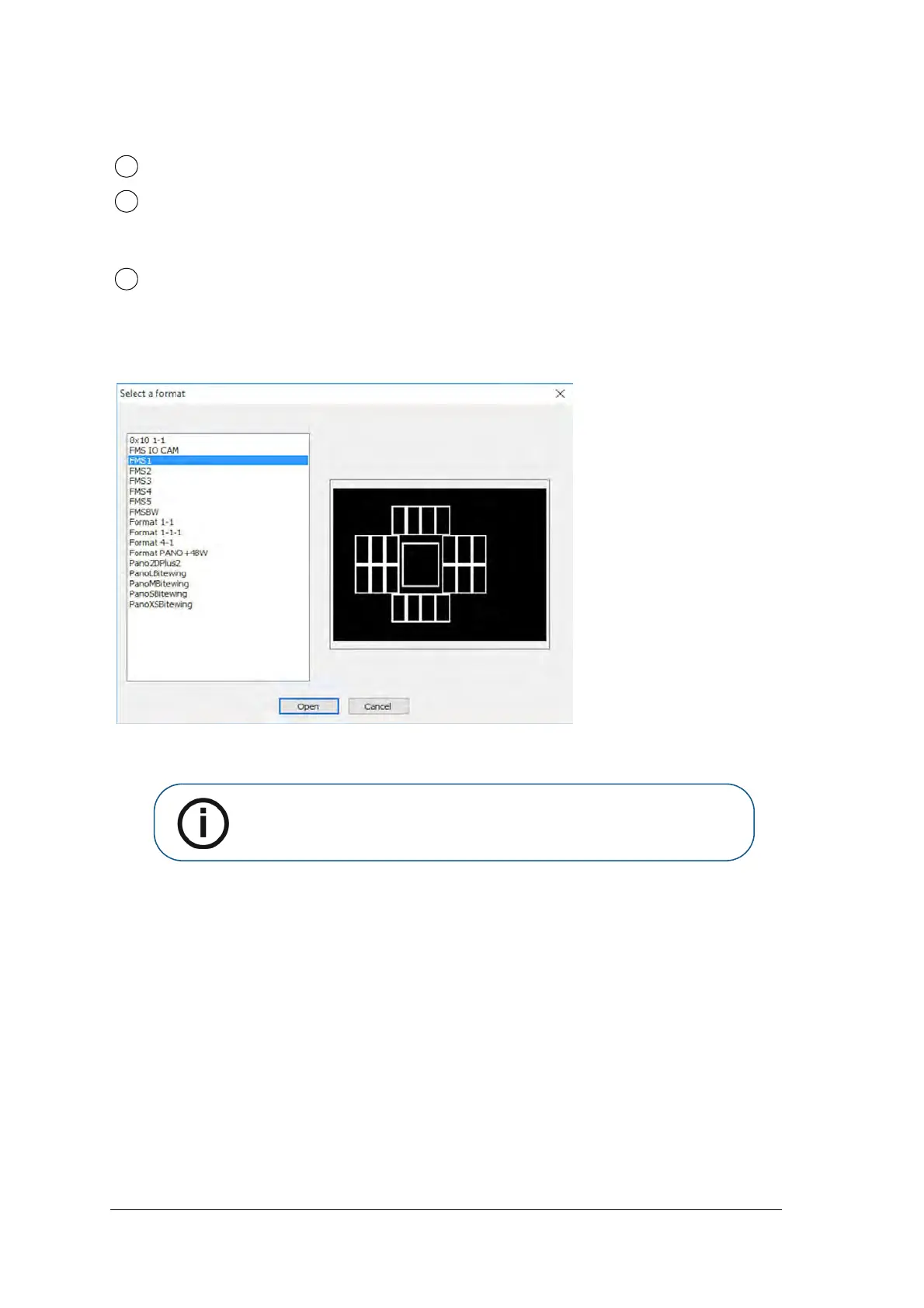
Figure 7 FMS Select a Format
Select a Format enables you to select
FMS template options to select for acquisition. You can modify existing
templates and create new templates (see the Carestream Imaging Software Online Help)
.
Dental arch: Highlights the acquisition zone.
FMS template: Displays frame templates for acquisition.
Green highlight: Frame ready for new acquisition
Blue highlight: Frame in the revue and retake mode. This mode interrupts the automatic acquisition
sequence.
Preview screen: Displays the currently acquired image.
Note: Only FMS templates for CR images can be used. Using other FMS will
cause images not to be displayed.



 To Next Page