CS 7200 User and Installation Guide (6M0940)_Ed04 39
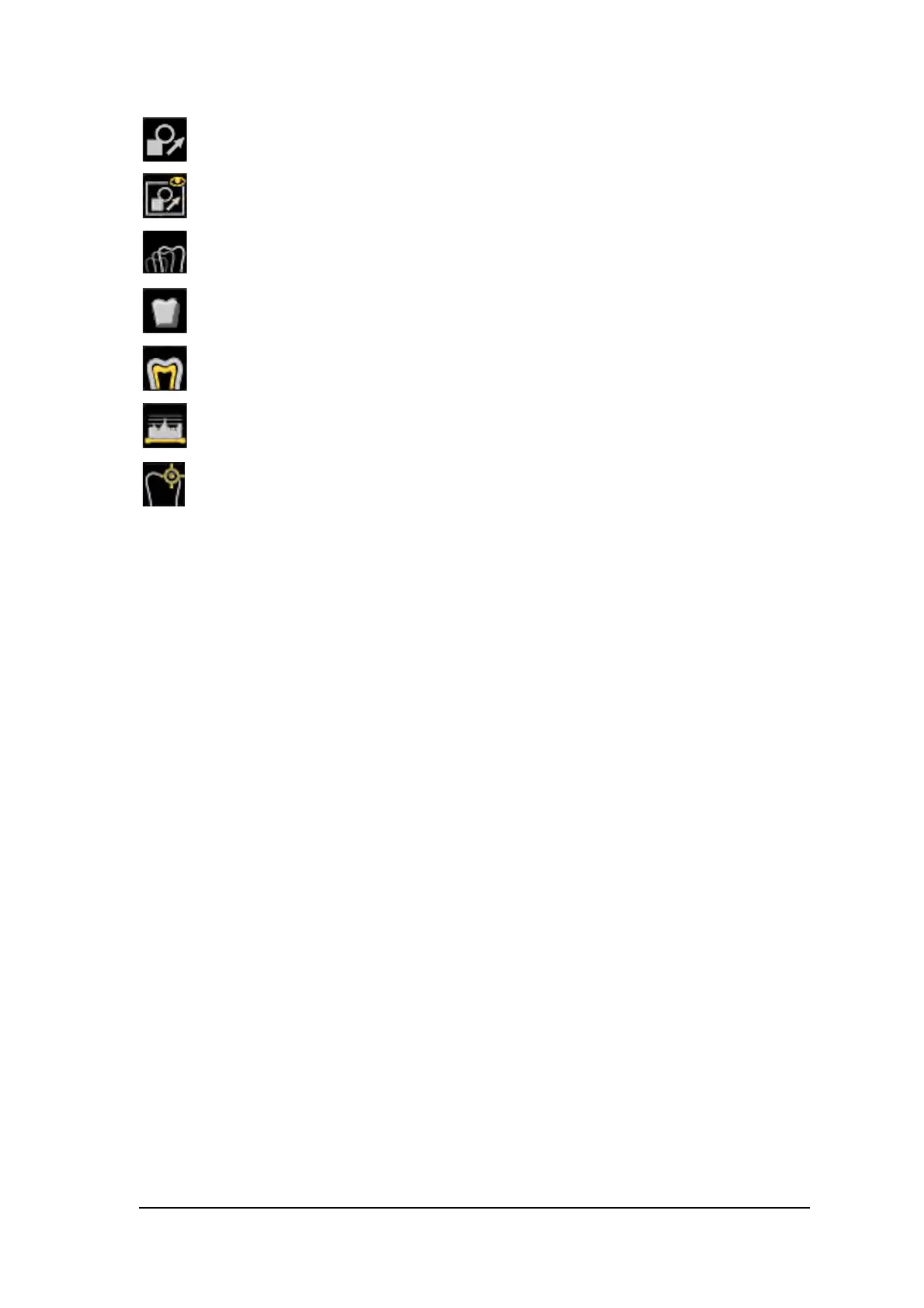
Edit annotations: click to open the image in an annotations editor.
Display annotations: click to display any annotations on the image. Click again to
hide the anotations.
Pseudo - 3D: click to display gray scale levels as height values.
Relief filter: click to enhabce the outlines of the shapes in an image by displaying the
image in relief mode.
Isodensity dots: click to apply color to pixels of the same bone density.
Densitometric analysis: click to analyze bone density.
Caries Detector: click to open the Logicon Caries module for detecting interproximal
caries.



 To Next Page