38 Chapter 4 CS Imaging Software Overview
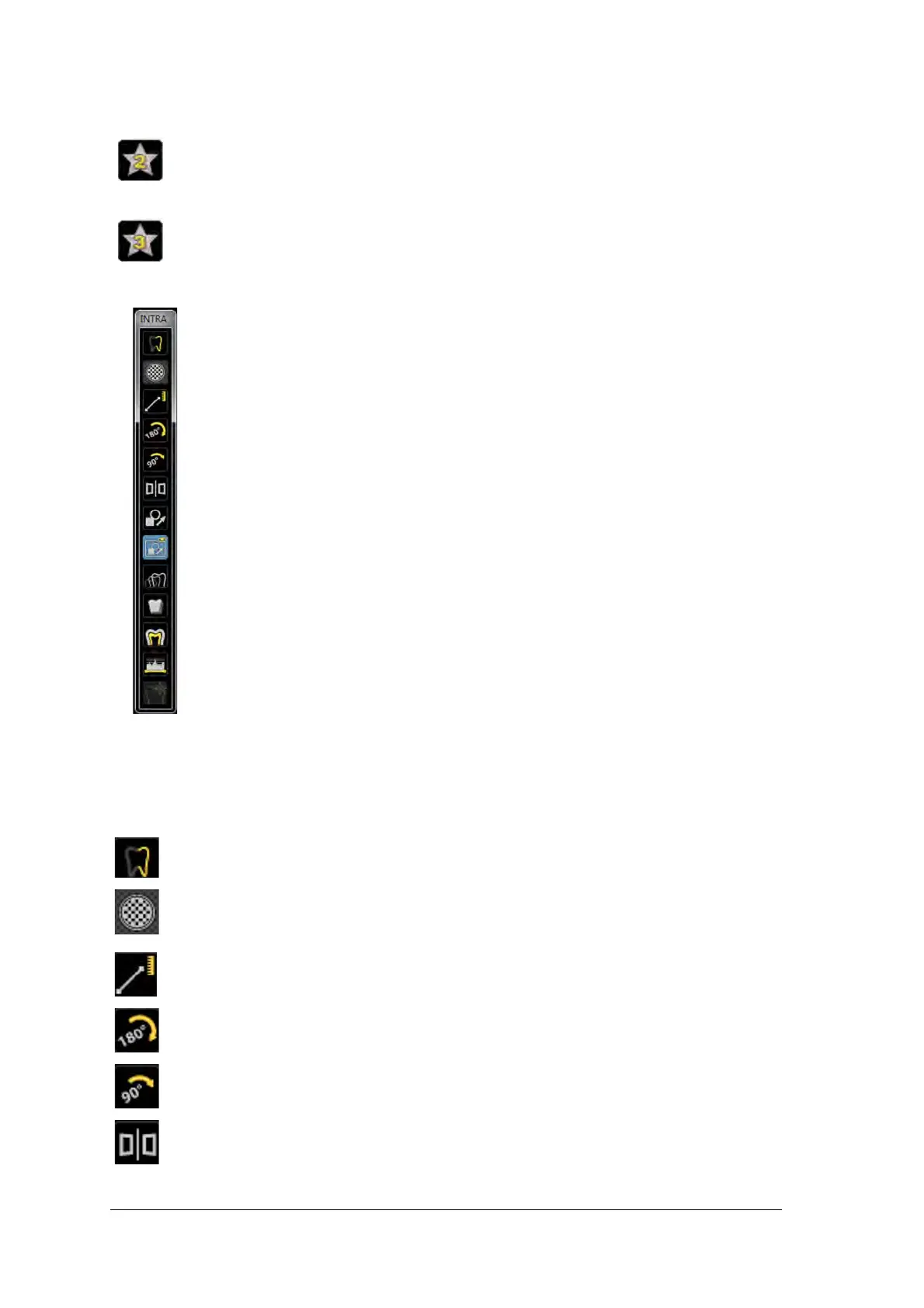
Figure 9 Intraoral Toolbar
INTRA toolbar: enables you to adjust the image display. For more information on Intraoral toolbar
functions,
see the Carestream Dental Imaging Software Online Help.
Adapt - Unfiltered DEJ1: Optimizes contrast at crowns, amelo-dentinal junctions, and
roots (produces brighter images).
Adapt - OptimizedContrastEndo: Enhances contrast at the canals and roots.
Sharpness filter: click to apply sharpnes filter on the image.
Highlight: click to optimize contrast within a region of interest.
Measurements: click to draw measuring lines on the image.
Flip: .click to rotate the image by 180
o
clockwise..
90
o
rotation:click to rotate the image by 90
o
clockwise.
Acquisition correction:click to create a mirror image of the original image.



 To Next Page