48 Chapter 5 Acquiring Images
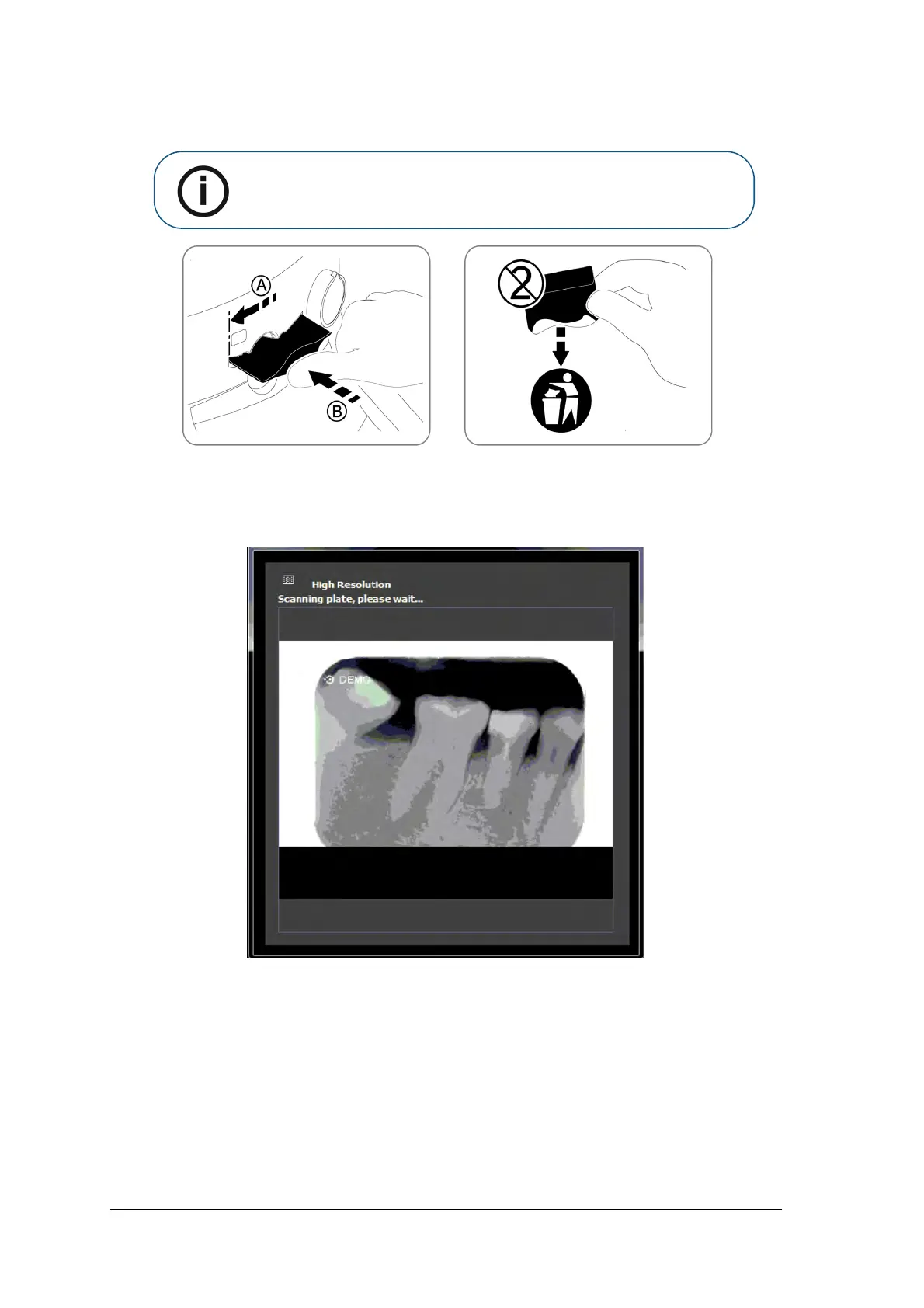
3 Load the plate into the scanner while positioning the plate to the left direction. The indication LED is
blinking blue, indicating that the plate is loaded and the hygienic sheath can be removed.
4 Remove the hygienic sheath to start the scanning process.
CS 7200 starts scanning. The indication LED is blinking green during the process and the Preview
window appears showing the scan progress.
When the scan is complete, the imaging plate is erased and then ejected. The indication LED stops
blinking and remains steady green.
The image is displayed on the imaging software main screen.
Note: Make sure you insert the plate with the active side facing up. If the plate
is inserted when positioned upside down, an error message is displayed: Plate
loaded upside down.



 To Next Page