CS 7200 User and Installation Guide (6M0940)_Ed04 49
5. Check the image quality.
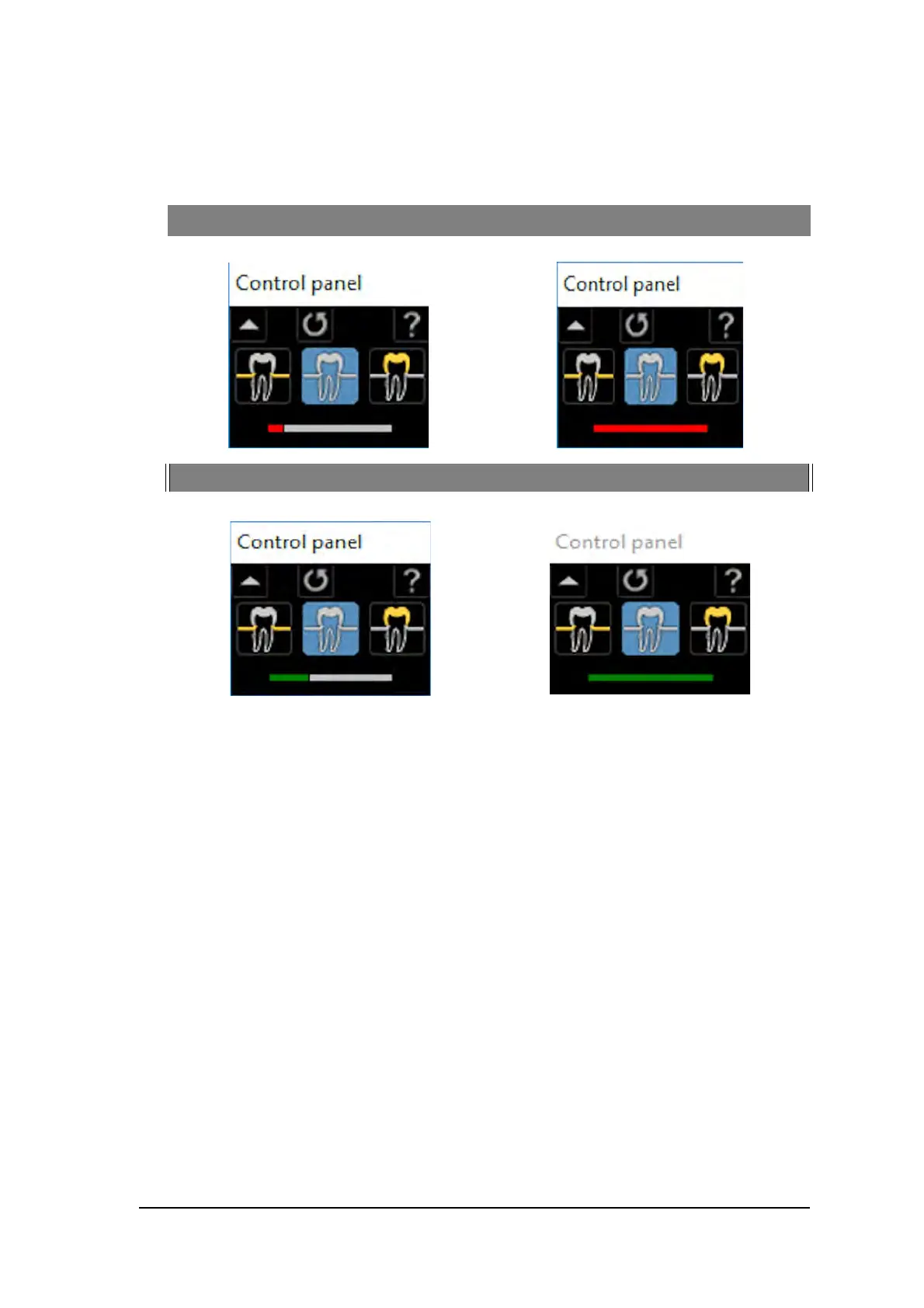
The ideal image quality is when the indicator of the quality of exposure is a full green bar in the Control
Panel. Avoid under-exposed or over-exposed images indicated by a partial or full red bar.
Under-exposed Image Overexposed Image
Ideal Image Quality Ideal Image Quality



 To Next Page