3-SETUP
Boundary-relatedwindows
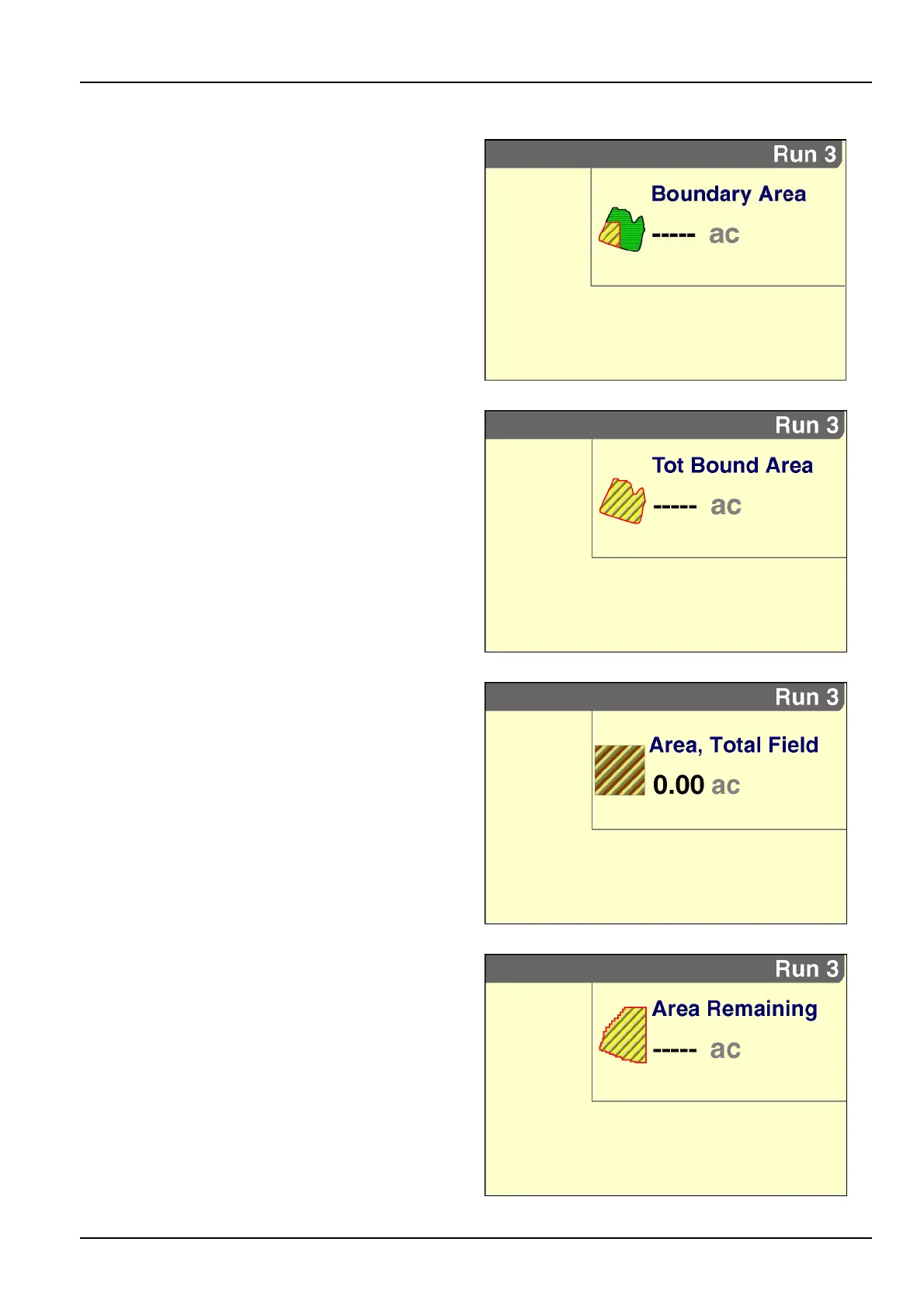
“BoundaryArea”
Placementlabel:BoundaryArea
The“BoundaryArea”windowreportstheareaoftheouter
boundarythatthevehicleiscurrentlyinminusthetotal
areaofallinteriorboundariescontainedwithinthesame
outerboundary.Thevalueisreportedinhectaresor
acres,dependingontheunitsofmeasurementselected.
Thewindowrequiresthe“PrecisionFarming”application
andisonlyactivewhenaGPSreceiverispresentand
functioning.
NOTE:ThiswindowisemptyIfthevehicleisnotinsideof
anouterboundary.
RCIL11DSP047BBG33
“TotBoundArea”(T otalBoundaryArea)
Placementlabel:TotBoundArea
The“TotBoundArea”windowreportsthetotalareaof
allouterboundariesforthecurrenteldminusthetotal
areaofallinnerboundariescontainedintheeld.The
valueisreportedinhectaresoracres,dependingonthe
unitsofmeasurementselected.Thewindowrequiresthe
“PrecisionFarming”applicationandisonlyactivewhena
GPSreceiverispresentandfunctioning.
RCIL11DSP048BBG34
“Area,TotalField”
Placementlabel:Area,T otalField
The“Area,T otalField”windowreportsthetotalareafor
alltasksforthecurrentoperationandinstance.
RCIL11DSP021BBG35
“AreaRemaining”
Placementlabel:AreaRemaining
The“AreaRemaining”windowreportsthedifferencebe-
tweentheareasreportedbythe“TotBoundArea”and
“Area,T otalField”windows–thatis,theworkablearea
withintheouterboundarythathasnotyetbeenworked.
Thewindowrequiresthe“PrecisionFarming”application
andisonlyactivewhenaGPSreceiverispresentand
functioning.
RCIL11DSP049BBG36
3-125



 To Next Page