1-GENERAL
Display
Installationandremoval
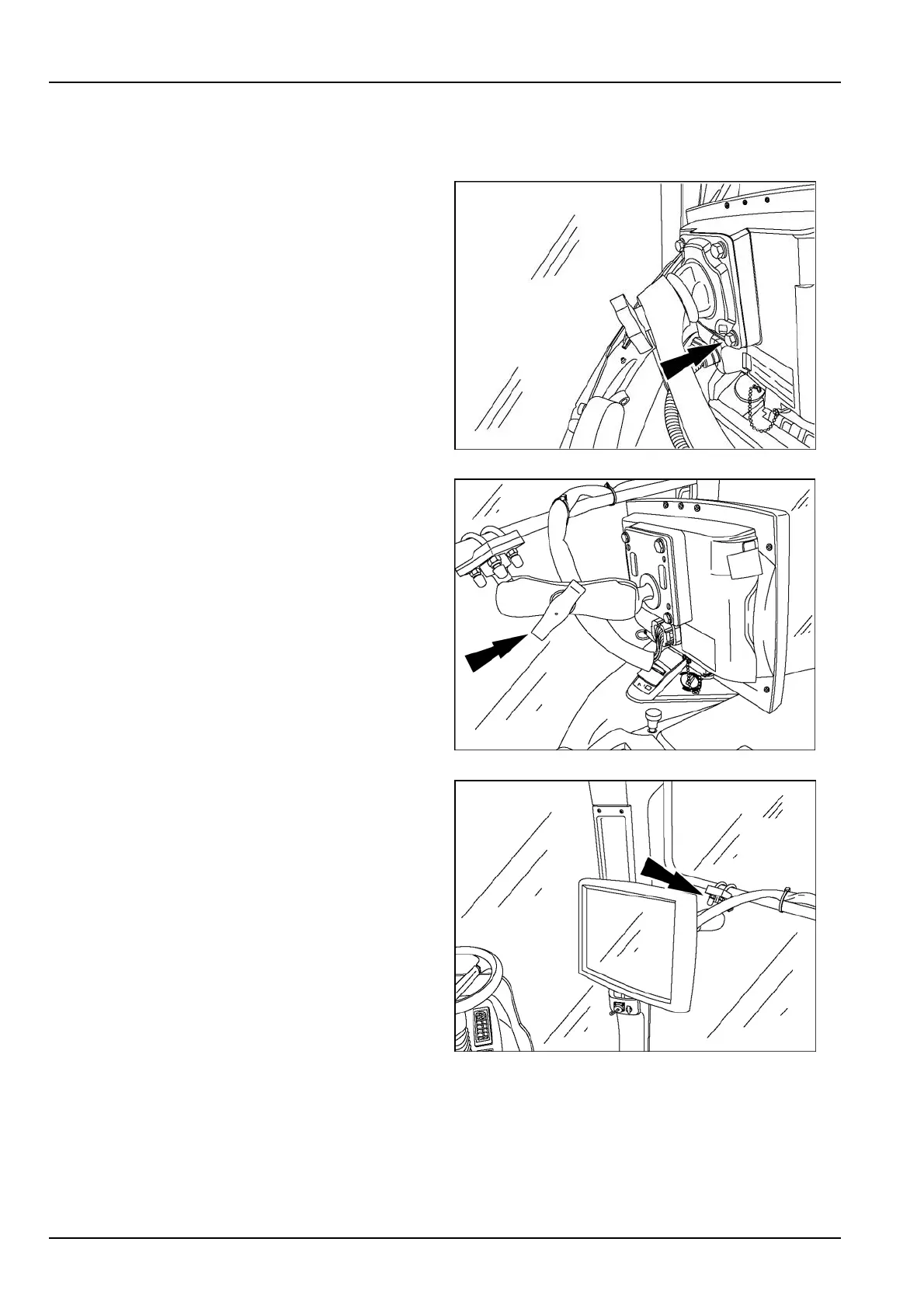
TheAFSPro700displaycanbeeasilymovedfrom
onevehicletoanother.First,disconnecttheelectrical
connectorfromthedisplay.Then:
•
Removethefourscrewsthatconnectthedisplaytothe
support.Transferonlythedisplaytoanothervehicle.
RAIL12DSP1045BA1
OR
•
Loosentheknobonthesupportingarmandmovethe
displaytoanothervehiclethatalreadyhasanavailable
supportingarm.
RAIL12DSP1048BA2
OR
•
Removethedisplaywithitssupportfromthevehicle
mounting.Transferboththedisplayandallmounting
hardwareanothervehicle.
RAIL12DSP1046BA3
1-4



 To Next Page