2-ICONSANDWINDOWS
"HOME"SCREEN
Introduction
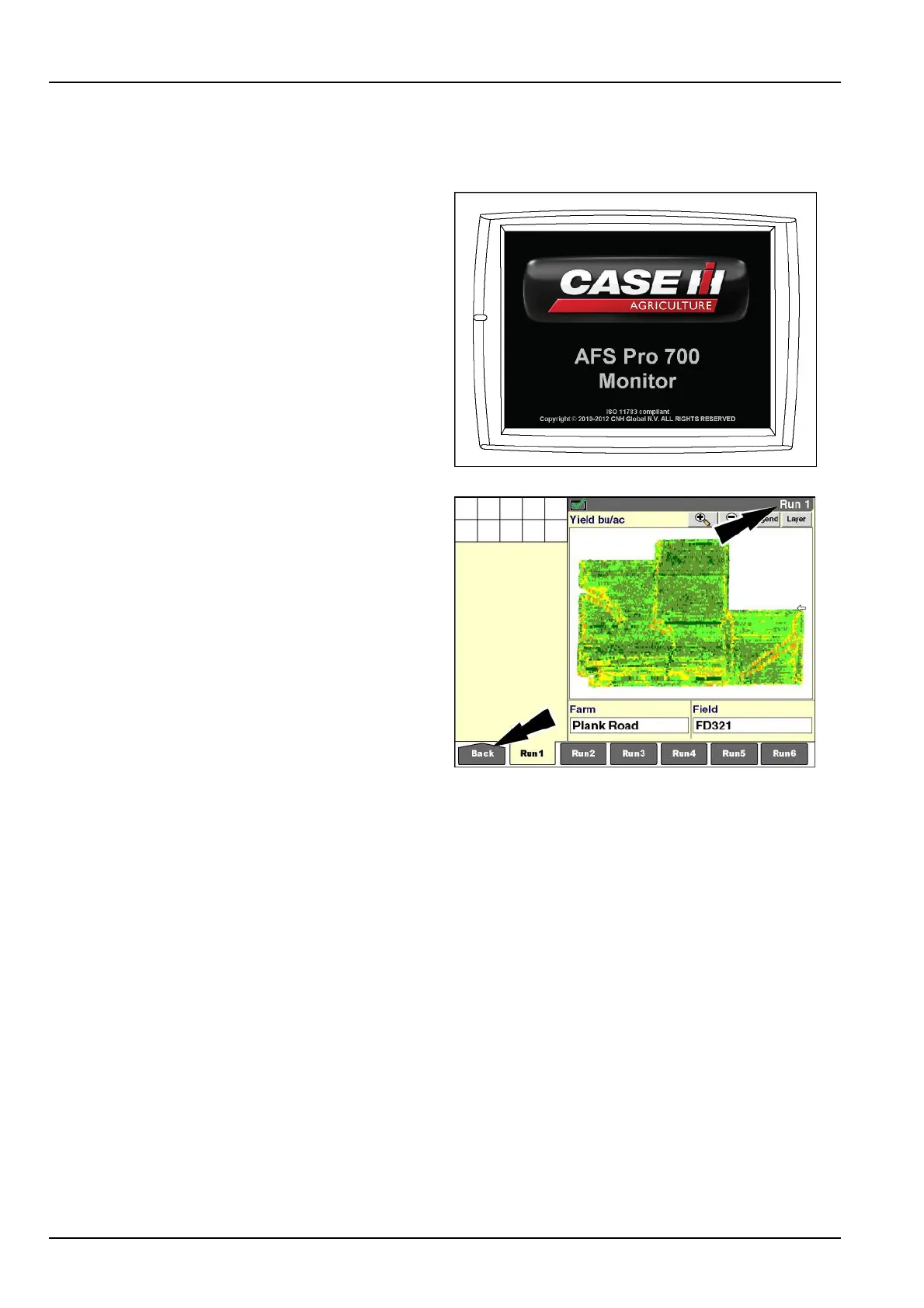
WhenthevehicleignitionswitchisturnedON,thedisplay
loadsitsstartuppageandsoundsonelongbeeptoindi-
catethatitisstarting.
RAIL12DSP1369BA1
Whentheinstalledapplicationsareready,the"Run1"
screendisplays.The“Run1”screenisthedefaultstartup
pageforallapplications.
NOTE:Thecontentsandarrangementofinformationon
the“Run”screensaredeterminedbytheoperator.Place
thewindowsthataremostusefulforthecurrentoperation
onthe“Run1”screen.
Pressthe“Back”icononthenavigationbartoreturnto
the"Home"screen.
RCIL11DSP099BBG2
Thevehicleapplication–tractor,combine,orother–creates:
•
The"Home"screen(A)forthevehicleandotherfarmingapplicationsonthedisplay
•
Thestatusandwarningiconarea(B)forallapplicationsonthedisplay
•
Theleft-handarea(C)whichmaybecongurableforsomevehicles
•
Thecurrenttimeanddate(D)mayalsobeshownsomewhereonthescreen
Theiconsandcontentofthe"Home"screen,asshownintheexamples,varywiththevehicle.
2-12



 To Next Page