4-OPERATION
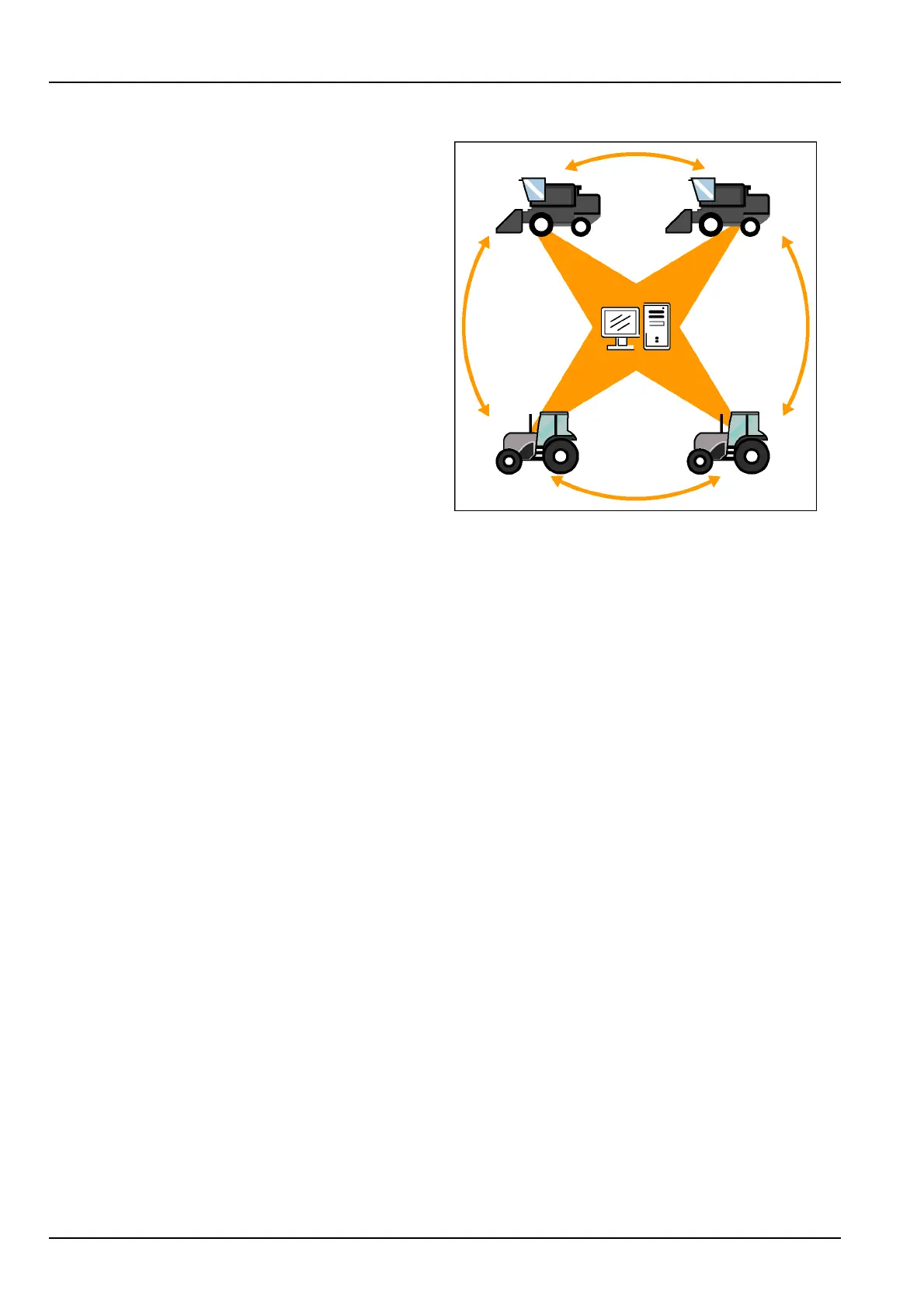
Multiplevehiclepractices
Ifyouhavemorethanonevehicleofthesametype(trac-
tor,combine,etc.)withanAFSpro700display,labeleach
memorystickwiththeproductidenticationnumber(PIN)
orserialnumberofthevehicle.Alwaysmatchthemem-
orysticktothevehiclewhenitisused.
1.Useasinglevehicleorthedesktopsoftwaretocreate
anyofthesedatatypes:
•
grower
•
farm
•
eld
•
tags
•
operator
•
product
•
eldmark
•
boundary
•
obstacle
•
swath
Ifrequired,transferthememorystickfromthedesktop
computertoavehicle.
2.Createany“Run”screenlayoutswithasinglevehicle.
Ontractors,createimplementsandsequences.On
combines,performcropsetup.
RCIL11DSP171BBG1
3.Oncesetupiscompleteonthememorystick,power
OFFthedisplayandremovethedevicefromthevehi-
cle.
4.Installthememorystickfromtherstvehicleinthe
nextvehicle.
5.PowerONthedisplaytoautomaticallysharethe
grower/farm/eld,etc.fromthedevicewiththedis-
play.
6.Usethe“Import”screen(Home>DataManagement>
Import)toaddtheotherdatatypes:cropsetup,“Run”
screenlayouts,implements,workconditions,etc.
NOTE:Whenaeldiscreated,anewtaskisautomatically
created.Deletethesetasksfromthememorystickforthe
rstvehiclebeforesharingthegrower/farm/eldinforma-
tionwithothervehicles.Thesetaskscannotbeusedby
thesecondvehicle.Theyappearinitalicsonoptionlists
andcannotbeselected.
7.Repeatsteps3-6foreachadditionalvehicle.
8.Aftersharingthememorystickwitheachvehicle,
powerONthedisplaywiththedevicethatismatched
tothatvehicle(nottherstvehicle).Verifythatallof
theinformationhassuccessfullytransferred.
9.Attheendoftheday,archivetheinformationfromthe
memorystickforeachvehicletoyourdesktopcom-
puter.
4-36



 To Next Page