3-SETUP
Fieldmarks
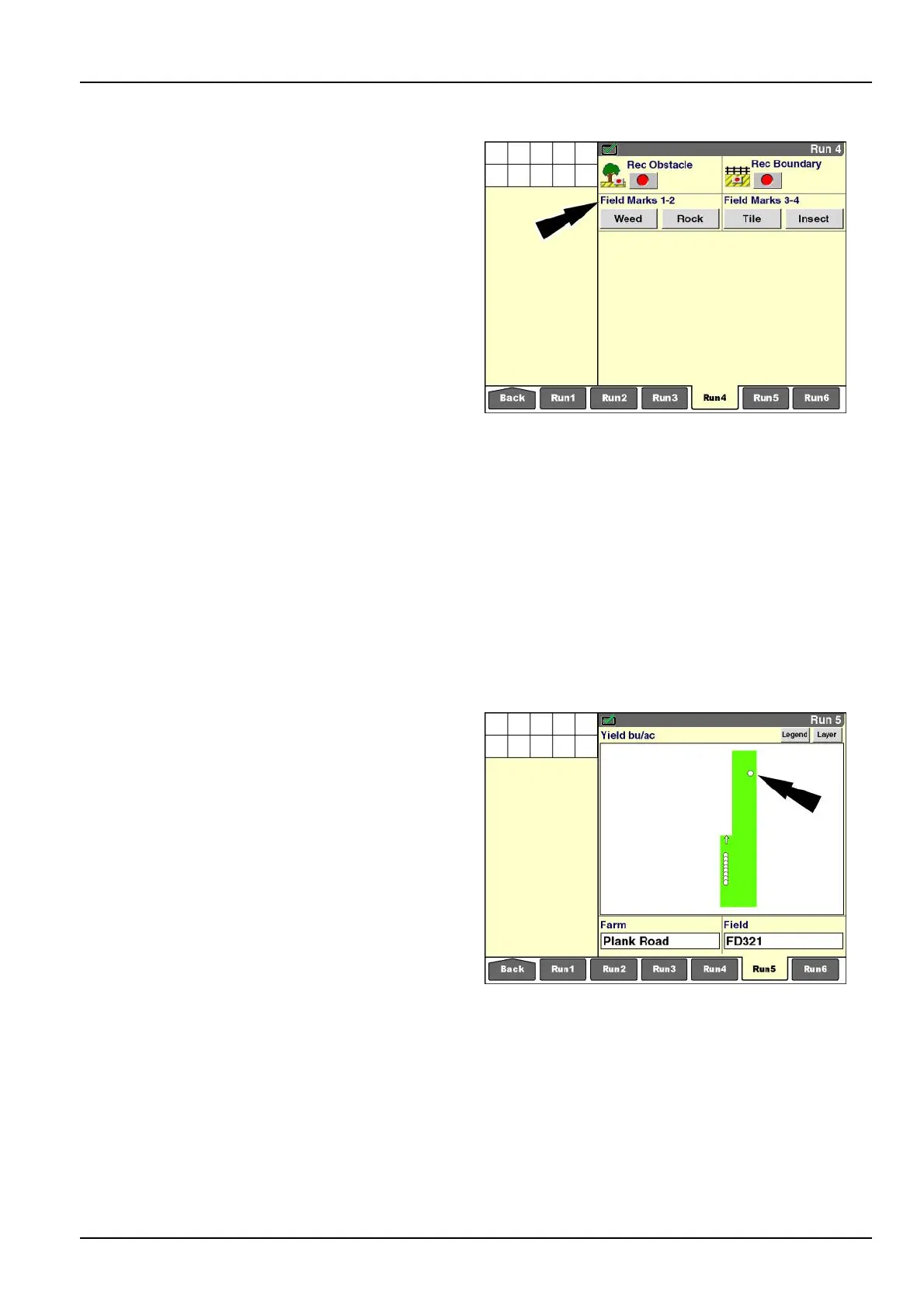
Usethe“FieldMarks1-2”and“FieldMarks3-4”windows
tomarkGPSlocationsinaeldduringfarmingopera-
tions.Thelocationsmarkedareeldorcropconditions
thatrequireadditionalattentionatsomefuturetime.This
functionrequiresthatthevehicleisequippedwithaGPS
receiver.
The“FieldMarks1-2”and“FieldMarks3-4”windowsare
availableforplacementonthe“Run”screenswhenever
the“PrecisionFarming”applicationispresent.Thewin-
dowsarenotpartofthedefaultlayoutandmustbeadded
toa“Run”screen.Ifrequired,createanewnamein
the“CurrentLayout”windowonthe“RunLayout”screen
andaddthewindowstothe“Run”screenofyourchoice
(Home>Toolbox>Layout).
Theconditionswhicharemarkedwiththe“FieldMarks
1-2”and“FieldMarks3-4”windowsarecreatedbythe
operatorduringeldmarksetup.Uptofourconditions
canbeactiveatonetime,andeldmarkscanbechanged
atanytime.
Noaudibleorvisualwarningoccurswhenthevehicleap-
proachesaeldmarkinsubsequentfarmingoperations.
Whentheoperatorpressesa“FieldMark”button,theGPS
coordinatesforthelocationarebothmappedandsaved
alongwiththeothercoverage,harvesting,“asapplied,”or
performancedatathatisbeingrecorded.
Each“FieldMark”buttoncanbesetupasamomentary
pushbuttonoralatchingbutton.
RCIL11DSP068BBG1
Whenpressed,amomentary“FieldMark”buttonrecords
asinglesymboltothemapandsavesitwiththeother
data.
Pressthebuttoneachtimealocationrequiresmarking.
RCIL11DSP282BBG2
3-139



 To Next Page