3-SETUP
Additionalwindows
Theindividualfarmingapplicationsdeterminewhetherthe
“WorkCondition,”“Operator,”“Operation,”and“Opera-
tionalInstance”windowsarerequired.Thesewindows
arenotapartofthe“ProleSetup”screen(Home>Per-
formance>Prole).Theoperatorcanaddthewindowsto
any“Run”screenorviewthemonscreensthatareunique
tothevehicle.
“WorkCondition”
Inmanyinstances,vehiclesettingsmustchangebased
on:
•
Theworkbeingperformed
•
Weatherconditions
•
Fieldconditions
OR
•
Cropconditions
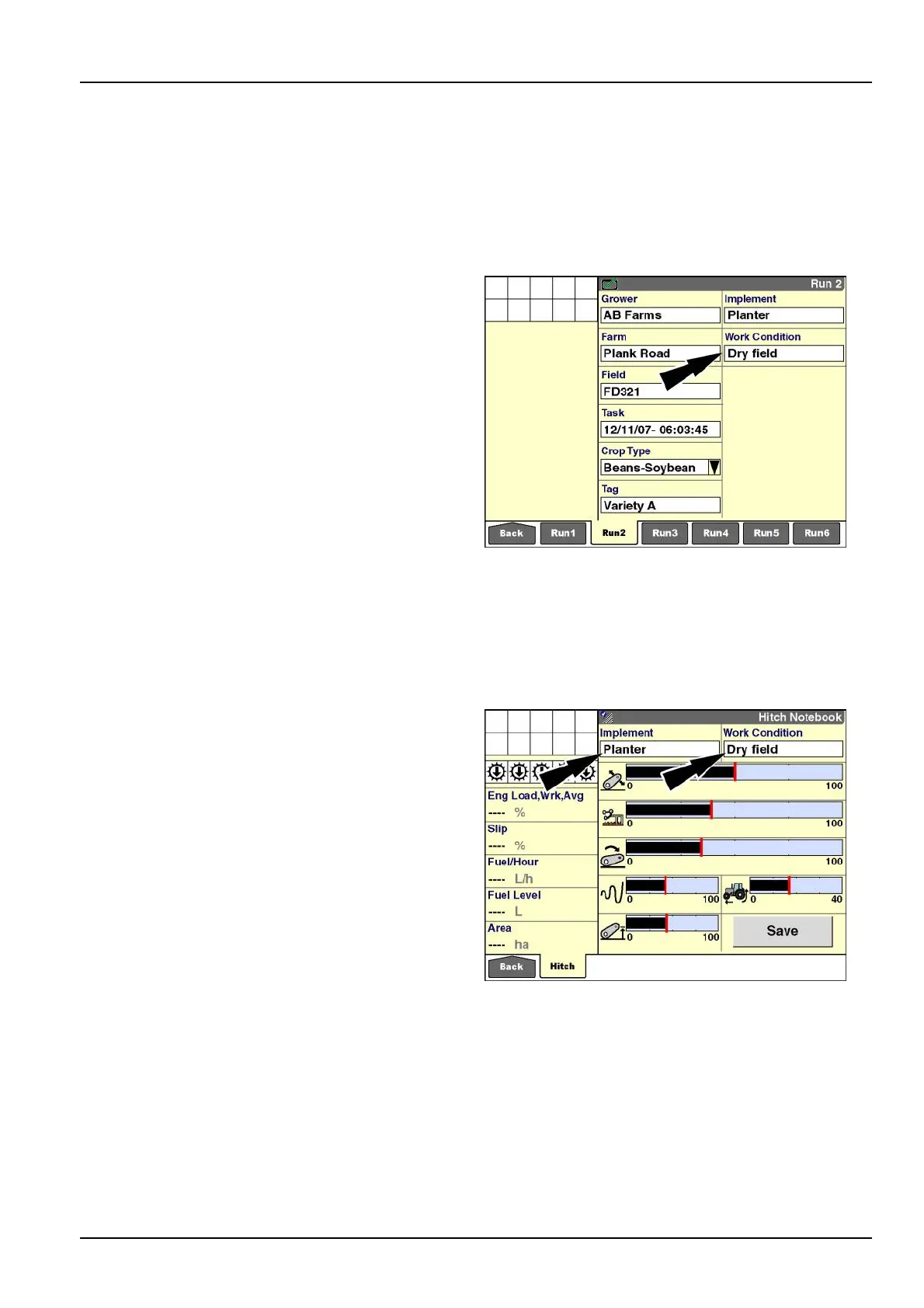
The“WorkCondition”windowdescribesthesettingsfor
thecondition.Forexample,avehiclecanhavedifferent
settingsfordryproductversuswetproduct,orfordryeld
conditionsversusweteldconditions.Storingthesettings
bythedifferentconditionsallowsanoperatortoquickly
changevehiclesetupbyselectingtheproperworkcondi-
tion.Refertothevehicleoperator’smanualtolearnthe
specicsettingsthatcanbesavedunderaworkcondi-
tion.
Amaximumof40workconditionscanbecreated.
RCIL11DSP221BBG1
Tractorshaveaspecialuseforthe“WorkCondition”win-
dow:savinghitchsettingsforamountedimplement.On
tractors,theworkconditionislinkedtotheimplement.
RCIL11DSP381BBG2
3-15



 To Next Page