2-ICONSANDWINDOWS
"VehicleName"window
Usethe“VehicleName”windowtocreateauser-friendlynameforthevehicleinwhichthedisplayiscurrentlyinstalled.
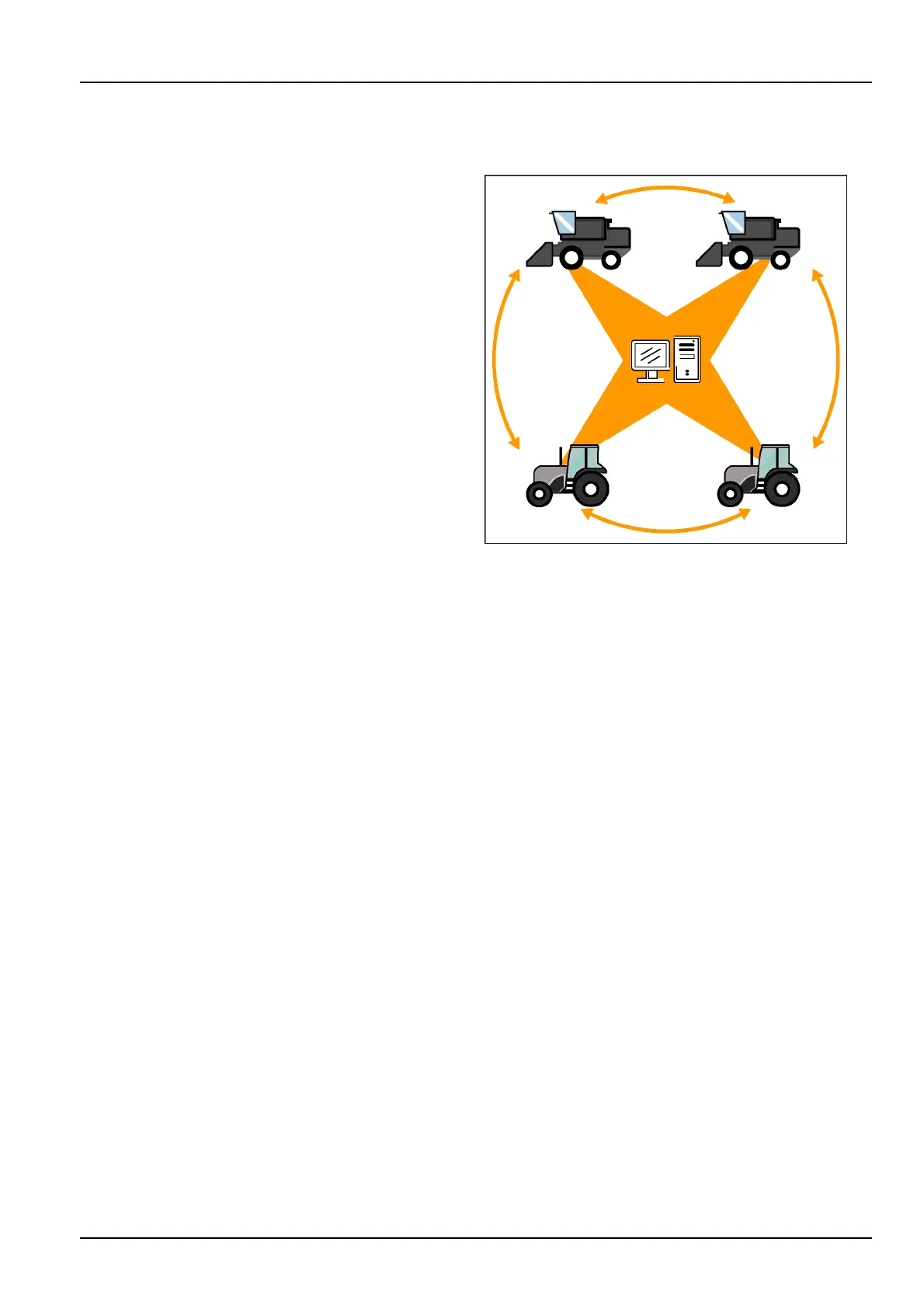
WiththeAFSPro700display,informationcanbeshared:
•
Betweenfarmingapplications
•
Betweenvehiclesofthesametype(tractortotractor)
•
Betweenvehiclesofdifferenttypes(combinetotractor
andviceversa)
•
Betweenthedisplayandthedesktopsoftware
Theinformationexchangeoccursbysharingthememory
stickbetweenvehiclesand/orthedesktopsoftware.To
accomplishthis,thedisplayandthefarmingapplications
needameanstodifferentiateonevehiclefromanother.
Eachvehiclealreadyhasauniqueidenticationnumber–
itsProductIdenticationNumber(PIN)orserialnumber.
Noothervehicle,whetheracombine,atractororsprayer,
hasthesamePINorserialnumber.
Thedisplaytransparentlyidentiestheinformationfrom
eachvehicleusingitsPINorserialnumber.
The“VehicleName”windowallowsanoperatortosupply
amoreuser-friendlynameforthevehicle.Thisvehicle
name,oncecreated,iswhatappearsinthedisplayand
thedesktopsoftware.
NOTE:The“VehicleName”windowcanbeplacedonany
“Run”screenforoperatorconvenience.
NOTE:ThevehiclePINorserialnumberisenteredatsoft-
wareinstallationonthedisplay.Ontractors,the"Vehicle"
screen(Home>Toolbox>Vehicle)istheonlylocation
wherethePINdisplays.Onlargecombines,the"Com-
bine"screen(Home>Toolbox>Comb)istheonlylo-
cationwheretheserialnumberdisplays.Whenusinga
genericvehicle,the“VehicleName”windowisonlyavail-
ableonthe“Run”screens,andthereisnoidentication
ofthevehiclebyitsPINorserialnumber.
NOTE:See4-1formoreinformationonsharinginforma-
tionbetweenvehicles.
RCIL11DSP171BBG1
2-51



 To Next Page