3-SETUP
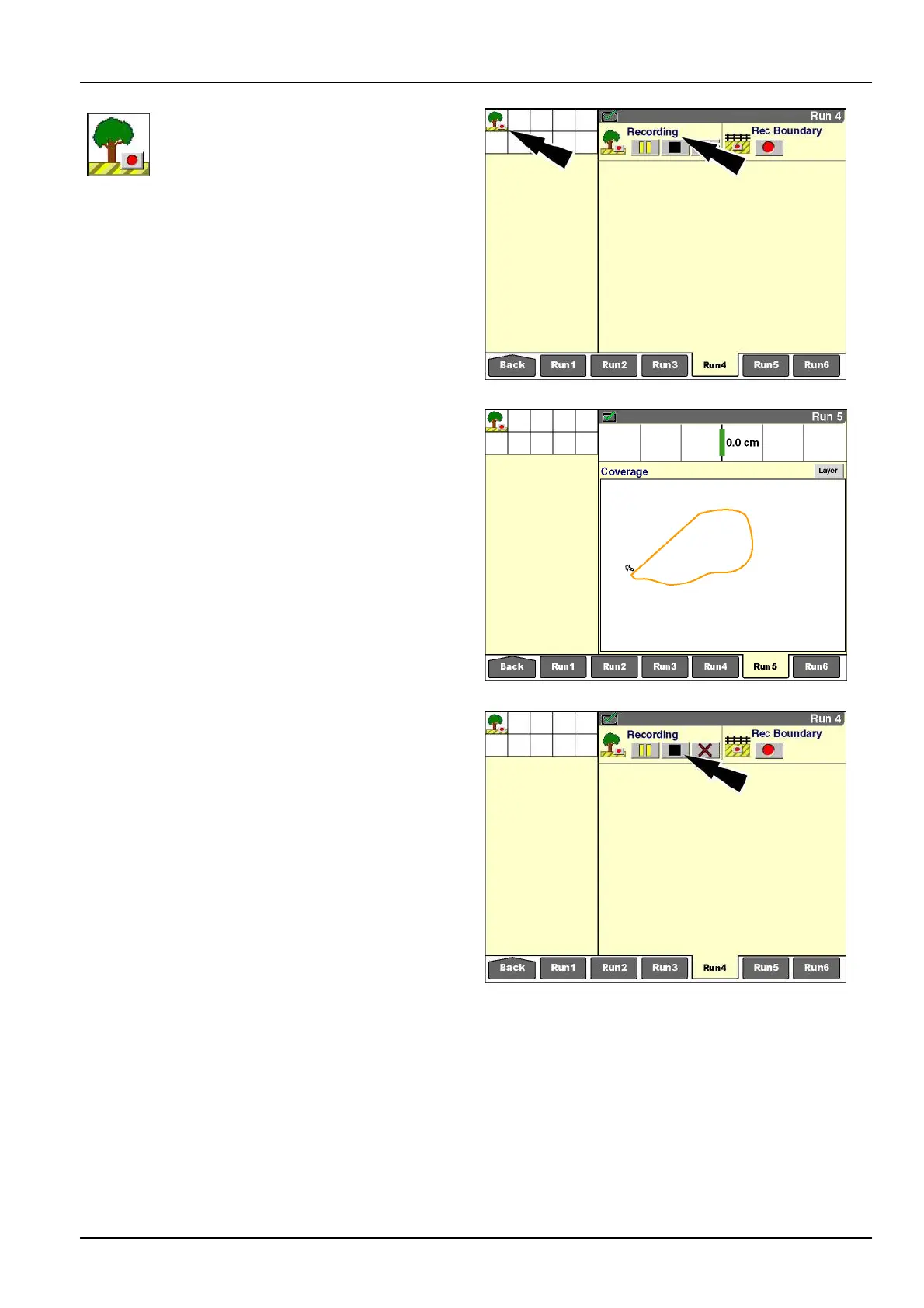
IfStartwaspressed,a“RecordingObstacle”
icondisplaysinthestatusandwarning
iconareaasareminderthatrecordingis
inprogress.The“RecObstacle”window
updateswiththe“Pause”button,the
“Stop”button,the“Cancel”button,andthe
“Recording”message.
The“RecordingObstacle”iconinthestatusandwarning
iconareadisappearswhentheobstacleisautomatically
completedorwhentheoperatorpressesthe“Stop”button
orthe“Cancel”button.
RCIL11DSP064BBG17
Whenviewedonaworkmap,theclosedobstacleappears
asanamberelasticpolygonthatthevehiclestretches
aroundtheobstacle.Thevehiclecanbeworkingwhile
obstaclerecordingtakesplace.Coverageandworkre-
sultsmayberecordedatthesametime.
Theexactpaththatthevehicletravelsisrecordedasthe
edgeoftheobstacle.
RCIL11DSP267BBG18
Unlikeaeldboundary,aclosedobstaclemustbecom-
pletedbytheoperator.
Toclosetheobstacle,pressthe“Stop”buttonwhenthe
vehiclereturnstothestartingpoint.
Astraightlinesegmentcompletestheclosedobstacle.
RCIL11DSP064BBG19
3-133



 To Next Page