2-ICONSANDWINDOWS
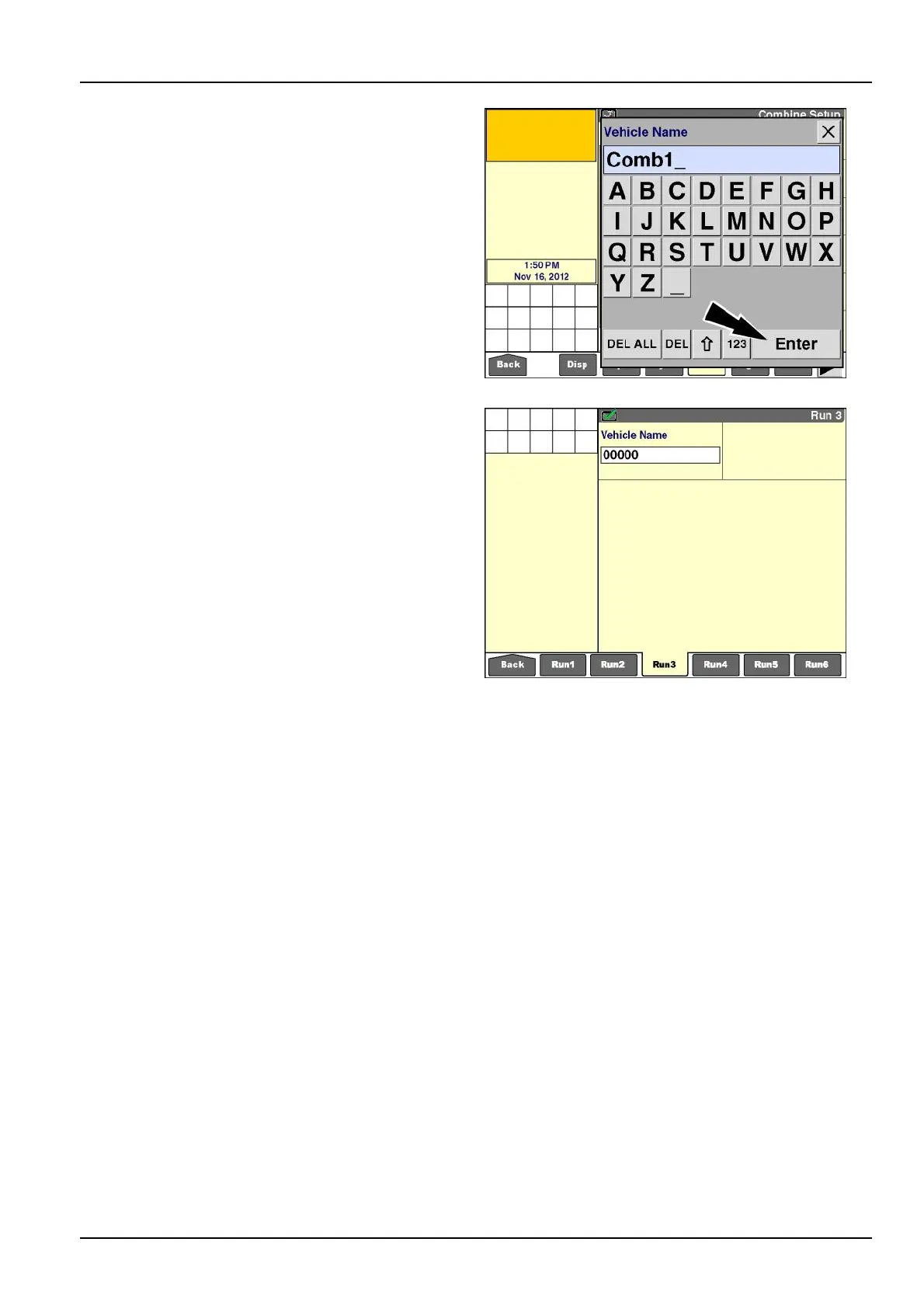
Usethekeypadtoenteranewnameforthevehicle.
Pressthe“Enter”buttononthekeypadtosavethename.
RCIL11DSP178BBG10
Genericvehicles
Whenthedisplayisonagenericvehicle–generictractor,
genericcombine,orgenericsprayer–the“VehicleName”
windowisonlyavailableonthe“Run”screens.The“Ve-
hicleName”windowisnotapartofthedefaultlayoutand
canbeaddedbyanoperatorwhencustomizingthe“Run”
screens,ifdesired.
Whenanalyzingharvesting,productapplication,orother
farmingoperationresultsfromgenericvehicleswiththe
desktopsoftware,theabilitytodifferentiateresultsfrom
differentvehiclesofthesametypedependsonthevehicle
inquestion.
Combinesandcottonpickersusingthegenericvehicle
applicationdifferentiateresultsbyusingthedisplayPIN
insteadofthevehiclePIN.
Thegenerictractorandgenericsprayerdonotdifferenti-
ateresultsbythevehiclePINorthedisplayPIN,andthe
desktopsoftwarecannotcompareresultsfromdifferent
vehiclesofthesametype.
NOTE:PlanterscommunicatewiththedisplayontheCAN
bus.Theplanter’sPINisamongtheinformationthatis
communicated.Evenwhenusedwithgenerictractorsoft-
ware,eachplanter’sproductapplicationresultscanbe
distinguishedbythespecicplanteronthedesktopsoft-
ware.
RCIL11DSP174BBG11
2-55



 To Next Page